



PimDSLR
Members
-
Joined
-
Last visited
Everything posted by PimDSLR
-
Seen that video before. Like such light set ups to. Nice and clean, not a christmas tree.
-
Well haha. No thanks! Means a lot ;)
-
And I updated the lightbar with working indicators
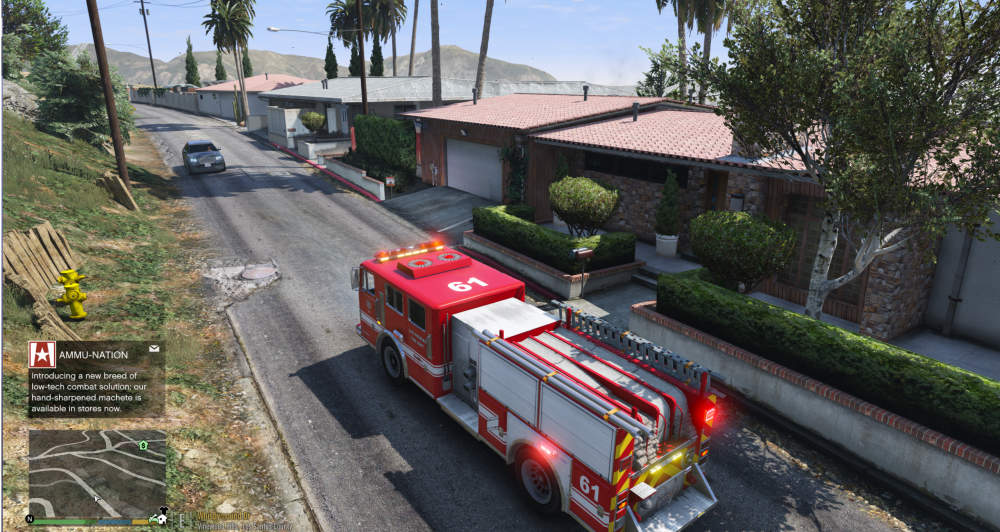
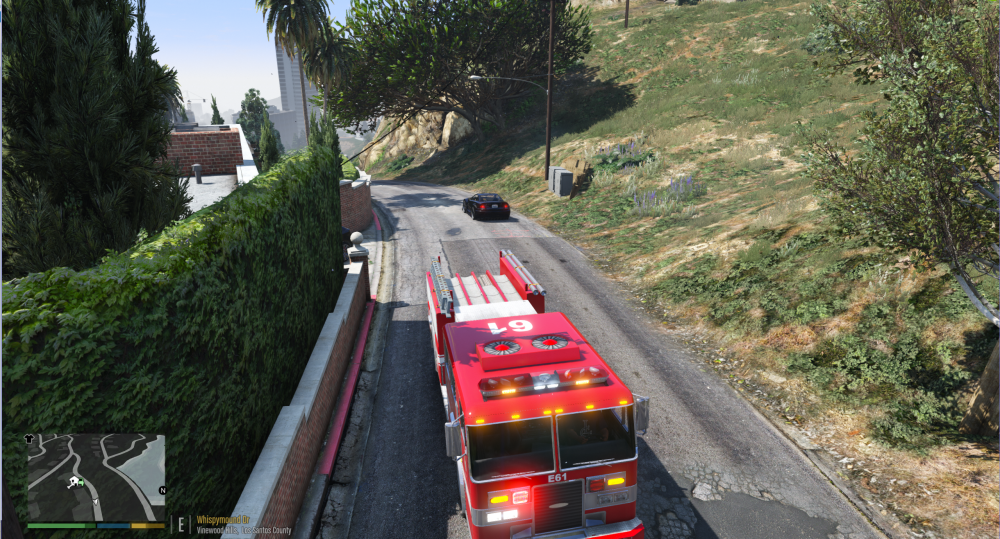
-
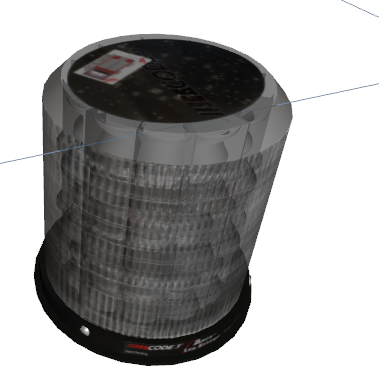
Process of the beacons. They will have a double orange/red pattern.
-
Looking good so far! Needs some scaling indeed. Is it in the plan to add the truck itself to?
-
You possibly have to UV map the lightbar.
-
Yes I found that to. The red is barely visible with a white led besides it.
-
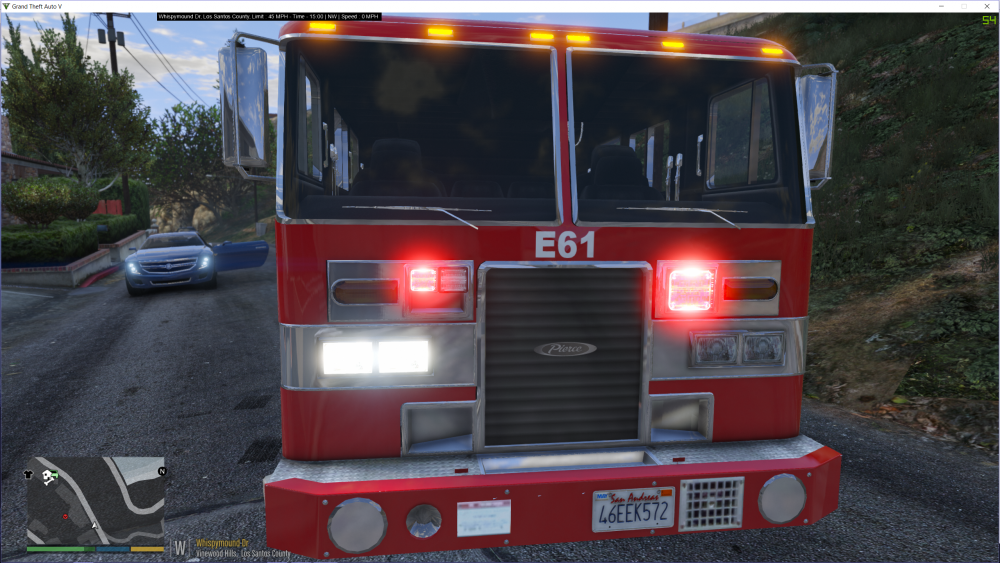
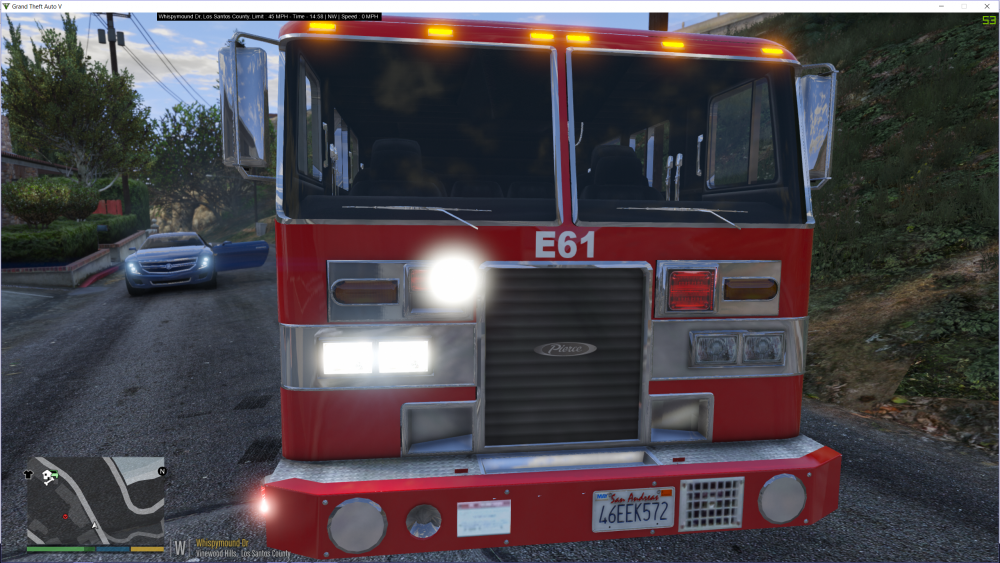
What do you want: red-white or one big red. Consider that the small red is less visable than a white led.
-
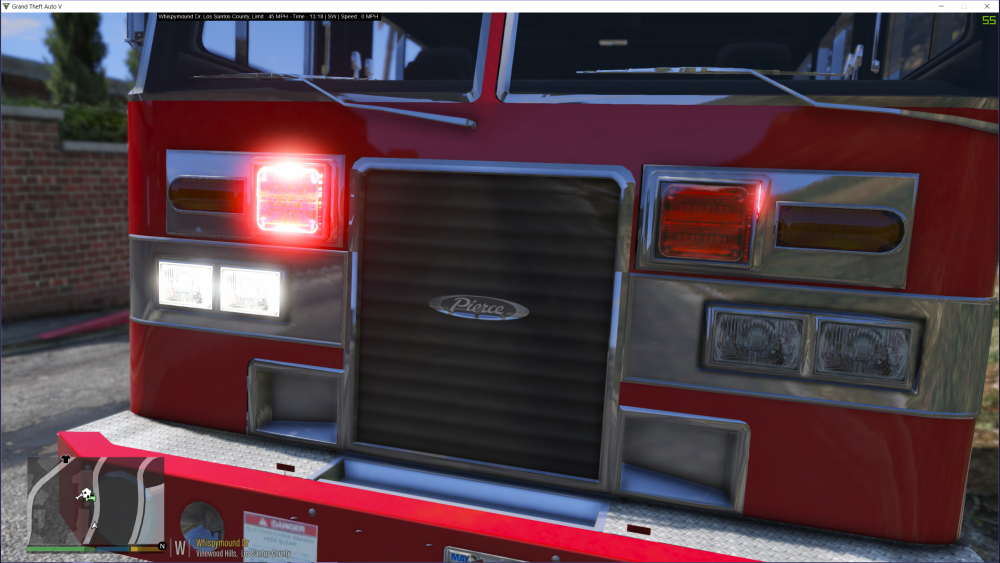
Thanks. Not every LAFD engine has two white lights next to the reds. The headlights are flashing.
-
Yep, I'm gonna leave it off. Looks way more realistic.
-
Yeah that's true. I'm trying to make as much people happy with my model. Some people give you shit if one little thing isn't right.
-
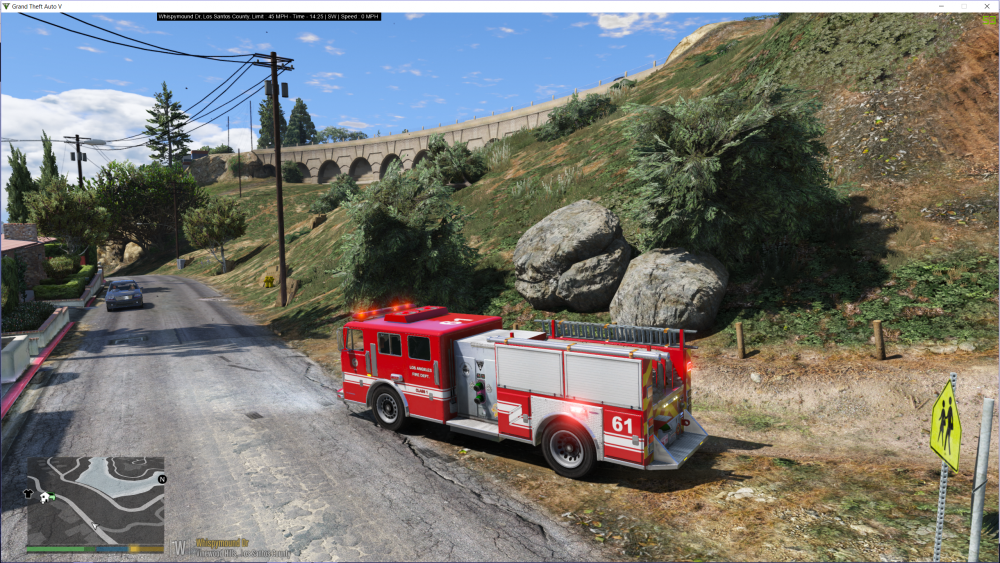
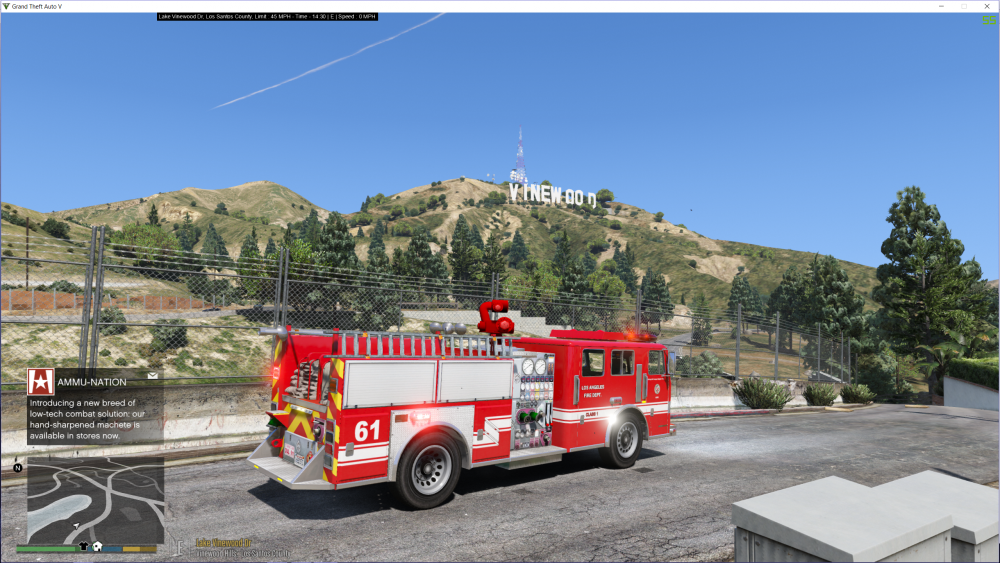
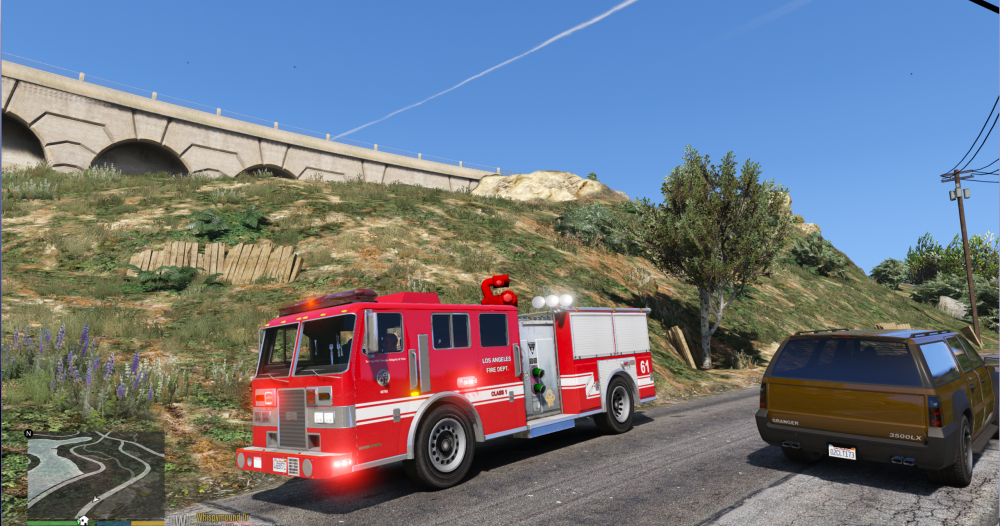
4K LAFD skins are done!
-
Yeah, I want to remove it. It's more realistic. But don't know if people gonna like it for firetruck missions.
-
Do you want that I remove the watercanon or leave it on?
-
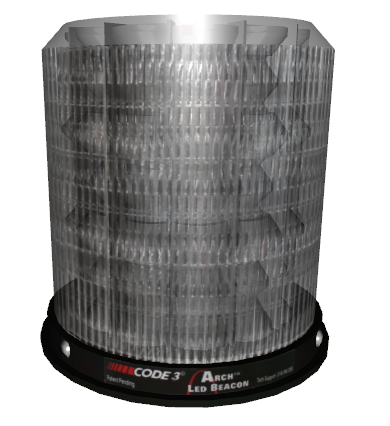
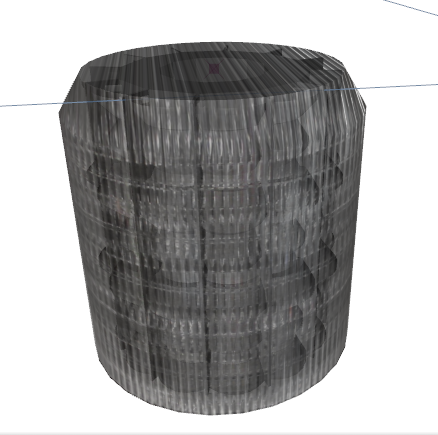
Procces of the Code 3 orange LED beacons made from scratch. I will ad two on the back juist like the real ones. Made by OfficerFive0
-
Great, the skins and some textures are being made. And 2 led beacons. Yes, but not every engine is the same. But some textures and skins are being made.
-
Thanks, yes haha. Is that possible?
-
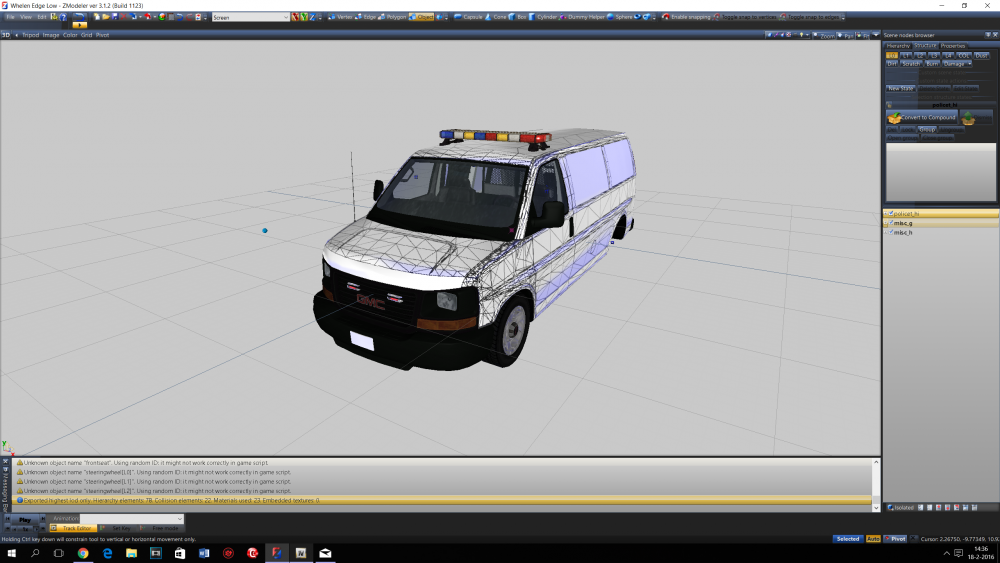
Working
-
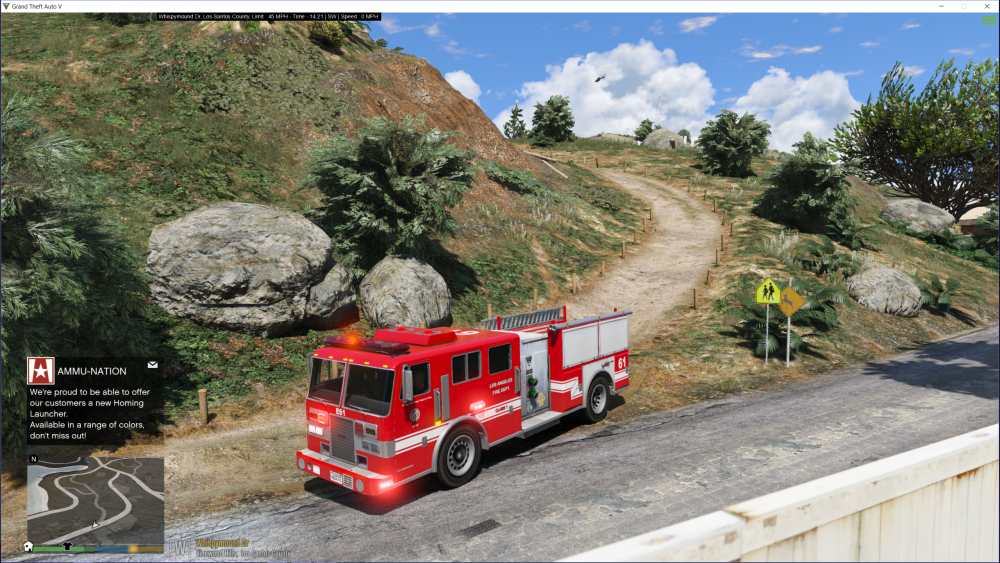
I'm working on a LAFD Pierce engine. Look ad the WIP selection. Ooh, juist saw this was the GTA 4 topic, I'm working on a model for 5.
-
Looking good! Do you need some support for the lightbars?
-
Great job! Big improvements.
-
Thanks man!
-
Yeah, haha there are, I keep forgetting to change that texture. It will be chrome; as shining as hell ;)
-
They are ;)
-
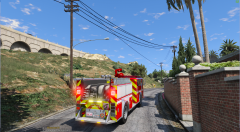
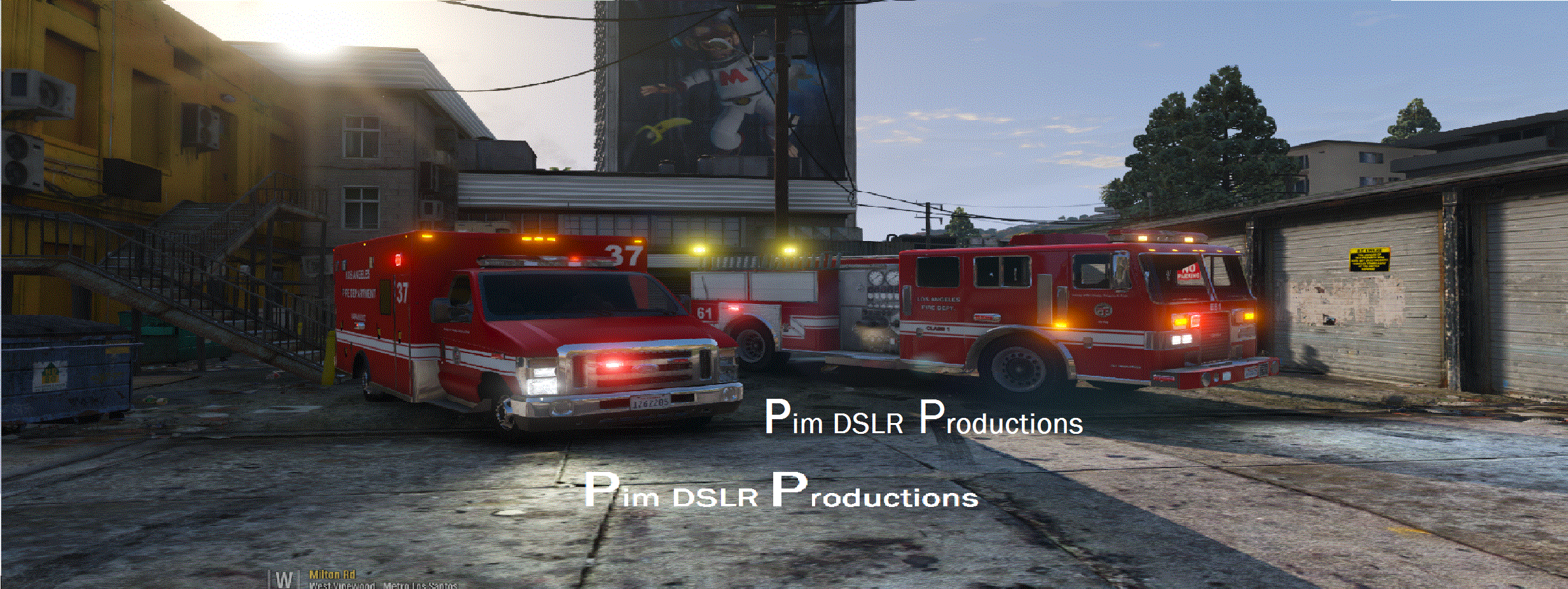
From the album: LAFD Fire Truck Enigne 13
With traffic advisor and more lights! As cose as possible




