
PimDSLR
Members
-
Joined
-
Last visited
Everything posted by PimDSLR
-
It's maybe gonna released this day/evening. Stay tuned for updates.
-
Getting there:
-
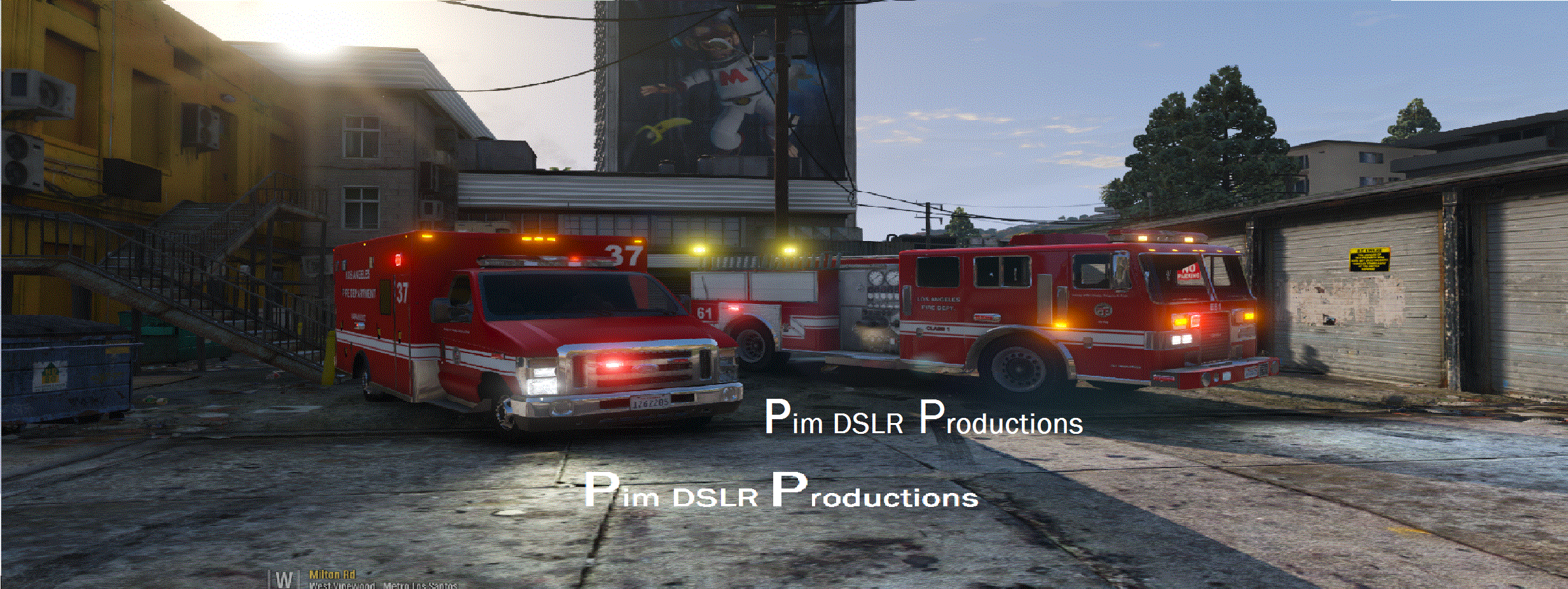
I don't have stuff for in the back. I can't solve that it looks orange sadly. It's the vanilla GTA 5 lighting.
-
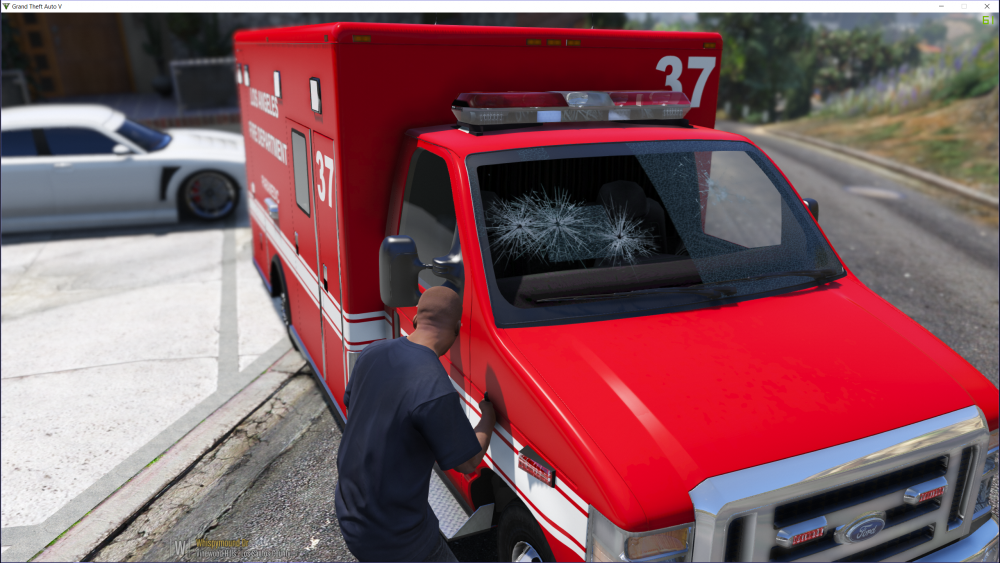
Model is done, and ready for release. Only one thing is holding the release back; the windows won't break afterall, me and F5544 are looking in to this, it can take some time.
-
Check the preview out!: https://www.youtube.com/watch?v=AvaN7LYqjnY&feature=youtu.be
-
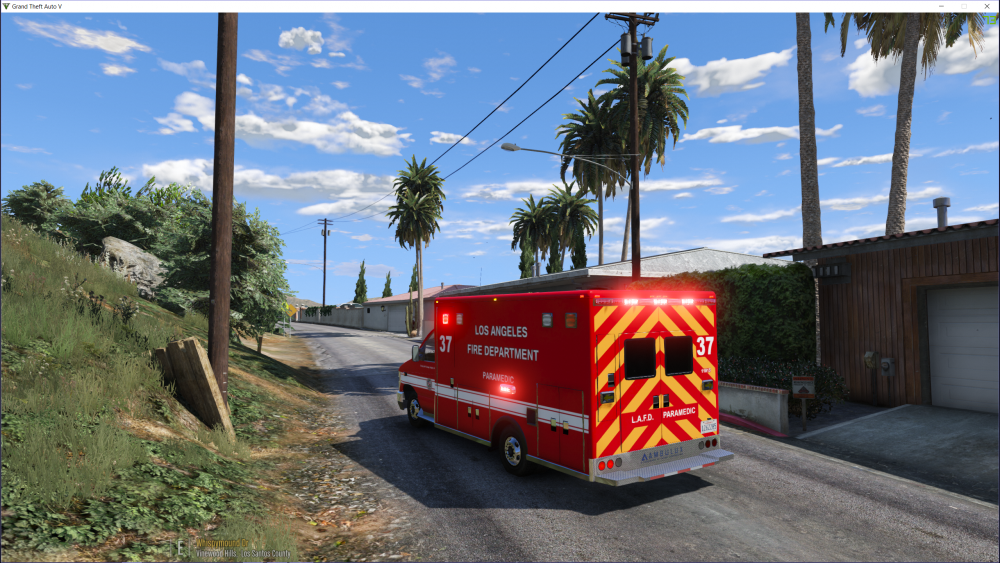
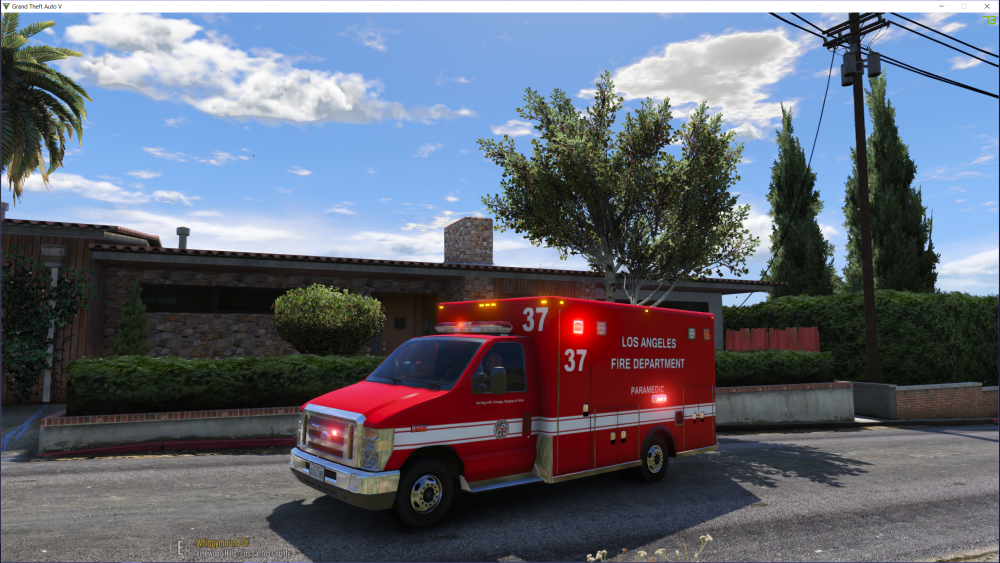
Thanks. Final light setup. Made some Whelen TIR6
-
Update: I have good and bad news. Bad first: for the people that liked the code 3 defender. I can't use it, and that's because GTA 5 sirens. I'm over the siren limited. I can't solve that. So I'm now using the MX7000, so not the stock bar. Good news: all the lights are added. It's almost ready for release. Only the windows glass breaking has to been done. As so far the update.
 -Go to mods/update/update.rpf/common/data/levels/gta5 and open vehicles.meta in notepad. -Search for fbi2 -go to the part <flags>FLAG_LAW_ENFORCEMENT FLAG_EMERGENCY_SERVICE FLAG_NO_RESPRAY FLAG_DONT_SPAWN_IN_CARGEN FLAG_REPORT_CRIME_IF_STANDING_ON FLAG_HAS_LIVERY</flags> Replace this line with: <flags>FLAG_LAW_ENFORCEMENT FLAG_EMERGENCY_SERVICE FLAG_NO_RESPRAY FLAG_DONT_SPAWN_IN_CARGEN FLAG_REPORT_CRIME_IF_STANDING_ON FLAG_HAS_LIVERY FLAG_EXTRAS_REQUIRE FLAG_EXTRAS_STRONG</flags>
- 48 comments
- 18 reviews
-
-

- 2
-
Stupid of me. I forgot the installation patch, it's mods)/patchday4ng/dlc.rpf/x64/levels/gta5/vehicles.rpf- 48 comments
- 18 reviews
-
-
- 2
-
OK, my deepest apologies again. Only the car itself is in a package installer. The meta separate, because of your reason.- 48 comments
- 18 reviews
Ooh sh*t, I wanted to ask you, forgot. Sorry! If you want me to delete it, I will do that.- 48 comments
- 18 reviews
Yes, that's almost the definition of a unmarked version. I have added more lights, interior, and antennas.- 48 comments
- 18 reviews
-
-
- 1
-
 No worry ;) It's not a very high quality, but better then the original. I just released a unmarked version.
- 221 comments
- 34 reviews
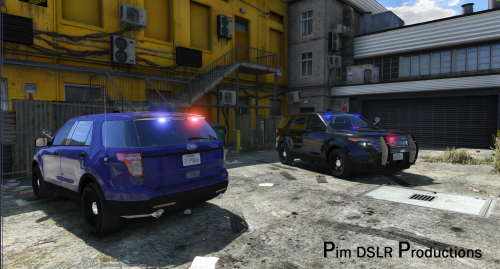
The Ford Explorer Unmarked (Is optimised for the FBI2 SLOT, so no bad handeling) All of the model's and components as well as the Lightbar usage permissions were given for this release and to protect the original files and credits of these components the vehicle model has been locked. Do you like my work? Consider a small donation, it keeps the stuff going ;) Also a nice revieuw is always nice. Thanks. ( I don't provide support to people who didn't read the readme!) PimDSLR for addding, dashlights and spotlights, interior PimDSLR for interior Ford Explorer Need For Speed Most Wanted 2012, edited by Desmond98 graphics by vladimir850 Fed Signal Valor made by RoegonTV, and textured by BogdanM and Roegon TV and converted to GTA V by F5544. Author of wheels Modeled by GerryStudio, mapped and converted to GTA V by MattJeter, edited by Desmond98 Autor of bag in the trunk - Extracted by Sergiyj from TF3DM, converted and mapped by PS3Gameplays123, edited by Desmond98 Author of cabinet in the trunk - Modeled and textured by ErinLindsay Convert to GTA V - Desmond98 Creative Commons Attribution-NonCommercial-NoDerivatives 4.0 International License. © 2016 Pim DSLR Productions http://creativecommons.org/licenses/by-nc-nd/4.0/- 48 comments
- 18 reviews
-
-
- 5
-
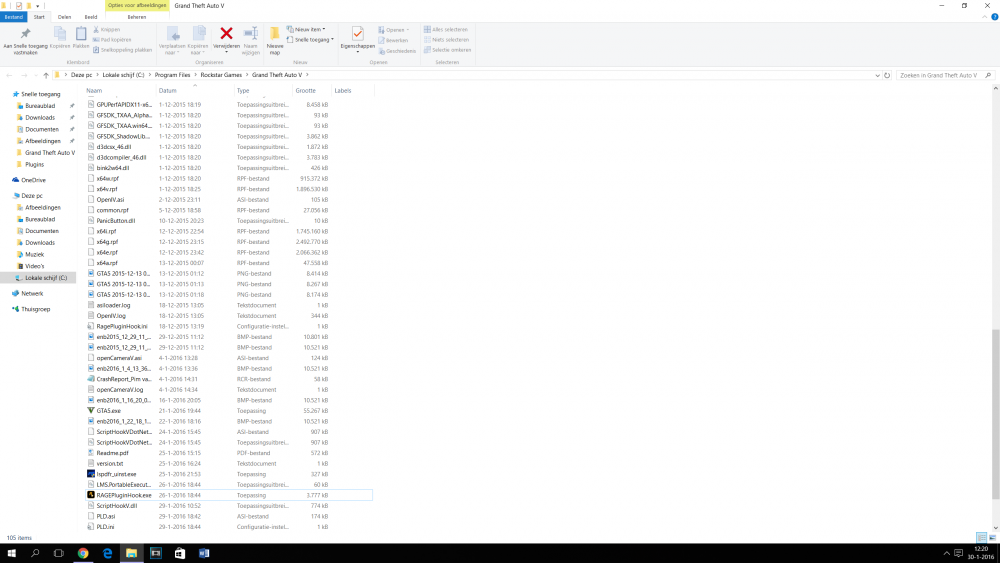
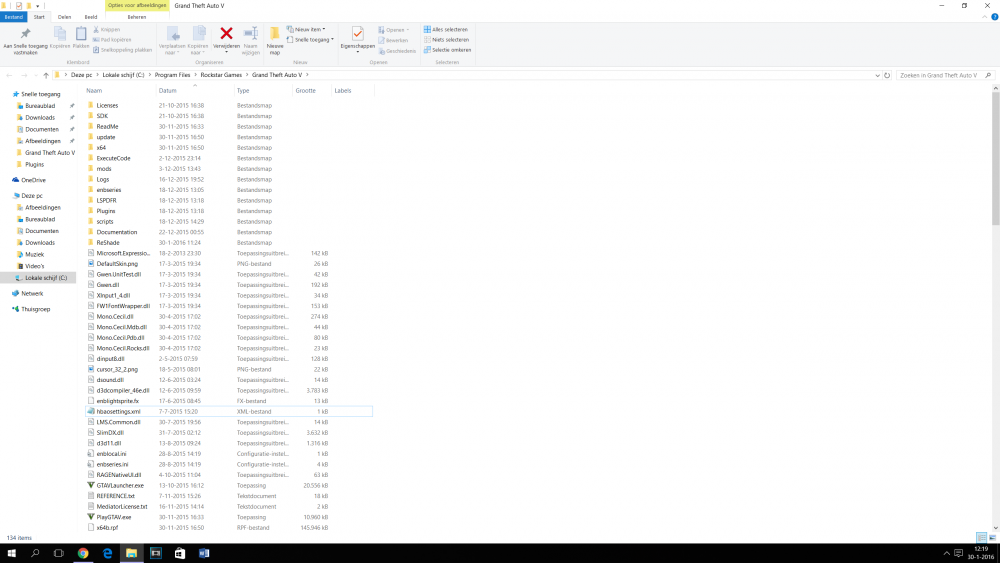
Thanks! Stupid that I forgot that.My game crashes on the loading screen, without Rage Hook. I have updated Script Hook. But noting seems to work. 6700K, GTX 970