JewishBanana
Members
-
Joined
-
Last visited
Everything posted by JewishBanana
-
Honestly, what started the whole recent simulator craze? I don't see how they're gaining enough popularity to be ported on Consoles.
-
 It's definitely an FS Vision.
 -
-
Can you link the CVPI with the FS Vision?
-
In order to change a car's speed, you just need to find the name of the model listed in the handling.dat and replace it's original handling line with the new one. Simple copying and pasting. The handling.dat can be found at GTA IV>common>data.
-
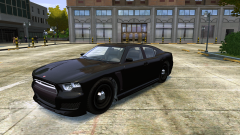 It looks absolutely great.
 -
-
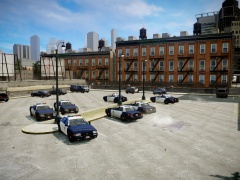
From the album: JewishB's Miscellaneous Shots
-
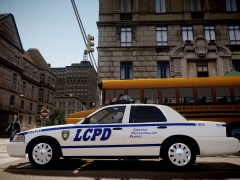
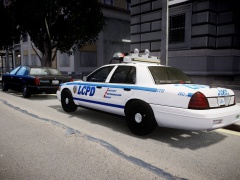
These are some pretty nice Crown Vics. The console is definitely some unique as well.
- 28 comments
- 9 reviews
-
-

- 2
-
-
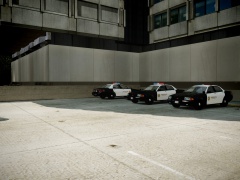 Couldn't agree more.
 -
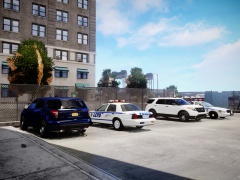
From the album: JewishB's Miscellaneous Shots
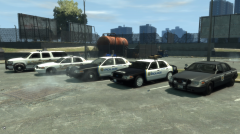
..there are some Sheriff cruisers waiting in the lot, waiting to be driven by the deputies, waiting for justice.. -
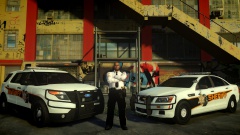 Will you be doing any sort of same set-up, like you did with these models, on a Crown Vic?
 -
Who's Caprice model is that? It looks really nice, especially with the wrap-around.
-
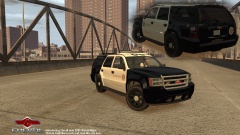 Are you planning on making the Vapid Interceptor with the same style lightbar and LSSD livery?
 -
-
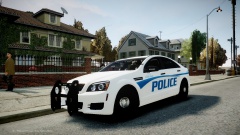 It was made by EVI and there are no public links to it, sadly.
 -
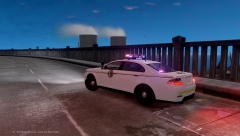 Since this is a newer generation car, in the GTA universe at least, I think you should style the liveries like the North Dakota State Patrol's newer liveries.
 -
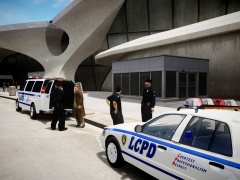
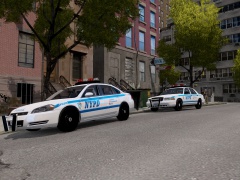
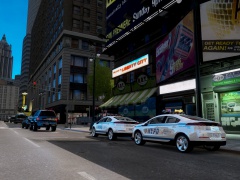
This album is for screenshots, taken by me, that have an NYPD/LCPD theme to them.
-
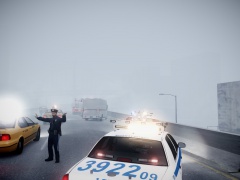
From the album: Courtesy Professionalism Respect
The driver of a large delivery truck swerves into the next lane over and causes a collision on the highway. The LCPD and FDLC are quickly dispatched to the area and close off a lane of traffic. -
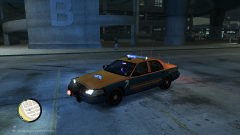 This is surprisingly good. To be honest, when most people try to make police textures revolving around certain holidays/events, they turn out terrible. This, however, looks good and actually seems like you spent a good amount of time putting it together.
 -
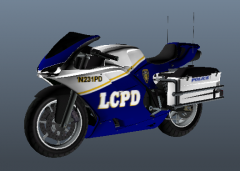 I would have gone for the traditional NYPD styled white and blue livery, the dark blue just doesn't look correct on a motorcycle.
 -
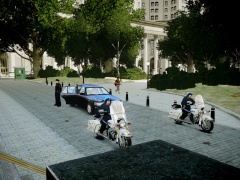
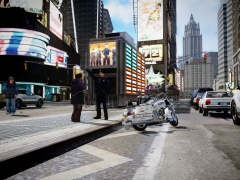
From the album: Courtesy Professionalism Respect
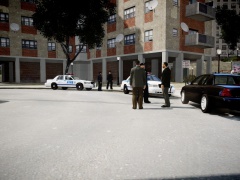
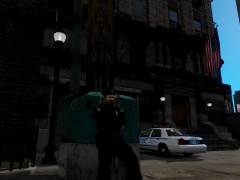
The LCPD waits outside of City Hall to escort a foreign dignitary to Francis International Airport. -
If you just need to use something to upload screenshots, Imgur is a good choice. It's pretty simple to use, just dragging and dropping photos your album.
-
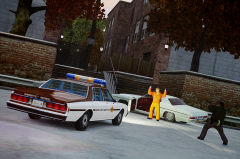 I've had a very difficult time changing that lightbar's color. How were you able to do it so easily?
 -
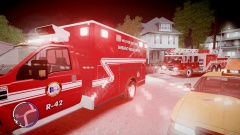 You can turn off the radar & HUD in the GTA IV's options. Doing this makes shots looks much better.