
Captain Peanut
Members
-
Joined
-
Last visited
Everything posted by Captain Peanut
-
Do you have custom vehicles installed?
-
Pressing right on the dpad when near a passenger door will open it, which is pretty annoying.
-
I'll just have to live with it I guess. Thanks for trying to help me fix the issue though. I appreciate it!
-
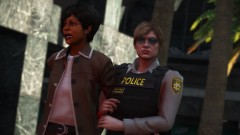
From the album: Los Santos Patrol
-
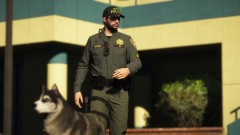
From the album: Los Santos Patrol
-
I might've done this entirely wrong as I honestly have no clue how to properly navigate through these documents, but I believe I copied everything related to the word "siren" from your carcols file and placed it instead of whatever the NVR file had with that same word. However, when I load up the game with this new edited carcols file, the lensflares are still gone like they should be - but I still have the issue with the lightbars not working correctly 😕 Edit: I'm an idiot and installed it in the wrong place. But after installing the edited file properly, the lensflares return to being ridiculously large, but the lightbars work 😕
-
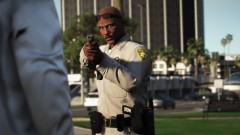
From the album: Los Santos Patrol
-
I already have the regular version of Radiance V. Do you happen to know what exact lines of code your vehicle pack uses? I find the carcols file extremely difficult to navigate through, but I'm guessing that I can use the NVR carcols file and then add the code from your carcols file to it? I just don't know where to look for the specific segment I would have to copy to the NVR carcols file.
-
Unfortunately saving my character's clothing with the wardrobe causes my game to crash whenever I load it up, so I can't use it. It's a shame, but then again I can always just load it in with EUP Menu.
-
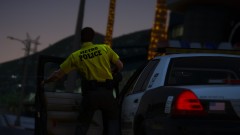
From the album: Los Santos Patrol
-
I absolutely love @RobertTM's LSMPD pack - but I do have one pretty big issue with it. It doesn't seem to want to cooperate with Natural Vision Remastered too well. Basically my issue is that if I install the provided files, the cars will work like they are supposed to - but the lens flares in my game will be absolutely ridiculous taking up the entire screen during night-time. To fix this issue, I install the optional add-on that comes with NVR which removes vehicle coronas. This solves the lens-flare issue, but creates another problem with the LSMPD vehicles, because once I install that add-on, the lightbars stop working on the LSMPD vehicles. Some of the lights on the lightbars still rotate and light up while the ones in the middle of the lightbar either don't rotate or don't light up at all. Any idea how I can make both NVR and this pack run properly at the same time? The NVR add-on is an automatic OpenIV install package, so I don't know what files it actually changes, which doesn't exactly help. Does anyone know how to solve this issue?
-
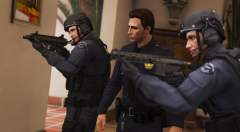 "Did someone say yoga?" - Fabien
 -
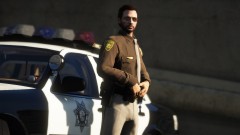
From the album: Los Santos Patrol
-
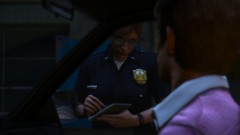
From the album: Los Santos Patrol
-
Thank you, sir! I managed to find most of them.
-
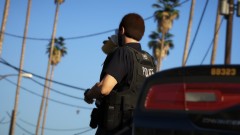
From the album: Los Santos Patrol
-
That doesn't make any sense. I also use EUP, but it works just fine. Are you sure it's the FOV mod that's causing your issues?
-
-
Does anyone know the location of the LSSD uniforms that EUP uses?
-
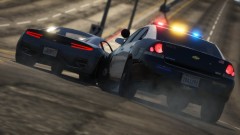
From the album: Los Santos Patrol
-
From the album: Los Santos Patrol
-
Have you tried it? That's the one I'm using and it works just fine even though I also have dinput8.dll.
-
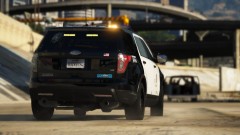
From the album: Los Santos Patrol
-
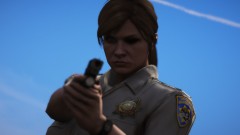
From the album: Los Santos Patrol
-
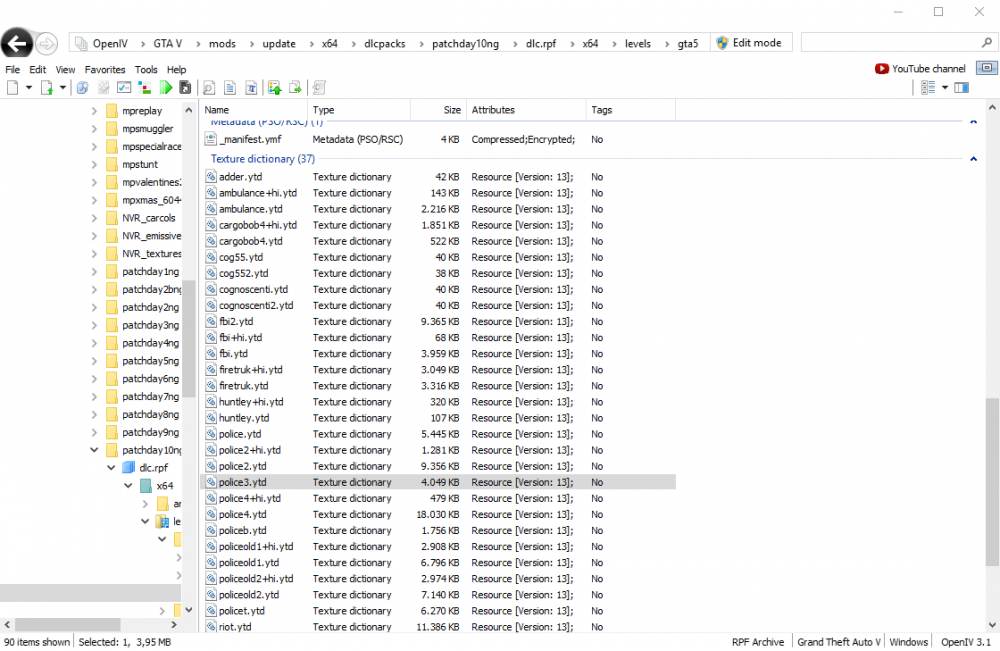
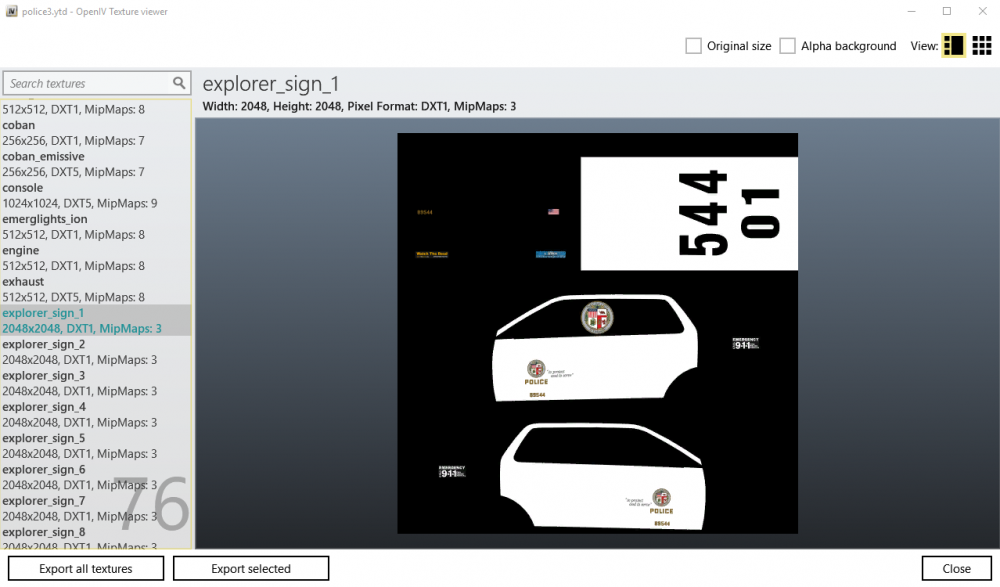
How many exactly? If you have more than 6-7 cars using 4K textures it will cause this issue with LSPDFR 0.4. You can check what resolution the car textures are by going to the install directory in OpenIV and opening the .ytd files, like "police3.ytd" for example. Once opened, find the livery texture(s). They are usually called something ending with "_sign_1", "_sign_2" etc. depending on how many variations the specific model has. Once you find the livery texture, "explorer_sign_1" for example, check the width and height number. If it is above 4000 it is a 4K texture. If it is 2048, then it is a 2K texture. Have a look and let me know what you find. If you have 2K textures on all your modded vehicles, I don't know what you can do - but if you have a couple of vehicles using 4K textures, then I'll be able to help you out and hopefully resolve your issue 🙂