
Captain Peanut
-
Joined
-
Last visited
Everything posted by Captain Peanut
-
From the album: Dirt Rally 2.0 Screenshots
-
From the album: Dirt Rally 2.0 Screenshots
-
From the album: Dirt Rally 2.0 Screenshots
-
From the album: Dirt Rally 2.0 Screenshots
-
From the album: Forza Horizon 3 & 4 Screenshots
-
From the album: Forza Horizon 3 & 4 Screenshots
-
From the album: Dirt Rally 2.0 Screenshots
-
From the album: Dirt Rally 2.0 Screenshots
-
From the album: Forza Horizon 3 & 4 Screenshots
-
From the album: Forza Horizon 3 & 4 Screenshots
-
From the album: Dirt Rally 2.0 Screenshots
-
From the album: Dirt Rally 2.0 Screenshots
-
From the album: Dirt Rally 2.0 Screenshots
-
From the album: Los Santos Patrol
-
-
Searching for an escaped prisoner
-
 Late rainy night downtown Los Santos patrol
-
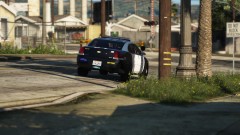 Patrolling the neighborhood
-
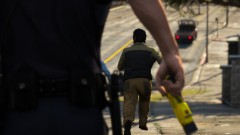 Suspect fleeing on foot
-
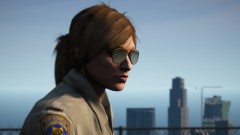 Admiring the view
-
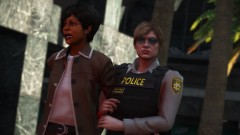 Los Santos Metropolitan Police Department Uniforms teaser 5 (WIP)
-
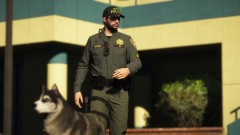 Los Santos Metropolitan Police Department Uniforms teaser 4 (WIP)
-
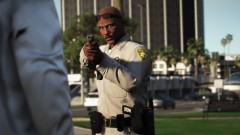 Los Santos Metropolitan Police Department Uniforms teaser 3 (WIP)
-
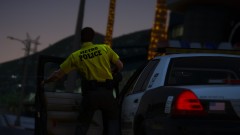 Los Santos Metropolitan Police Department Uniforms teaser 2 (WIP)
-
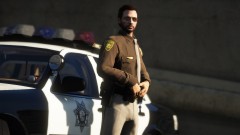 Los Santos Metropolitan Police Department Uniforms teaser (WIP)
-
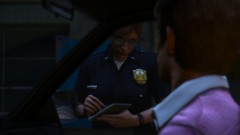 Writing a ticket for speeding
-
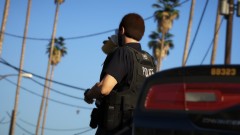 Coffee break in Davis
-
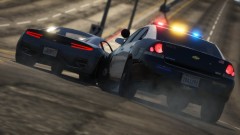 Impala pit
-
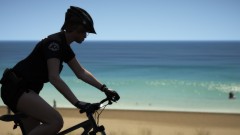 Vespucci Beach bike patrol
-
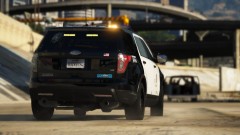 Pursuit of a van with multible heavily armed robbers
-
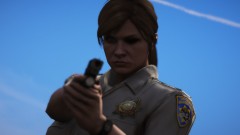 Don't move a muscle
-
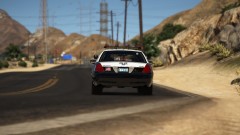 Driving across the desert
-
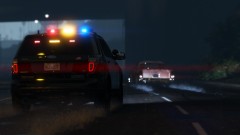 High-speed pursuit during a rainy evening
-
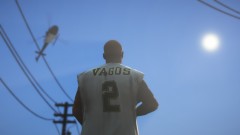 Keeping an eye on a heavily armed Vagos gangmember until backup arrives
-
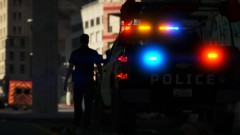 Missing registration
-
-
From the album: Los Santos Patrol
-
From the album: Los Santos Patrol
-
From the album: Los Santos Patrol
-
From the album: Los Santos Patrol
-
From the album: Red Dead Redemption 2 Screenshots
-
-
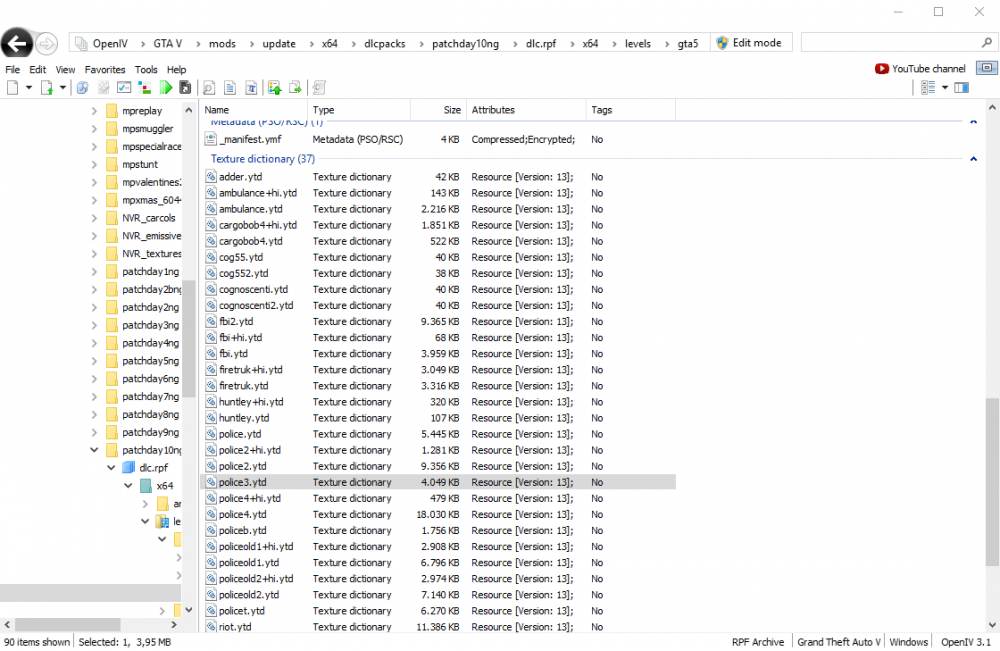
Glad you fixed the issue. Unless you plan on adding additional custom vehicles to your game, you should be fine. But if you do, you might want to have a look at this little guide I made to check whether or not your vehicles use 4K textures:
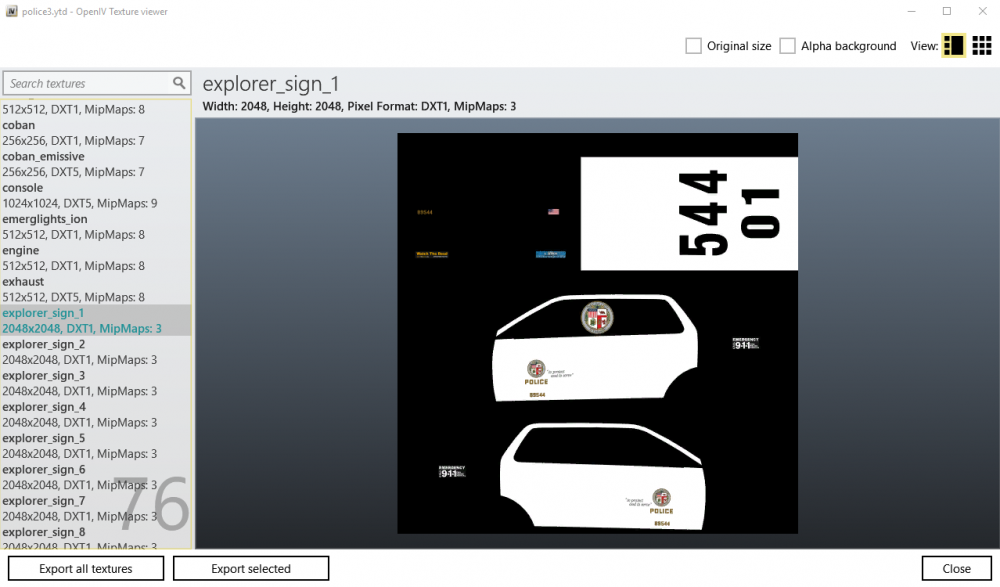
-
0.4 doesn't handle custom cars as well as 0.3 did. You'd have to replace your 4K textures with 2K ones (assuming your custom vehicles use 4K textures, which they most likely do). If you don't know how to do that, I can try to help you out if you want me to.
-
Mainly because of the additional jail points on the map and the ability to call for a single transport vehicle for multiple suspects and how I don't need to open up a menu, I can just press 8 on the keyboad and a transport vehicle is on the way. I also like the automatic door-shut feature, even though I'm aware other mods can do that as well 🙂
-
You can use Arrest Manager together with Stop The Ped just fine as long as you disable the Police Smart Radio buttons that comes with Arrest Manager and just use Stop The Ped for those actions instead. I use both since I still enjoy having some of the features that Arrest Manager provides.