



Captain Peanut
Members
-
Joined
-
Last visited
Everything posted by Captain Peanut
-
From the album: Los Santos Patrol
-
From the album: Red Dead Redemption 2 Screenshots
-
Not really a "Park Ranger" in the traditional sense, but Jed's Fire Watch Truck is fantastic.
-
From the album: Los Santos Patrol
-
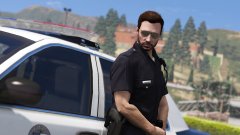
From the album: Los Santos Patrol
-
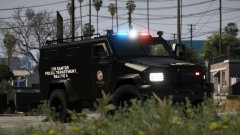
From the album: Los Santos Patrol
-
Great news!
-
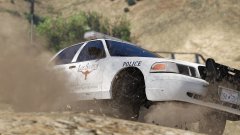
From the album: Los Santos Patrol
-
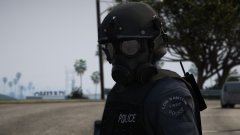
From the album: Los Santos Patrol
-
Yea, I just love that song! Fits so well in End og Watch too!
-
A few more:
-
Harder than you think ❤️ Did you add it because of the patrol scene from End of Watch? 🙂
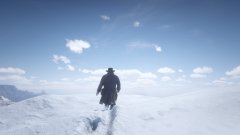
From the album: Red Dead Redemption 2 Screenshots
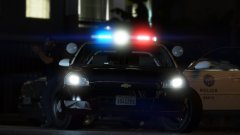
From the album: Los Santos Patrol
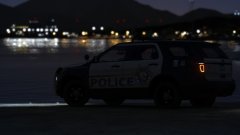
From the album: Los Santos Patrol
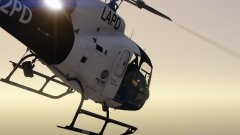
From the album: Los Santos Patrol
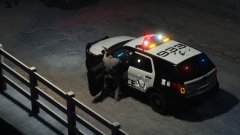
From the album: Los Santos Patrol
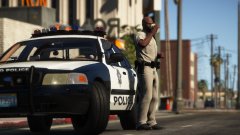
From the album: Los Santos Patrol
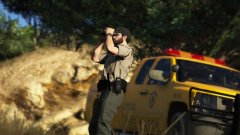
From the album: Los Santos Patrol
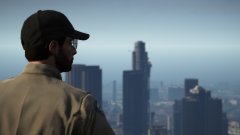
From the album: Los Santos Patrol
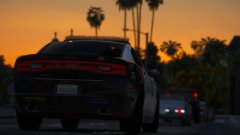
From the album: Los Santos Patrol
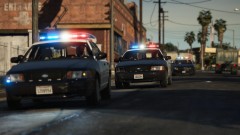
Depends on what you want. Natural Vision Remastered looks great around Los Santos but not so great in Blaine County. VisualV looks phenomenal in Blaine County, but it lacks a bit when it comes to realistic vegetation within Los Santos. Both will cost you around 5 fps average compared to vanilla GTA V. I'm currently using both as a combo, although NVR pretty much overrides everything that comes with VisualV. Both are great, it just depends on what you prefer.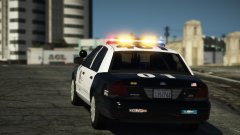 The blur is intentional, since I wanted to create a strong focus on the lightbar. Different strokes for different folks I guess 🙂
What do you mean exactly?
The blur is intentional, since I wanted to create a strong focus on the lightbar. Different strokes for different folks I guess 🙂
What do you mean exactly?



