



Unit607
Members
-
Joined
-
Last visited
Everything posted by Unit607
-
It's not ALT+M it's CTRL+M.
-
Below is some stuff you can try. 1. Re-Install LCPDFR. (Make sure you're setting it up right) 2. If you have any extra mods, try removing them 1 by 1 and keep trying to launch the game. 3. If you have ELS v8 -OR- v8.5 go to your ELS.ini scroll all the way down to Ai_Els_Sp = on Ai_Els_Mp = on & change both to OFF. Hopefully some of those helped!
-
The log check doesn't matter. I once had this issue a LONG TIME AGO and I forget what I downloaded, but I'm pretty sure it's the download below. Hopefully this helps if not, someone else will be nice and help ya! Download: http://www.microsoft.com/en-us/download/details.aspx?id=30679 If this doesn't work please quote me back!
-
I recommend getting a disc of GTA IV and NOT the Steam Version. The Steam Version is more difficult.
-
-
-
No problem!
-
Good for you. But not everyone has the same problem. His problem was LCPDFR.
-
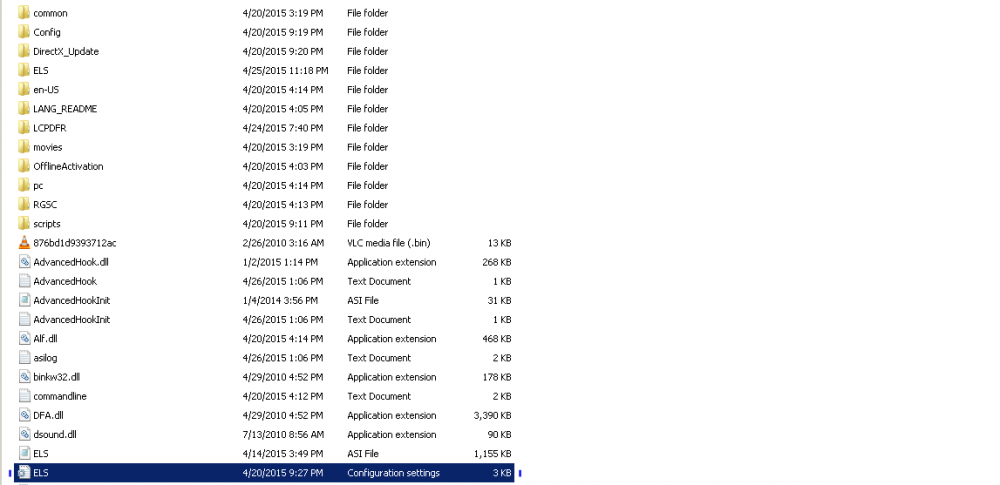
Hi. Go to your ELS.ini and scroll all the way down to Ai_Els_Sp = on Ai_Els_Mp = on And change both to OFF Note: Your AI vehicle lights will not turn on. Only yours will. Here is what your ELS.ini looks like:
-
Do you have ELS? If so I see alot of people with this problem. One method you could try is going to your ELS.ini scroll all the way to the bottom and change Ai_Els_Sp = on Ai_Els_Mp = on To OFF. If this doesn't work change it back to on. And tell me if it worked or not!
-
Perhaps you have the wrong version: Download: http://www.gta4-mods.com/script/simple-trainer-version-65-f2115
-
No, the steam version of GTA IV is horrible. I recommend you get a new copy of GTA IV on a CD.
-
Ok I messaged you earlier.
-
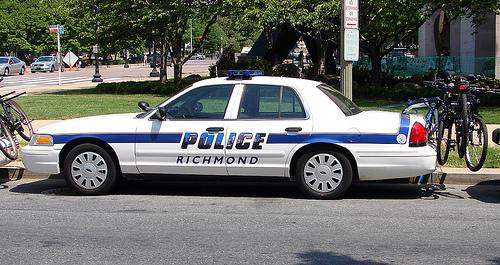
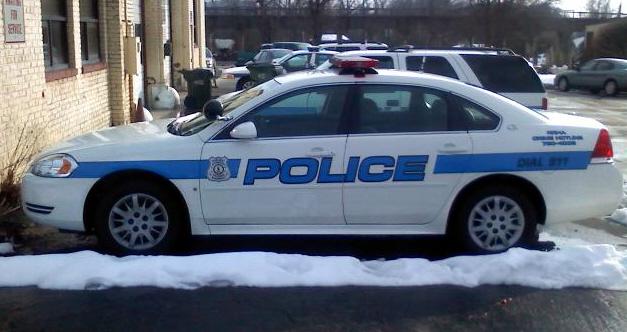
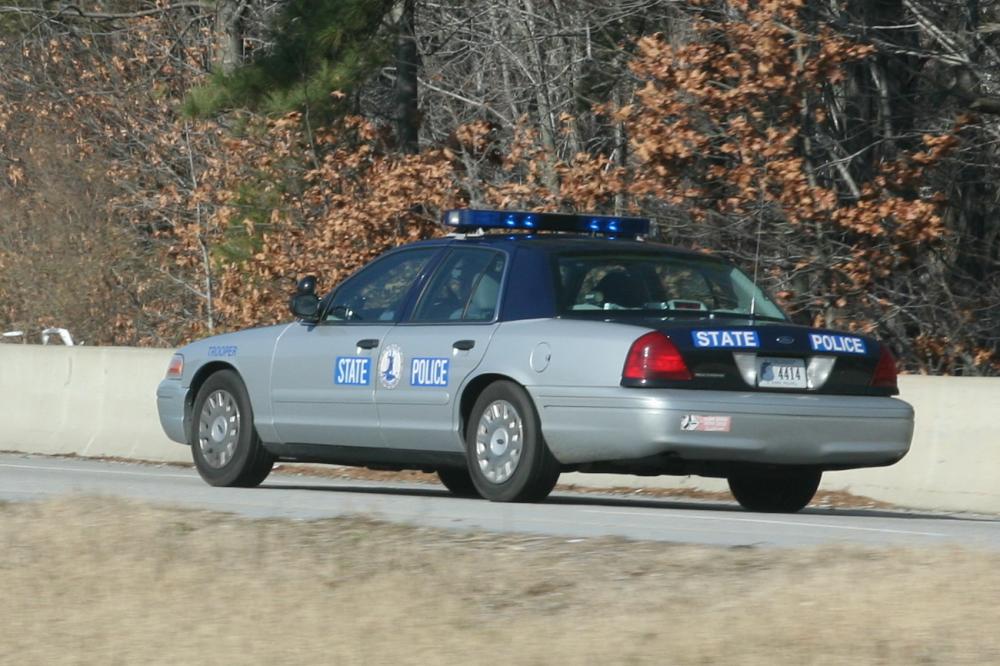
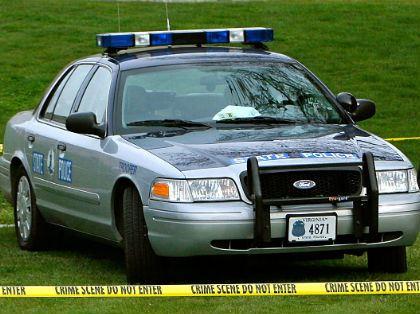
Hi. I would like to request someone to make a Virginia State Police car and Richmond, Virginia Police Car. If anyone could I would highly appreciate it! Also, if you need more details than just pictures and random stuff please PM me or tell me! - Rambar - ELS enabled - ALPR (on trunk) - Virginia state police plates, and richmond too. - All blue sirens except the yellow traffic lights at the top, not sure what they are called! Sorry if you don't quite understand my typing! Thanks!
-
I don't think you can edit the template for a Tahoe, but like emptw1 said are you trying to put a skin?
-
THOSE ARE PERFECT BUT HOW DO I GET THEM???? - Thanks so much!
-
No that's wrong. He already said he setup ELS right, he already watched like 2 tutorials so that is not the problem. The ASI loader is probably the first thing he put in.
-
He clearly stated that when he is in the game his ELS doesn't work. I'm not going to be rude but you need to read through all of the answers before commenting.
-
But, he never said his LCPDFR didn't work? I don't get what you're trying to say.
-
What? His problem is ELS not LCPDFR. LCPDFR has nothing to do with the police lights/sirens.
-
Look for it, or have it made.
-
Yes but what is the type of vehicle? Suburban? Tahoe? Truck? Etc.
-
This has nothing to do with LCPDFR it's all about ELS he is not setting it up right.
-
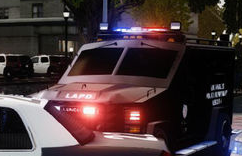
Do you happen to know what this would be under, I think it's a noose truck.

-




