



Unit607
Members
-
Joined
-
Last visited
Everything posted by Unit607
-
Does it still crash at that scene when you don't have LCPDFR installed?
-
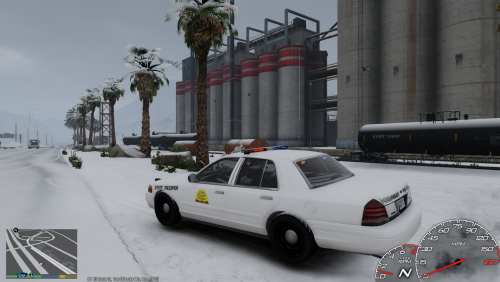 I think it looks pretty good, not bad.
 -
Hi. Are you using the visualsettings.dat provided in ELS v8.5? You can try and do this: Go to your GTA IV Directory > Common > Data > Scroll down to VisualSettings.dat and Open it using NotePad > Scroll down to " car.defaultlight.emissive.on " > And try and change that number to, lets say 45? Depending on how you want your lights!
-
Please re-install LCPDFR from a fresh new one off the site. Not one already in your downloads. If you're having problems with your current version of LCPDFR, please try another.
-
You're not really explaining what is happening though. Does LCPDFR launch in game or not?
-
Can you please screenshot your installation of LCPDFR. Go to your Steam Folder> Steamapps > Grand Theft Auto IV > GTAIV > LCPDFR > LCPDFR Diagnostics Tool > And please click check your installation.
-
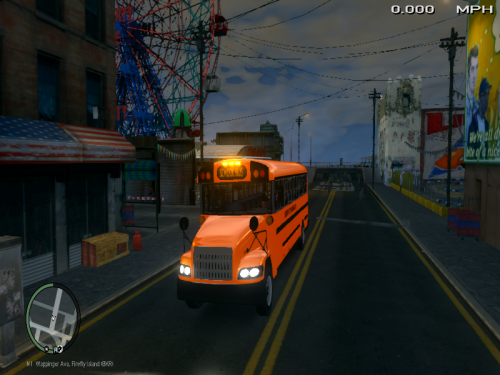 O.M.G Terrific Job!
 -
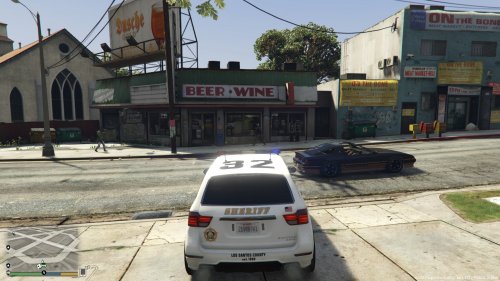 VERY VERY NICE!
 -
1.) You must remove dsound.dll or xliveless.dll. YOU CANNOT HAVE BOTH. It is recommended you use Dsound.dll. This allows you to play multiplayer. 2.) Please download this: http://www.microsoft.com/en-us/download/details.aspx?id=35 3.) Launch GTA IV and press ALT+P. This will launch LCPDFR. 4.) Have Fun!
-
1.) Yes, you can play LCPDFR on multiplayer with friends. 2.) You could expect more crashes, delayed lag, etc. ALL DEPENDS ON YOUR SYSTEM/INTERNET. 3.) Just go to multiplayer, it is suggested you and your friends have the same scripts, and vehicles. 4.) EVERYONE must press Alt+P to launch LCPDFR, from there you can forceduty. PS: EVERYONE has to have LCPDFR to join each other. 5.) No, you can not receive the same callouts. Just tell your friend that you have a callout and you are going to it, he can then follow you to assist you in the callout.
-
I'm sorry, but I can't quite understand your english. Try and remove PoliceHelper and launch LCPDFR. If that doesn't work, please uninstall LCPDFR from your GTA IV Directory, the file name to uninstall LCPDFR is named uninst.exe. Make sure you remove the LCPDFR Folder along with the scripts folder. Backup any scripts you wish to keep. After doing all of that download the manual install for LCPDFR. Drag ALL files into your GTA IV Directory. Then launch GTA IV and push ALT+P. This should launch LCPDFR.
-
Alright.
-
If you can, will you please create a video of what exactly is happening?
-
You need to create your own topic please. I will still help you, but can you please screenshot your LCPDFR Diagnostics Tool. Go to the Steam > Steamapps > Grand Theft Auto IV> GTAIV > LCPDFR> And click LCPDFR Diagnostics Tool > Then click " Check your installation. "
-
Your launcher version has nothing to do with it. Usually the log files don't really matter. First off you never explained what was happening only that the log files was orange, is there any problems in game? Is it launching? Just because the log files is orange doesn't mean it's not working. Did you even try to launch LCPD:FR in game?
-
First off you posted in the wrong section. But lets start. Try to download the following below if you don't already have them: 1.) Link 1 2.) Link 2 If those don't work, then you did something to your GTA. Because an "SI10 Error" says " code is expecting version%d but file %s has version %d!-please reinstall the game. " You may have to re-install the whole game or replace what you previously added before you got the error.
-
Hi. - What version of LCPD:FR are you using? - What other scripts do you have? Your LCPDFR should be working fine.
-
You could use EVCS: http://gtapolicemods.com/downloads.php?do=file&id=2477
-
The only thing you can do is disable AI ELS. Other wise, you won't be able to play. That is unless you get a better, gaming PC.
-
Hi, I'm going to try and help you but I need more information about your PC and GTAIV. - What are your System Specs? - What other mods/scripts do you have installed? - Where does the game crash? In to the game? Loading Screen? Launch Screen?
-
I recommend using a clean backup of GTA. Or re-install the game completely.
-
If you are using Traffic Flow and only receiving very few cars, the below link will be useful. http://www.gta4-mods.com/misc/real-traffic-f5912 Real Traffic will add lots of cars into your game. If your GTA is running on an low end PC, it's not recommended that you use it.
-
Hi, I'm going to try and help you but I need more information about your PC and GTAIV. - What are your System Specs? - What other mods/scripts do you have installed. Also have you tried placing the noose files into another slot? Such as Police?
-
Sorry for the delayed response, You're very welcome, I'm glad you got it running.
-
Use LCPDFR 1.1


