



Unit607
Members
-
Joined
-
Last visited
Everything posted by Unit607
-
Windows 8- Graphics Card: AMD Radeon HD 6310 Graphics. Processor: AMD E-300 APU with Radeon HD Graphics 1.30 GHz Ram: 4GB (3.60 Usable) Video Ram: 512MB Hard Drive: 217GB Free. Is that enough info?
-
Hi, I have a question. Is there anyway at all to make my GTA IV Speedup. The problem is that my processor isn't very good.My GRAPHICS Card is perfect but it's just that. Would Razer Game booster truly fix this issue? If not is there any suggestions? Note: I am NOT overclocking anything. Any help would be appreciated! THANKS!!
-
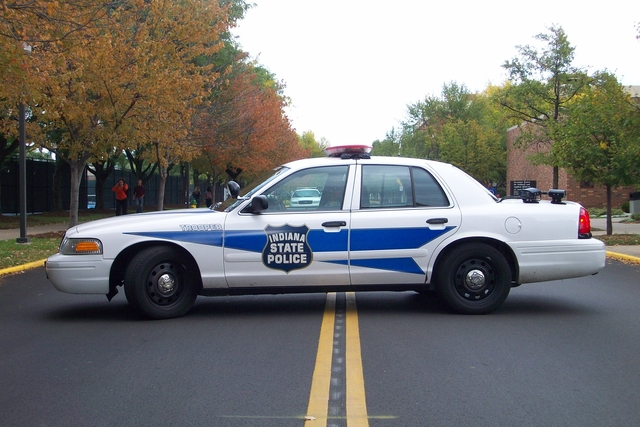
Indiana State Police Dept.
-
What are your PC Specs?
-
Wait you only have 32GB on your Hard drive?
-
Ive had this problem before. It is the vehicle files causing it. If you have a backup of your vehicles.img files, use it.
-
No. It pops up some kind of error I'm going to try and Install again and post it.
-
Glad you fixed it!
-
No, there is no way to fix this without having it ON. Unfortunately since you said having it ON crashes your games, this is simply because your computer can't handle the stress.
-
Hi everyone who is reading this. I need help, everytime I install GTA IV it freezes after DISC 2. The exact spot it freezes at is C:\..\Rockstar Games\Grand Theft Auto IV\pc\audio\Sfx\speech.rpf Can anyone help me. Note: I am not new to GTA IV or LCPDFR and have played multiple times, I just messed up on something and destroyed my backup in the process. But now it doesn't load.

-
"Cause he's a cop"In your ELS.ini.Ok Ive sent it.- Make sure you are running the game as an Administrator. Also if you would like, Ide be more than happy to guide you through this on Skype.Did you beat the game yourself or install a saved game?Do you have the correct version of LCPDFR? Download: http://www.lcpdfr.com/files/file/4607-lcpd-first-response/You only have LCPDFR installed correct?Does the LCPDFR ErrorReporter launch up after it crashes?Don't get ELS Enabled AI cars then.Hi. I need help. I plan on buying a Apple MacBook Pro. And need to know if this can run GTA IV. Sorry not good with computers. Screen Size15.4 inchesScreen Resolution1440 x 900Max Screen Resolution1440 x 900 pixelsProcessor2.4 GHz Intel Core 2 DuoRAM2 GB DDR2Memory Speed667 MHzHard Drive200 GB SATAGraphics CoprocessorNVIDIA GeForceChipset BrandNVIDIACard Description8600M GTGraphics Card Ram Size 256 MBWireless Type802.1Also the log files check doesn't matter.Does the game still load without LCPDFR?If you have any mods remove all of them and then try. Also, try downloading the manual install of LCPDFR.What other mods do you have?


