.png.b38616cbc51290fcaa2979c44ee90512.png)
Mrsuperx13
Members
-
Joined
Everything posted by Mrsuperx13
-
verify your game files.
-
Have you tried verifying the game?
-
remove the dinput8.dll from your gta directory and try again
-
If regular gta is crashing Try renaming your mods folder to "_mods". Then try start your game again.
-
Please upload your latest log
-
Try to update Rage NATIVE UI https://github.com/alexguirre/RAGENativeUI/releases. Drag and drop only the RAGENativeUI.dll and RAGENativeUI.xml files into the main GTA directory
-
that is only if you are installing lspdfr for the first time. In this case he already installed lspdfr.
-
Update LSPDFR/RAGE (the latest version of rage is only included with LSPDFR (or on the RPH discord)) https://bit.ly/3A9CIhX Download the manual version, copy and paste EVERYTHING in the zip except for the "licenses" and "lspdfr" folders (you can ignore them) into your main GTA directory.
-
-
 First of all great mods absolutely essential in my gameplay. With the new update though I've ran into a bit of a problem - It seems with a lot of the new stations I die or get killed when spawning in. Some because I spawn in too high and fall to my death and a couple because they're in zones that give you stars instantly (that one I solved by enabling never wanted in my trainer) whilst that is a solution that works it doesn't make sense that you should need a 3rd party mod (trainer in this case) to make your mod work.
- 933 comments
- 23 reviews
-
-
 Thank you
 -
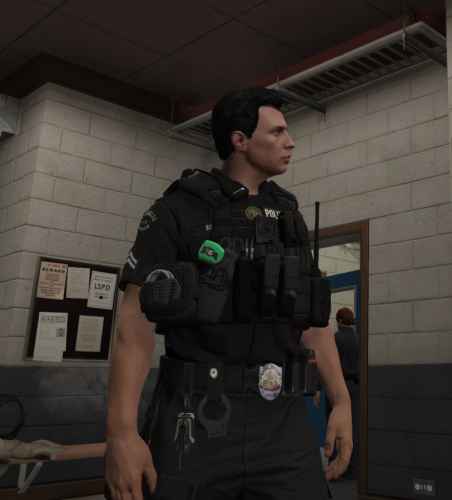
which belt is that?
-
did you ever find a fix for this?
-
-
-
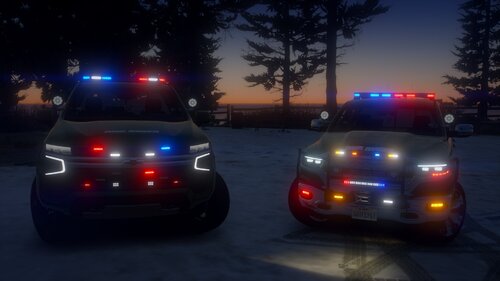
 Really nice pack. Couple of things wrong though- 1. at least on one model (sahp8) there seems to be some sort of weird green texture on the back (and front) of the vehicle in between the windows and the frame of the car. 2. the lights seem to be more orange than red is there anyway to change this? (I've installed the addon version of the pack BTA)
- 110 comments
- 39 reviews
-
Not a clue I did a complete reinstall - emptied the folder put the latest lspdfr rage scripthook. launched everything working. then installed trainer. then the crashing started. just to be clear doesn't crash on launch or whiles playing only when unload and then reloading lspdfr (sometimes it crashes on the unloading and sometimes it crashes on the loading) also everytime I exit the game it crashes.
-
do you know of anything that might be causing this? I've nvever had a problem with simple trainer before
-
Ive done a complete reinstall (again) now I only have LSPDFR, RAGE, SCRIPTHOOKV, Simple Trainer. Still Crashing but only with simple trainer. seems to be working without it. Is it actually the trainer causing it, I havn't heard of anyone else having a problem with simple trainer.
-
Main.PreloadAllModels = false Callouts.Multiplier = 250 WorldEvents.IntervalMultiplier = 0.0f WorldEvents.MaxNumberOfEvents = 0 Chase.CopsCanCommandeerVehicles = false Ambient.DisablePlayerFlashlightOverride = true Ambient.DisableEscapedSuspectEncounter = true Networking.DisableServerCommunication = True Networking.DisableDiscordRichPresence = True This is what my config looks like now. still crashing didn;t get a log this time
-
So I'm sort of at my wits end here I've tried a clean install and everything and I am always getting crashes. Either when I unload lspdfr or if I reload lspdfr. This log is when I have everything enabled (mods folder, plugins, LSPDFR plugins), since If i take everything out it doesn't even give me a rage log. If anyone could take a look at the log and see whats going wrong I would really appreciate this. rage log.txt
-
try downloading to any new folder and then copy and paste them into your main game directory
-
thank u so much
.thumb.png.20c527cb5cfc433de390bfa6845ed282.png)