


Firefighter 5663
Members
-
Joined
-
Last visited
Everything posted by Firefighter 5663
-
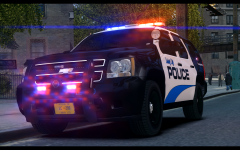 I'm going to try and fix the lens flare sometime then post some more screenshots of it.
 -
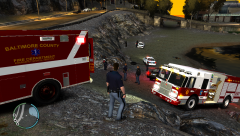 http://gtapolicemods.com/downloads.php?do=file&id=1321
 -
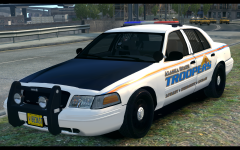
From the album: Firefighter 5663 Police Pics
-
From the album: Firefighter 5663 Police Pics
-
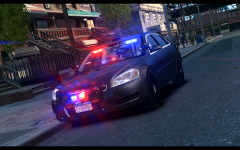
From the album: Firefighter 5663 Police Pics
-
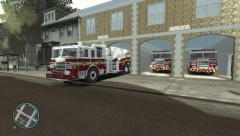 Freaking awesome man! I really hope you release the station and will the trucks be released or not?
 -
-
Pouvez-vous me donner un lien vers le script que vous utilisez ou est-il privé?
-
French: Parlez-vous d'un script? Si oui, lequel? Habituellement, tous les scripts aller dans le dossier des scripts, qui est le dossier dans votre répertoire de jeu. Traduit en utilisant Google Traductrice English: Are you talking about a script? If so, which one? Usually all scripts will go in the scripts folder, which is the folder in your game directory. -Translated using Google Translater
-
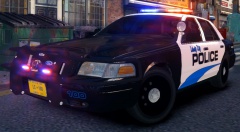 They're awesome! I also use the Tahoe. Great work Foward, look for to your future releases!
 -
From the album: Firefighter 5663 Police Pics
-
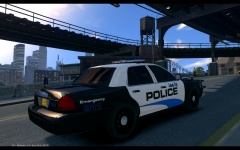
From the album: Firefighter 5663 Police Pics
-
 Amazing!
 -
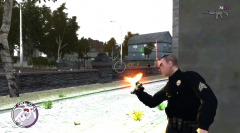 Nice picture. "Sgt. Wallowitz one handing a M4.." lmao
 -
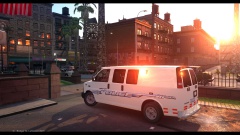 Great picture! What ENB is this?
 -
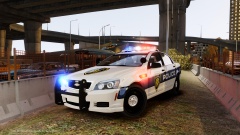 https://www.google.com/search?q=la+sheriff+caprice+gta+iv&oq=la+sheriff+caprice+gta+iv&aqs=chrome..69i57.5323j0j7&sourceid=chrome&espv=210&es_sm=122&ie=UTF-8
 -
-
Thanks guys for giving me some input. Are you saying this because you have seen what it is like or do you have Windows 8 on your PC? Just wondering.
-
Can you give me some examples of how it doesn't give you full control, i'm a pretty advanced user? Do you have Windows 8?
-
I was looking for everyone's opinion on Windows 8/8.1. Is it worth the upgrade from Windows 7 to Windows 8? What are advantages and disadvantages? Thanks!
-
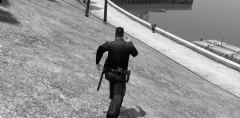 Will this be released? I hope it will because this ped model looks awesome!
 -
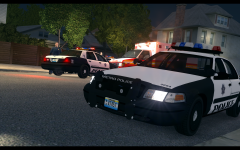 It's a bad area, lol
 -
From the album: Firefighter 5663 Police Pics
Police were called to 1743 Claiborne Street for a report of shots fired. Upon arrival of the first LCPD unit, they requested an ambulance for a person shot on the doorstep to the house. LCEMS reported that the victim was dead, police are conducting an investigation. News story to follow. -
I really don't see why people get so worked up over a picture? I mean seriously, they haven't released it, so what is the huge deal? Now if they were to release it then that is a whole other story. Also when you release something like this to the public, you don't have really any rights to it and if you don't want this to happen then don't release it. This is really getting out of hand.
-
Not really sure what you mean safer, also it is stable, I use it all the time as well as SparkIV and OpenIV. And what do you mean "I know what I replace when I use OpenIV?"



