


Firefighter 5663
Members
-
Joined
-
Last visited
Everything posted by Firefighter 5663
-
I was looking through the source code of the 12 days of LCPDFR cards above to see if I could find anything out and then came across this... gave me a good laugh
-
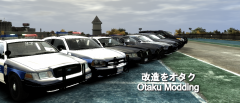 Awesome, what site will it be released at?
 -
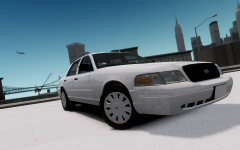 So why did he write "K" then?
 -
Did you see that on iFunny? haha!
-
And the music has been added lol
-
-
If anyone could help me find out what siren this is at 0:50 that would be great! Thanks so much! http://www.youtube.com/watch?v=ee6QuoogUHg&feature=plcp
-
What's everyone talking about 100% bar under LCPDFR logo? (I'm being serious)
-
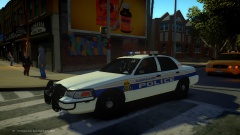 Looks good!
 -
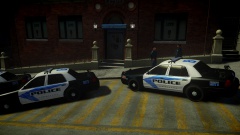 These look very good! Are you going to release them?
 -
Sounds like there will be fire and EMS missions also.
-
-
Because everybody has a preference about what they like, I personally like LCPDFR though, but not everybody does and not everyone is the same.
-
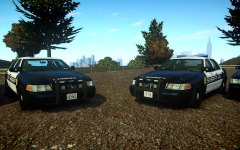 Please please release these! They look awesome!
 -
Are you running any background programs? Check your task manager to see if any are hidden.
-
Actually, I did read what you said before and you're still not answering my question as to what exactly he used to find the location, and I understand like you said that it is similar to Facebook, Meetme..etc
-
And so what did you use to find the last known location?
-
So you're saying it is 100% legal in the U.S to track peoples phones? Who do you know that can do this "legally"?
-
Nevermind lol, Ineseri is probably right though.
-
It could be to big of a pack for his system to handle, depends on his specs, by then again you could be right.
-
Not necessarily What are your specs? How big is your vehicles.img?
-
Then something is wrong with the car you made.
-
Then it's probably your system can't handle it or their is something wrong with the car itself, did you make it or did you download it?
-
Does all it say is "Please install device"? Can you give us more information on your computer specs and if you just got this error when install the car or has it started before you installed new car?
-
If I could upvote more then once I would


