




J T
Members
-
Joined
-
Last visited
Everything posted by J T
-
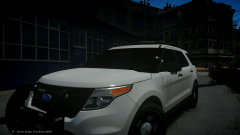 nice....goes well with c'js valor ford interceptor
 -
-
-
^ I agree it always happens at a bad time when im about to do a traffic stop or trying to catch up to a perp and then the camera pans a different direction and I crash into shit...sometimes its funny though
-
funny I was actually going to post about sirennet since they build a lot of police cars and know what they are talking about I might buy some led spotlight lenses from them I hope a lot of modders watch this guy he is a legend
-
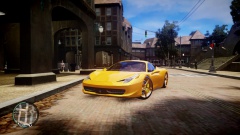
From the album: stuff
newest enb config -
-
-
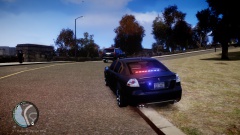
From the album: lcpdfr
-
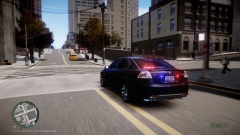 lol....its released on gtapolicemods.com...............................by snit a few years ago
 -
-
yeah I know lol its a gm thing
-
thanks, gotta catch those street racers...its a Pontiac g8 btw lol
-
-
From the album: lcpdfr
-
heres my truck at where it sits right now 6 inch fabtech lift and 17x10 ultra rogue wheels wrapped in tiny 33 inch tires which will be swapped out for some 36x13 and 20x12 wheels
-
I like the dsf model the best so I stick with them, a ford Taurus sits slightly taller then a crown vic but with bxbugs car the interceptor towers over it
-
its not that bad but iv handling has terrible body roll cars don't drive like that in real life but I do hate how you can control your landing when in the air
-
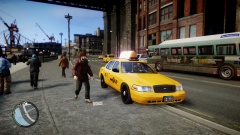 i love this taxi it has nice reflections almost life like
 -
-
-
that looks real lmao keep em coming
-
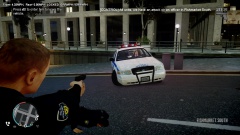
From the album: lcpdfr
-
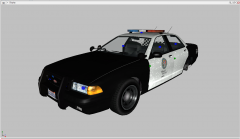 yeah....not cool...same with the douche bags that brag about the ford interceptor and then not releasing
 -
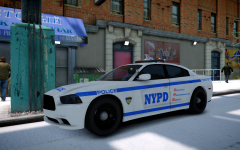 heres the Tahoe '>





