

J T
Members
-
Joined
-
Last visited
Everything posted by J T
-
reality iv 2.0....it looks like an enb and its available on gta4-mods.com
-
-
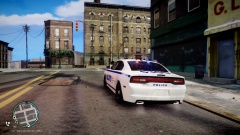 just use your paint program and place it over nypd
 -
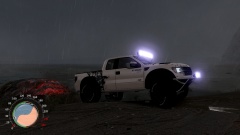 I might be getting one in a few years
 -
From the album: lcpdfr
-
it seems more stable but after about 3 or 4 callouts they stop coming in but everything else is working from random events to traffic stops...wierd
-
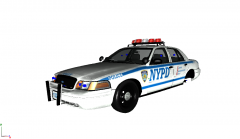 keep the spotlights on it looks MUCH better plus its liberty city been waiting for lcpd cars with spotlights
 -
from what dktronics told me you have to edit the timecycle at the end of the line 8th value at the very end change it to 1.00 choosing a weather and time to test it
-
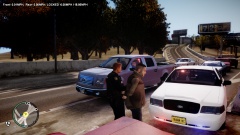
From the album: lcpdfr
-
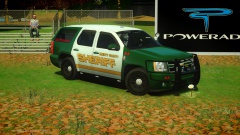 bad ass ...I hope this will be released in the future
 -
nice...id add some spotlights to it
-
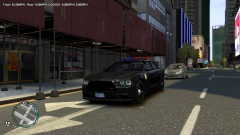
From the album: lcpdfr
dkt70's newest timecycle mod available at gta4-mods.com -
-
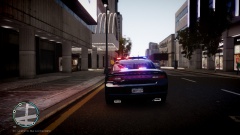
From the album: lcpdfr
-
-
-
-
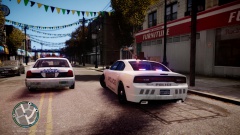
From the album: lcpdfr
-
love these chargers but the backseat needs to be fixed as the perps head goes through the ceiling...
- 21 comments
- 8 reviews
-
-
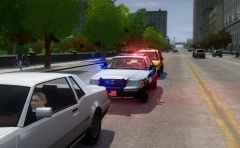 I thought you quit making American police cars lol....you still plan on releasing that nysp pack?
 -
els is a separate mod from 1.0 you have to use xpadder for els...I use rb for j and d pad right for k so it doesn't conflict with 1.0 controls
-
-
-