




J T
Members
-
Joined
-
Last visited
Everything posted by J T
-
I think I will just wait until the pc version comes out which it will
-
-
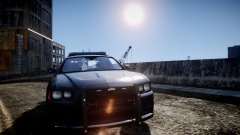 that is sick
 -
-
-
-
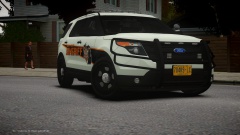 looks mean I like it
 -
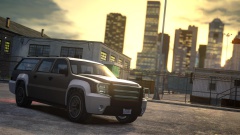 that enb looks godly cant wait for the release how do the els lights look? I know he enhanced it some
 -
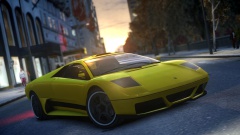 I figured that but its not out until feb that's why I asked
 -
how did you get cryenb v1?
-
are you a beta tester or something?
-
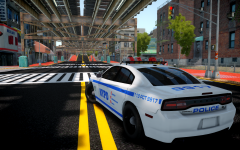 damn its taking them forever to approve that car over at gta4 mods
 -
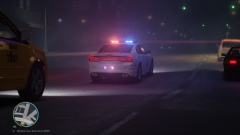 ohh weird could be 1070 I never noticed a noise or anything but ill check into it
 -
what noise? there will be an optional file to remove lense flare
-
-
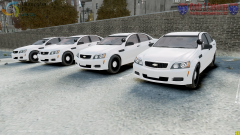 you gunna release some?
 -
-
-
-
I know just being sarcastic lol
-
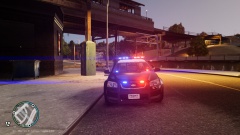 yeah probably though marc is going to release cryenb v1 and it will actually be els compatible and let me tell you they look damn good as well as the enb itself its the best looking one I have ever seen looks like a 1040 enb
 -
but but but nypd doesn't have spotlights......oh wait its liberty city
-
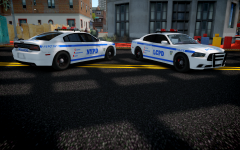 wow that looks bad ass I definitely will be rocking this in my fleet
 -
http://www.gta-universe.com
-



