


Gump
Members
-
Joined
-
Last visited
Everything posted by Gump
-
Yep. I had the same problem when I first started modding. Haha.
-
 Try using BxBugs's luminescence mod. And then in your common/data folder, set the "car.defaultlight.emissive.on" to about 800.00 to 950.00.
 -
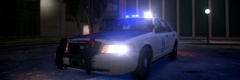 They are all for a pack I am making ;)
 -
-
From the album: My cars
-

From the album: My cars
Just thought this was a cool picture I edited. It's not necessarily supposed to look realistic. -
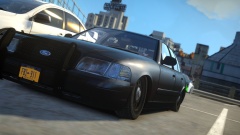 How low can you go?
 -
 No doubt you're Erin Lindsay.
 -
 I like the primer on the door. Haha.
 -
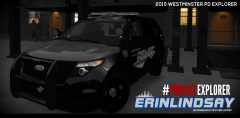 Nice! Keep it up!
 -
Awesome! Thanks!
-
 Yes sir.
 -
Sure do. Come on back there driver?
-
All you gotta do is create a cylinder. Set it to "emerg_lights_emis" or whatever and map it. Then copy that cylinder and cover every little diode in that light. Once you are done doing all that. Copy it and put it over the right sides diodes. Then set the left side to extra _2_L0 and right to extra_3_L0 or whatever. Hope that made sense.
-
That was funny. Haha.
-
Hmmm. I will have to give that a try.
-
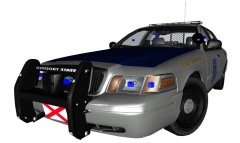
From the album: My cars in Zmod
-
I could really use some help! I exported the Tahoe and it worked the first time. Now, when I try to spawn it every time....It says "Unable to spawn, check model." A couple of other people are also experiencing this issue for this Tahoe. I did notice one thing. When I open the .WFT in OpenIV.....It's zoomed out real far as opposed to other models. Is there a usual cause for this? Any help would be much obliged.
-
 Are those portable jail cells? xD.
 -
 Giggity.
 -
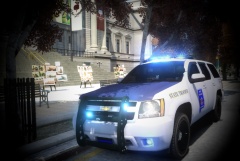
From the album: My cars
-
-
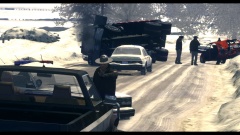 Nice pic Olanov!
 -
Press play..You won't regret it...Hahaha.
-

From the album: My cars




