


Gump
Members
-
Joined
-
Last visited
Everything posted by Gump
-
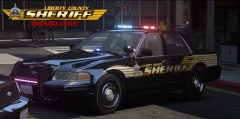 That livery...is..sexy...Keep it up!
 -
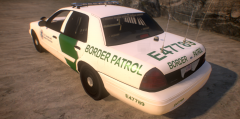 LOL! I didn't even notice that! It's just the APLR ghost. Don't worry about it. Now that 2nd pic....
 -
-
From the album: My cars
-
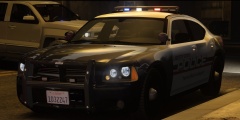 The dumpster?
 -
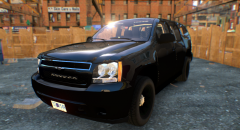
From the album: My cars
-
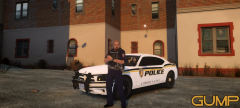 No sir. It was actually just recently released. ; ) '?do=embed' frameborder='0' data-embedContent>>
 -
Maybe try some of Sgt.Kanyo's CHP Crown Vic's.
-
From the album: My cars
-
PieRgud Haha. I couldn't remember if the "G" was lower or upper case.
-
-
This one. You can hear the shots in the beginning.
-
-
3 :D
-
2
-
Maybe trying to exporting the .WFT and re-open Zmodeler. Then reload your textures and re-import your .WFT?
-
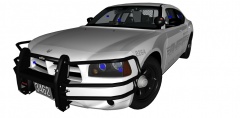
From the album: My cars in Zmod
Suggestions? -
Yep. But I rather it look weird, than having 3,659,591 cars stopped behind me and crashing into each other. To each their own.
-
JAM-Justin46 I was close!
-
No sir I do not. But I imagine that it would though?
-
I found that when you initiate a traffic stop...Park behind them like this: And they will go around every time ;)
-
I didn't look back before opening my door and a car passed by and ripped my damn door off.
-
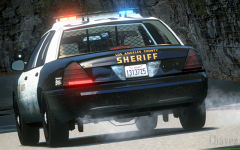 Nice picture!
 -
My name is Kimbo Slice... And this is Jackass...
-
RipplyTiger141 Well that is a pile of bologna...This game is obviously rigged..


