


Gump
Members
-
Joined
-
Last visited
Everything posted by Gump
-
You could try this one ;) : http://www.gta4-mods.com/player/csgo-fbi-swat-ped-f28731
-
I would also like to add to that. Make sure when you are merging, that there is nothing named the same of the file you are trying to import. Other wise it won't import. ;)
-
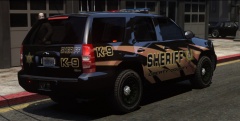 "That's hot..."-Paris Hilton
 -
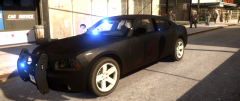
From the album: My cars
-
From the album: My cars in Zmod
-
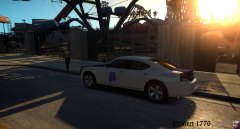 Looking forward to it!
 -
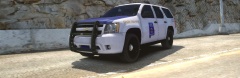
From the album: My cars
Not sure why the graphics came out so jaggy...But hey! Alabama State Patrol Tahoe! -
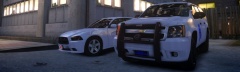
From the album: My cars
-
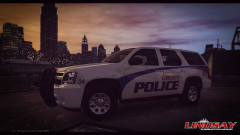 That looks really good!
 -
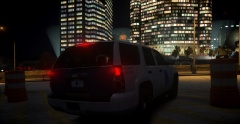 You just beat me to it! Haha.
 -
From the album: My cars
Same trooper with a person who appears to be D.W.I (Montgomery,AL) -
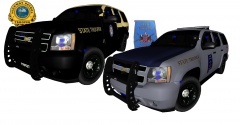
From the album: My cars in Zmod
Just started on the FHP Tahoe. Just showing what's coming! -
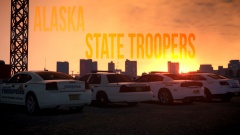 I got to admit..That is one of the coolest shots I have seen on here.
 -
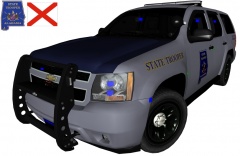
From the album: My cars in Zmod
I got a few messages about putting on Whelen Liberty's. There will be two different versions. One with the Code 3 21 TR and one with Whelen Liberty. ;) Still a W.I.P. Release will be sometime this week! -
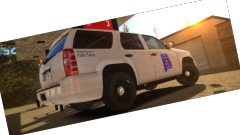
From the album: My cars
-
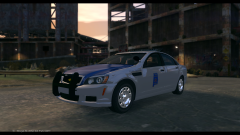 Looks good so far! Keep it up!
 -
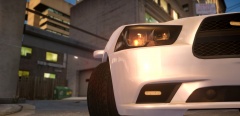
From the album: My cars
-
-
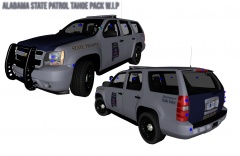 Yep! I am either going to put LED lights in place or just like you said, make them look like the original gray.
 -
From the album: My cars in Zmod
-
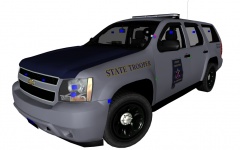
From the album: My cars in Zmod
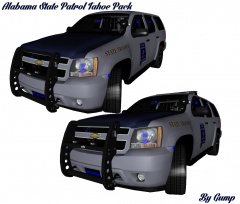
Start of a AST Tahoe pack. There will be a fully marked and a K-9 unit. -
 Meow*
Meow* -
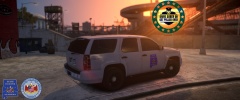
From the album: My cars
To crack down on drunk driving this Fourth of July, Alabama State Troopers will be out in full force, aggressively targeting those who put lives in danger. “Alabama State Patrol is ramping up their enforcement to make our roads safer this Fourth of July,†said Lieutenant Jamie Michaels. “For everyone’s sake, don’t drink and drive or you will be arrested. The ‘Drive Sober or Get Pulled Over’ campaign means zero tolerance for drunk driving—no excuses.†Data from the National Highway Traffic Safety Administration (NHTSA ) show that 10,322 people were killed in drunk-driving crashes in the United States in 2013—representing a third of all crash fatalities. Data shows that the Fourth of July holiday period is especially deadly. During the July 4th period in 2013 (6 p.m. on July 3 to 5:59 a.m. on July 5), there were 179 people killed in crashes, and 44 percent of those crashes were alcohol-impaired. -Plan a safe way home before the fun begins -Before drinking, designate a sober driver -If you’re impaired, use a taxi, call a sober friend or family member or use public transportation -If you happen to see a drunk driver on the road, don’t hesitate to contact Alabama State Patrol -If you know someone who is about to drive or ride while impaired, take their keys and help them make other arrangements to get to where they are going safely -
Go through EVERY part of the hierarchy. Find everything named "extra_1" Unlink them then do the following : Attach ALL extra_1 together. Then you can re-add (Is that even a word?)back the extra_1 to the hierarchy. ;D
-
She just wants more money so she can buy some more alcohol and cocaine.


