PhillBellic
Members
-
Joined
-
Last visited
Everything posted by PhillBellic
-
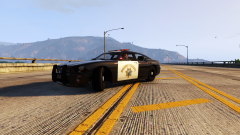 Yes! A viable replacement for the First Gen Vanilla Buffalo.
 -
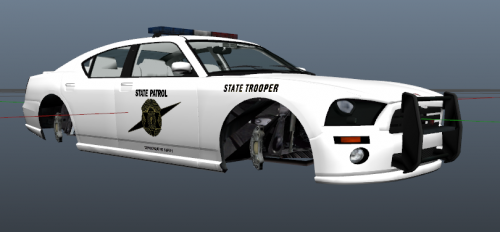 Niko, whose Buffalo are you using there?
 -
Looks good. One Suggestion I'd like to make is to slow down the 'Slides' down to about ten seconds each.
-
Nice. I was hoping that a First Gen Buffalo would be Templated soon.
-
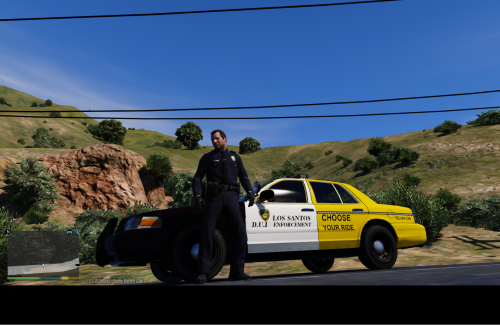 Interesting use of the LCPD Emblem there.
 -
-
-
I use Sjaak327's Simple Native Trainer. I used it in GTA IV, and naturally I am using it in GTA V. Also, it was very familiar right off the bat.
-
Also in the case of the various CVPI Models, they are all scaled differently as well. That's just one Car.
-
 The first Publicly released CVPI has now been done. I hope to see the Scaefft Model converted soon.
- 371 comments
- 38 reviews
-
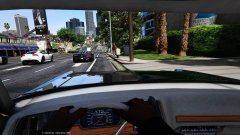 It would suit a Retro Vehicle for sure.
 -
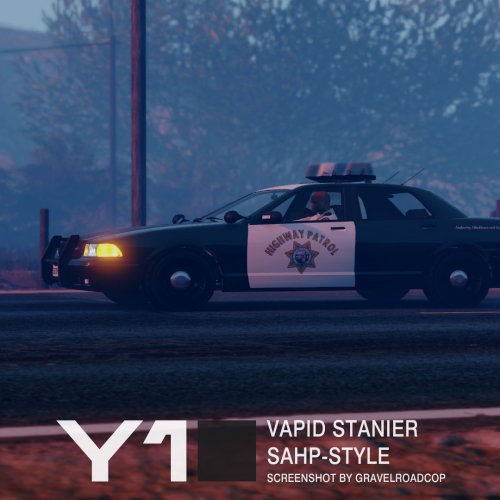 If you guys want CHP Liveries, make them yourself. Perhaps use the SAHP Liveries as the Base Texture.
- 53 comments
- 9 reviews
-
Go with the Gresley. Looks like I'll have to wait a lot longer for my Ambulance, and Fire Engine/Truck. *sighs*
-
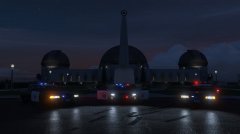 Woooh. This is exciting.
 -
It's anybody's guess at this stage. I hope they come soon.
-
Recreating something?
-
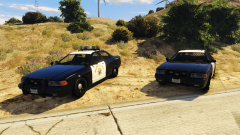 Hmm, intriguing. Hope to see more. :)
 -
 Chuck Norris will sort that out.
 -
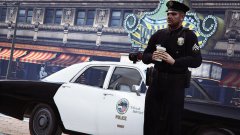 That Image has a very heavy 70's Vibe to it. Also, I'm hoping that CVPI will be converted any day now.
 -
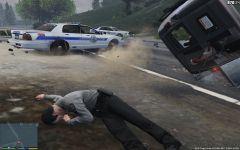 Check out the Suspect in the Back of the Van.
 -
Hey Yard, did you see my earlier Post?
-
It would have been great to display the Control Panel.
-
Exciting Stuff isn't it. I hope you could schedule in creating Templates for the Ambulance, and Fire Engine/Truck soon. That would be great.
-
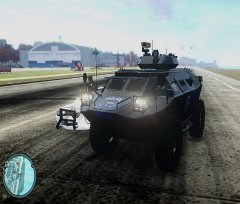 Wow. That's a very impressive use of the APC. Did you perform UV Mapping, for Livery Creation for this as well? If you have more Screenshots of this, I'd like to see them.
 -
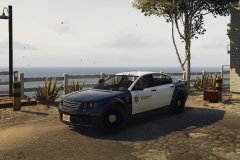 Wooh. This is very exciting News.