PhillBellic
Members
-
Joined
-
Last visited
Everything posted by PhillBellic
-
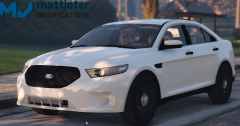 Looks good. Who's Template does this use?
 -
I wonder what the Uneditable '.ymt' files would contain? We could in theory get more 'Regions' to work that way. :)
-
Yard, did you see my post above about the Unmarked Granger, and Buffalo?
-
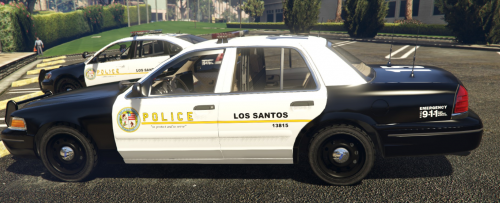 I guess so. That's what stands out for me. :)
 -
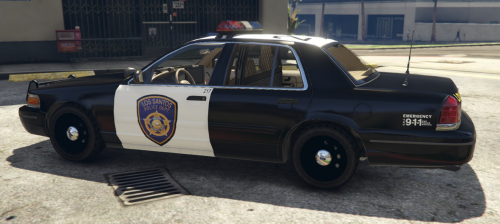 Not bad. I'd suggest you make the Emblems smaller, as they are too large, in my opinion.
- 2 comments
- 1 review
-
-

- 1
-
-
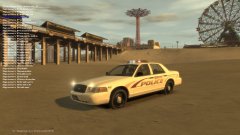 It certainly is a Unique feature, to say the least. :p
 -
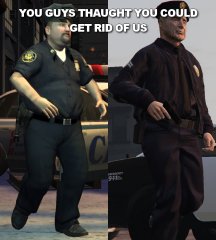 FTFY. :p
 -
That's what I have done in my Game. :p
-
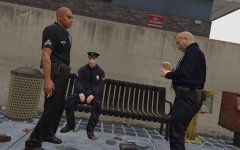 Good for greater diversity in the Department.
 -
Only for the 'Volunteers on Patrol' Units.
-
Looks promising. I hoe it can be integrated into the Realism Mod. :)
-
In that case, I think it would be wise to allow them to chase after these suspects.
-
Don't trust everything you find on the 'net.
-
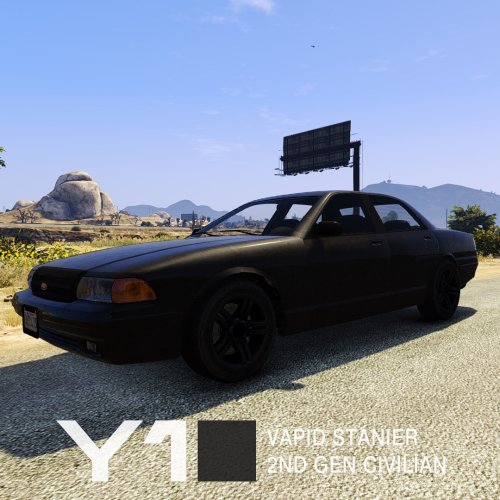 Something small like that would make a huge difference to me.
 -
Yes, I would indeed like for them to have Livery Support. Good for 'Stealth' Liveries.
-
And the two FBI/FIB Vehicles?
-
Quick suggestion, would it be possible to move the 'Stanier' Badge over to the left hand side of the Boot, like the Vapid Taxi from IV?
-
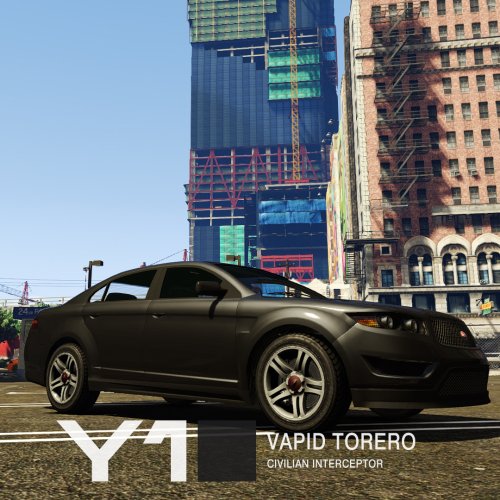 Sweet. This, and the Stanier are my next two Downloads. :D
 -
-
 Freaking awesome. I guess you read a Recent Status Update of mine.
 -
-
Wooh. Great work, Yard. One step closer to the Ambulance, and Fire Engine now.
-
I hope it releases soon. :)
-
Personally, not having used the LSPDFR Mod yet, I would have not known about it. ;)
-
That's a pretty neat feature. It would probably catch many off guard.