PhillBellic
Members
-
Joined
-
Last visited
Everything posted by PhillBellic
-
 'I fought Gravity, and Gravity Won.'
 -
Ya, it's me. This Poster is from the US.
-
Yes it is.
-
-
Yard, if you ever Template the Lifeguard SUV, I am making a simple Livery you may be interested in. If you would like to examine it, Send me a Message.
-
There may be a Work Around, for now. Find out what, and who's Template the Vehicle uses, and find an equivalent Vehicle made for GTA IV with the same Template, and work on your Liveries there. I am doing that with good results.
-
-
I see. I guess Trial and Error will be my best approach. Thanks anyway, F3nt0n.
-
Sorry, was not clear. The File that controls Car Colours.
-
Are here any Tutorials about that file that you know of?
-
Yes it does. It's quite disappointing really, and makes it that much harder. I hope OpenIV has some sort of Update soon to counteract that.
-
I think it has something to do with the 'Carcols.meta' File.
-
 Looks Good, Lund. For a Vanilla Option, you could try and Convert the Marbelle from IV.
 -
As long as you are not CJ and flying close to the Ground, you should be fine.
-
Taking out the Trash, aye?
-
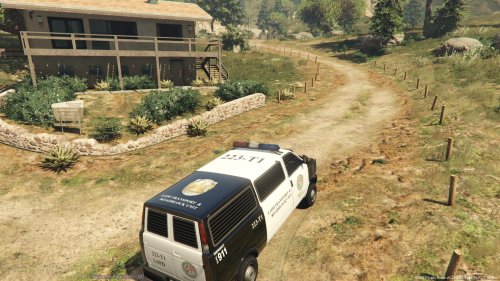 Did you read my mind? I was wondering when such a Vehicle would be done. I hope to see Updated soon. Keep at it.
- 5 comments
- 1 review
-
-

- 1
-
-
Hmm, Full Police Station Interior you say? Screenshots of those, Please.
-
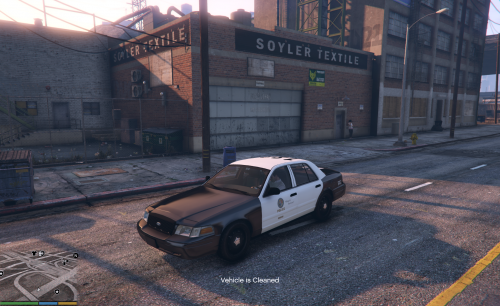 From what I have Read, that will be sorted out (source here) in the next Version of OpenIV.
- 17 comments
- 10 reviews
-
 It's truly a Family, isn't it.
 -
The Genesis of Police Modding for GTA V.
-
Fail. This Member Registered after 2014?
-
Ninja'd. Sam, perhaps?
-
You are not alone there.
-
I am one of those Registered Users. Maybe, Cyan?
-
Yard, what's the Font used for the Roof Numbers in your Liveries?