PhillBellic
Members
-
Joined
-
Last visited
Everything posted by PhillBellic
-
Hey, Yard, if you had the time, would it be possible to give the Brute (Gruppe Sechs) Stockade the same treatment as the Brute Police Riot Truck? I think it would be a welcome addition to any Vanilla Police Fleet. Also, please base the Template on Cj24's Enforcer LCPD ESU. Thanks for reading. Edit: Also perhaps convert Cj24's Enforcer LCPD ESU to V as well.
-
 That's a great Showcase. It would be even better if the Burrito Van, and Unmarked Stanier/CEPI were UV Mapped (in addition to the Unmarked Granger, and Buffalo).
 -
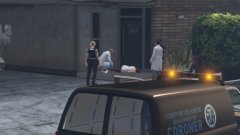 Hmm, nice Van there.
 -
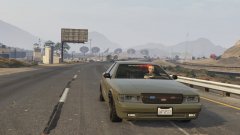 Is that Natalia at the Helm?
 -
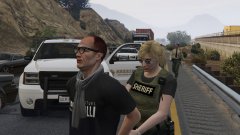 This looks great. Gotta love the Mic Cord Clipping through, though.
 -
Good Job. Officer Vic?
-
Meh. I only ever completed the Prologue, and up to Unlocking Michael, and after that just Drove Around using Modded Police Vehicles.
-
 The heck did I just Watch? *Gouges Out Eyes*
 -
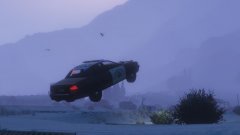 Them Duke Boys look like they're up to no good. I sure hope Sheriff Roscoe puts a stop to that.
 -
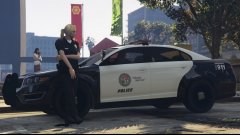 Another well Posed Image, Rafael.
 -
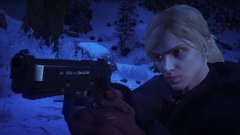 Chilling. I like it.
 -
Yes it's me. Not!
-
Karls, perhaps?
-
Wrong. Ineseri?
-
You are a year off. Member of Staff?
-
-
-
-
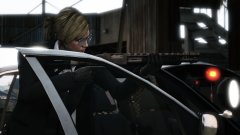 If you have more, please Post them. :)
 -
She looks like she means Business! Do you have any other Photos from this Set, other than the ones you have already Posted.
-
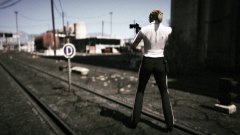 Those look like LAPD Motor Officer pants. Nice touch.
 -
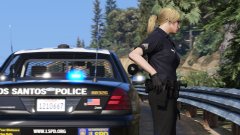 Rostova? Sounds Russian.
 -
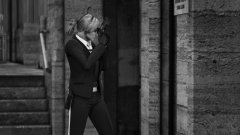 Excellent Framing in that Photo.
 -
-
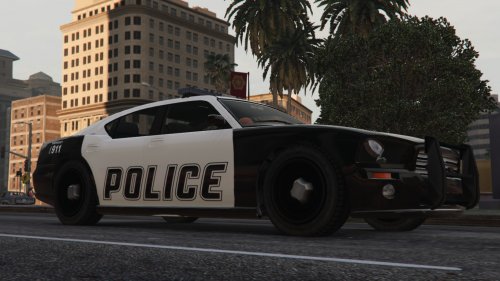 This brings back memories. Not the good ones though. Still good work making your recreation of it.