Chippy
Members
-
Joined
-
Last visited
Everything posted by Chippy
-
-
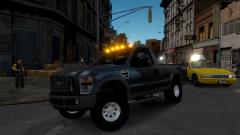 I'm in the process of adding the Driver SF F250 wheels to it
 -
Oops it's a F-250
-
Thanks.
-
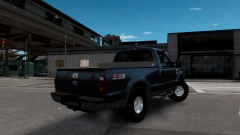
From the album: Chippy's WIPs
-
From the album: Chippy's WIPs
-
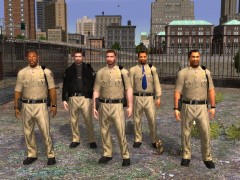 Looks amazing! I've been using the other ones for ages, looking forward to these!
 -
-
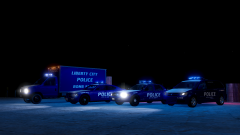
From the album: Chippy's WIPs
Any suggestions feel free to comment them. -
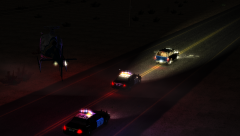 Love this picture!
 -
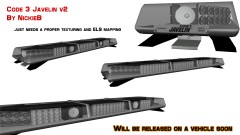 Really great work.
 -
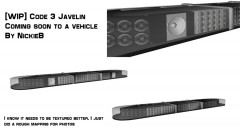 Looking great, Nickie!
 -
As far as I know this is the only Escape with a flat light bar. http://gtapolicemods.com/downloads.php?do=file&id=1510
-
-
-
Thanks! Yes please. Thanks again everyone for your help!
-
I scanned it, it was heavily infected, removed it. Back to normal, Thanks all!
-
I have a thing that tells me how much of the processor I'm using, and I see this thing that takes up most of it, does anyone know what is does or or what its for? Thanks, Chippy
-
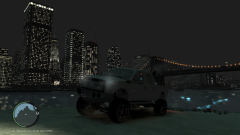 That's really awesome!!
 -
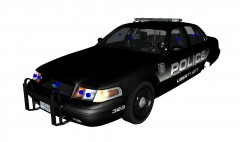 Looks really good!
 -
-
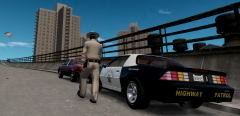 Unfortunately no, I had to change it in vehsare. I just might release the texture ;)
 -
I would've love to have used it! this one's from gta4-mods, just created the texture!
-
-
-
Classic
-
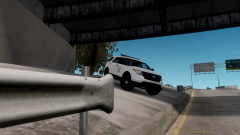 Watching traffic...
-
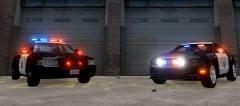 CHP's newest addition.
-
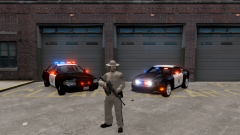 CHP's newest addition.
-
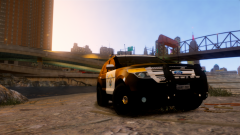 Explorer CHP
-
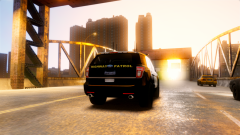 Explorer CHP
-
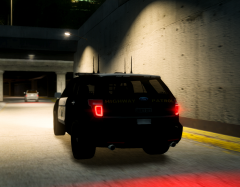 RAGE3 CHP
-
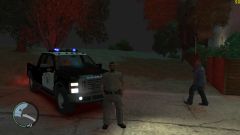 Anyone know where I can find a handling line for this bad boy?
-
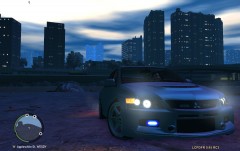 Mitsubishi Evolution VIII MR
-
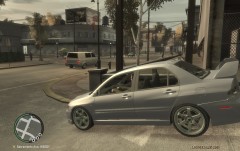 Bait car surveillance
-
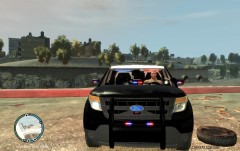 2013 Ford Explorer CHP
-
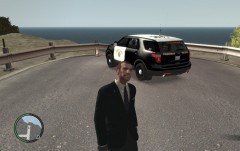 Ford P.I. Utility CHP
-
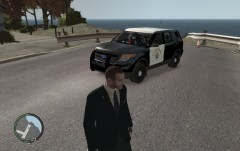 Ford P.I. Utility CHP
-
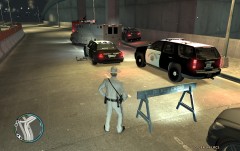 Late night drunk driving accident
-
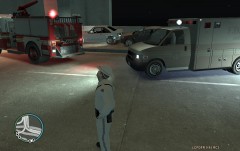 Late night drunk driving accident
-
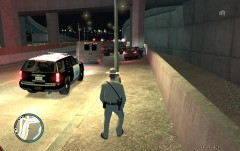 Late night drunk driving accident
-
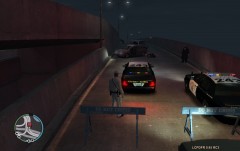 D.O.A. Fatal traffic accident
-
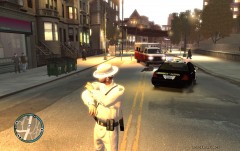 Person Collapsed in the middle of the street
-
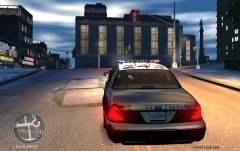 Going Code 3 to a Traffic Accident
-
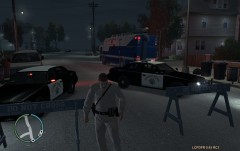 A standoff in a local neighborhood, lasted eight hours.
-