Chippy
Members
-
Joined
-
Last visited
Everything posted by Chippy
-
 Love it.
 -
1- what is your Gender? Male 2- what is your Age? 17ish 3- On a scale from one to ten (1 being unsafe and 10 being the safest you've ever felt) how safe do you feel around police officers? 9 4- Why do you feel this way? I trust them 5- On a scale from 1 - 10 (1 being "I feel very harassed" and 10 being "I feel normal after all he is just doing his job") When you're driving on any roadway and are being followed by a police officer (not being pulled over) how do you feel? 10 6 Why do you feel this way? They're doing their job. DAP
-
 Lol its not your fault Nick.
 -
 Looks mighty fine
 -
*Off topic People won't bother helping you if you have to download the picture. *On topic Looks like your wheel COLs are messed up. Can you screenshot you hierarchy in zmod?
-
Zmod doesn't deal with .wtd files, you need to create them with OpenIV as ineseri said. Delete all of the textures in the .wtd you're replacing and import the ones you want.
-
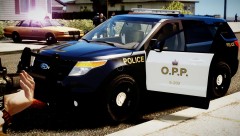 That looks really nice! Great job on it!
 -
Looks amazing! Keep it up, my friend!
-
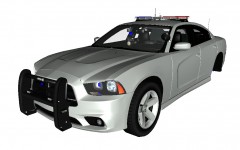
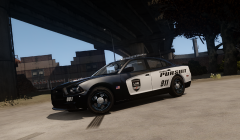 It's Dhruv's Charger, I heavily modified it into a police version.
 -
Not sure yet, I might.
-
Yup!
-
From the album: Moon Man Modding Studio
-
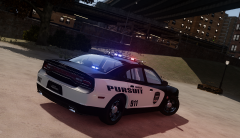
From the album: Moon Man Modding Studio
-
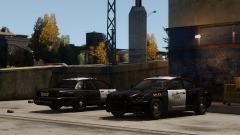
From the album: Moon Man Modding Studio
-
Look's great as always Nutt!
-
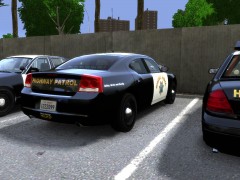 I love this thing
 -
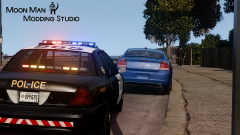
From the album: Moon Man Modding Studio
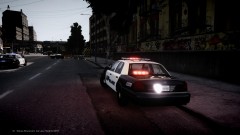
Custom SRT/8 Charger and CVPI by Chippy Skin by bonehead -
-
From the album: Moon Man Modding Studio
-
-
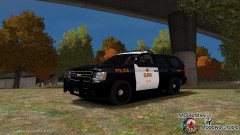 MAYBE THE DSF ONE IS REALLY BIG
 -
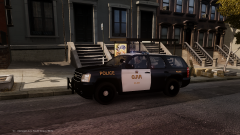 I like 'Merica. lol I like their cars.
 -
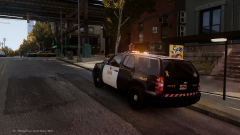
From the album: Moon Man Modding Studio
-
From the album: Moon Man Modding Studio
-
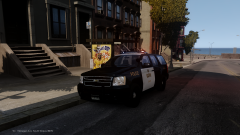
From the album: Moon Man Modding Studio