




Chippy
Members
-
Joined
-
Last visited
Everything posted by Chippy
-
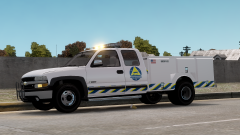 I agree, thanks a lot!
 -
From the album: Chippy's WIPs
-
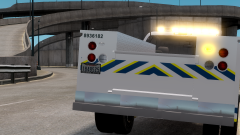
From the album: Chippy's WIPs
-
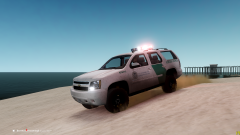 Thanks a lot! I'll try!
 -
Thanks a lot!
-
I'm actually converting a Raptor now, so expect to see that in the near future! ;)
-
I do actually, what else do you thin I should add?
-
I usually love Christmas trees, but that's a bit much!
-
I actually based it off of this one
-
Would you mind showing me how that looks, Sgt.?
-
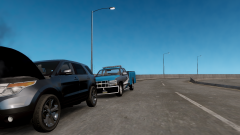 Ohp okay, I have to find another one like that.
 -
The utility cab is from this: http://gtapolicemods.com/downloads.php?do=file&id=2009 And the bumper is from a NYPD tow truck from here
-
Which parts exactly?
-
I made it, not releasing yet
-
Thanks! It is indeed
-
Yes.... Lol
-
Run this as administrator
-
From the album: Chippy's WIPs
-
From the album: Chippy's WIPs
-
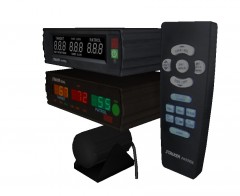 That looks really good!
 -
 I love those rear windows! Nice work!
 -
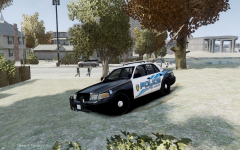 Looks super nice Tim!
 -
Yes! I found flickr to be quite helpful for many different cars, thanks for the tip! I agree! Good luck to you as well!
-
That would help a lot, it's nice to have a reference
-
Would you happen to have any pictures?


