



RipplyTiger151
Friends of LSPDFR
-
Joined
-
Last visited
Everything posted by RipplyTiger151
-
 It is just because of the glass texture he uses. Looks good though Jason!
 -
 Yep. LOL.
 -
From the album: Beta Testing
Car by XBR410 ENB Private -
From the album: Beta Testing
Car by XBR410 ENB Private -
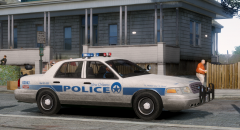 Love the picture!
 -
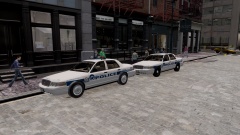
From the album: Beta Testing
Vehicles by XBR410, still in beta stages. -
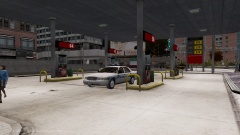
From the album: Beta Testing
Vehicle by XBR410, still in beta stages. -
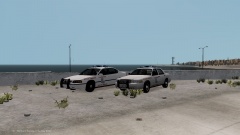
From the album: Beta Testing
Vehicles by XBR410, still in beta stages. -
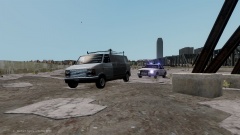
From the album: Beta Testing
Vehicle by XBR410, in beta stages. -
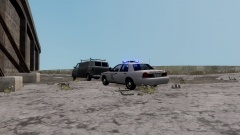
From the album: Beta Testing
Vehicle by XBR410, in beta stages. -
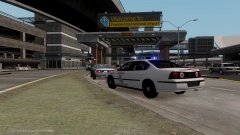
From the album: Beta Testing
Vehicle by XBR410, in beta stages. -
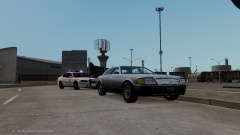
From the album: Beta Testing
Vehicle by XBR410, in beta stages. -
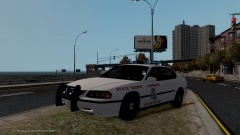
From the album: Beta Testing
Vehicle by XBR410, in beta stages. -
-
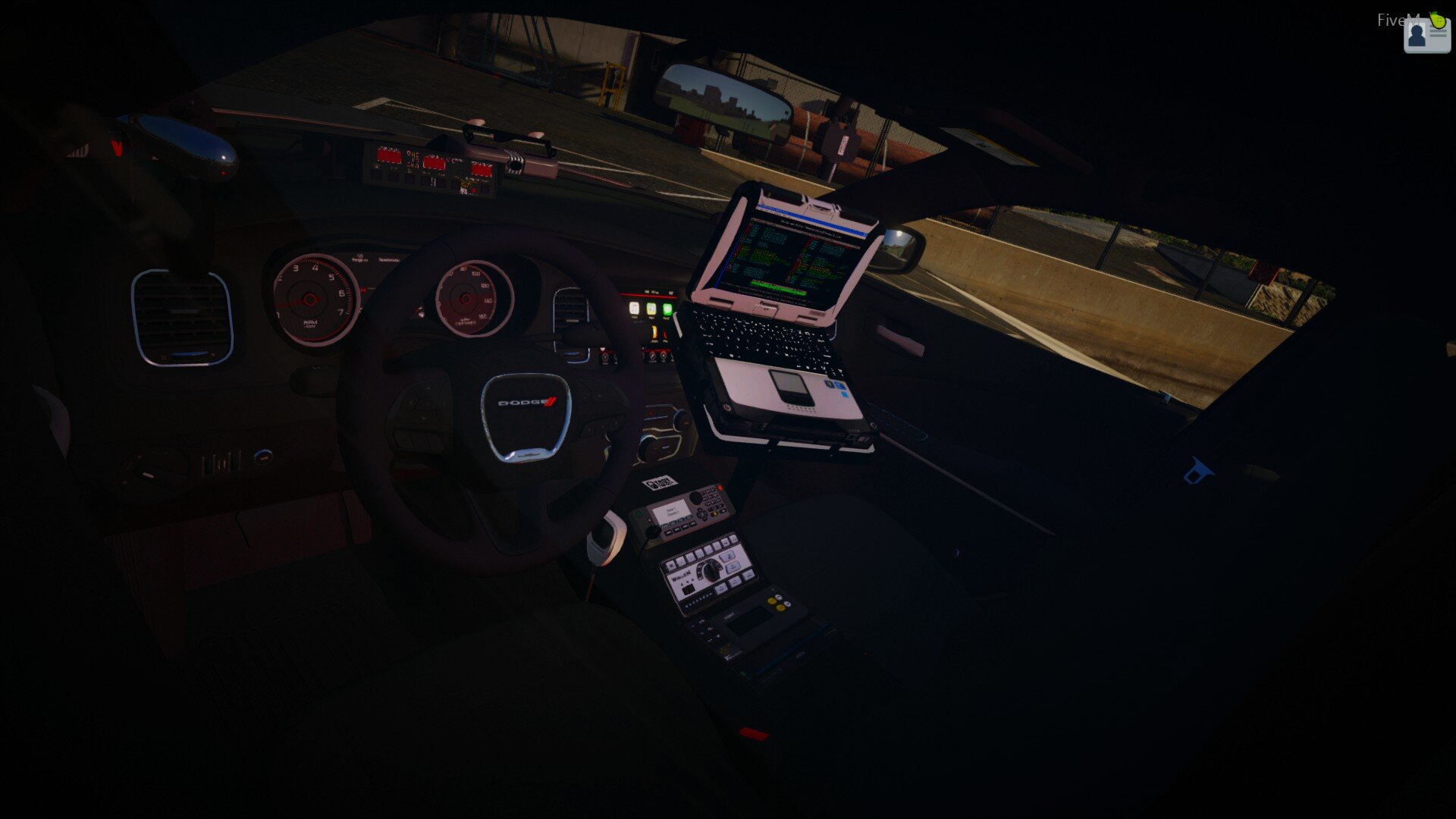
Over all, it looks pretty good. Fix the date thing and it will be better, then bring the Emergency, Call, 911 all together closer like this:
- 5 comments
- 1 review
-
Thats quite interesting... never heard about it...
-
Check the date created, doesn't that seem pretty old?
-
-
-
-
![Coming Along Nicely - [WIP] Pinellas County Sheriff Tahoe](//s3-gallery.int-cdn.lcpdfrusercontent.com/gallery/album_2838/sml_gallery_120090_2838_1491609.png) Coming along nicely!
Coming along nicely! -
I do but just like a lot of people, I don't just want to hand it out. It's not too hard to get one, you just got to find the right one. Good luck though!
-
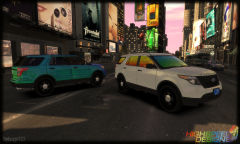 Nice Bugs!
 -
Alright, basically you can't have them on both the door and the bar so you are gonna have to pick. If you want to just attach the, for example if you are using 2 & 3 for the doors, 2 & 3 on the bar to the 1 & 4 on the bar and set that up that way. I also believe you can, I can't remember correctly, make the 7,8,&9 somewhat primary or even make the extra 2 & 4 = 5&6 and then use the headlights and indicators for your wig wags. Now for the two door situation just take 2 and put it on the left door and use 3 on the right door.
-
This is the basis of it: misc_y (YOUR LIGHTBAR) -extra_1 --extra_1_L0 --extra_1_L1 -extra_4 --extra_4_L0 --extra_4_L1 door_dside_f (YOUR DOOR) --door_dside_f_L0 -window_lf --window_lf_L0 --window_lf_L1 --window_lf [COL] --door_dside_f [COL] -extra_2 --extra_2_L0 --extra_2_L1 -extra_3 --extra_3_L0 --extra_3_L1 So basically, if you have lights in the door, they can only be assigned to the door not the door AND the lightbar.


![Coming Along Nicely - [WIP] Pinellas County Sheriff Tahoe](http://s3-gallery.int-cdn.lcpdfrusercontent.com/gallery/album_2838/sml_gallery_120090_2838_1491609.png)
