



RipplyTiger151
Friends of LSPDFR
-
Joined
-
Last visited
Everything posted by RipplyTiger151
-
I don't know what that is. The person below me hates Vertex3D
-
I produce blood if I get a cut... sooo... I think so.. The person below me has more than 5000 subscribers on youtube.
-
True. The person below me knows how to scratch model.
-
False. Never watched it. (I am assuming your talking about the show) The person below me has been banned off a site period.
-
hmmm... let me see... the stupid AI driving by your back-up units.
-
-
-
-
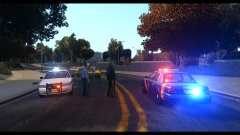
From the album: GTA:IV Gameplay/Action Pics
Boxville slams into Futo after not stopping at red light. One in custody for intoxicated driving. Crown Vics by TheHurk (RCMP Pack) Skins by Code3 Designs (Code Zero) -
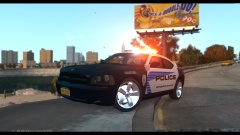
From the album: GTA:IV Gameplay/Action Pics
Charger by TheHurk (RCMP Pack) Skin by Code3 Designs (Code Zero) -
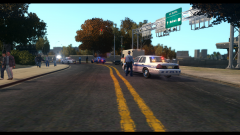
From the album: GTA:IV Gameplay/Action Pics
Boxville slams into Futo after not stopping at red light. One in custody for intoxicated driving. Crown Vics in background by TheHurk (RCMP Pack) Slicktop Vic by IronicRainbow Skins by Code3 Designs (Code Zero) -
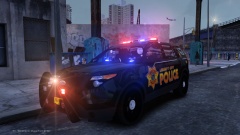
From the album: Beta Testing
Beauty isn't it? -
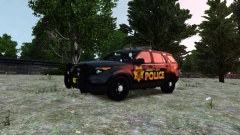
From the album: Beta Testing
Beauty isn't it? -
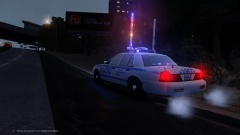
From the album: Beta Testing
After a busy day, the Night Shift Officers are now on duty. This officer pulls over to check his lights. -
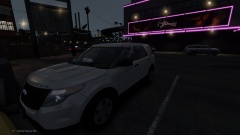
From the album: Beta Testing
I guess the lights got him in the mood. -
 Nice!
Nice! -
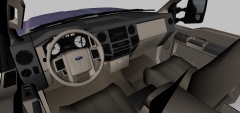 Ripped. jk. Looks sick man!
 -
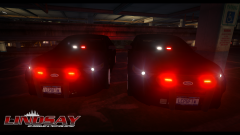 Ignore the Krispy Kreme... that car is delicious!
 -
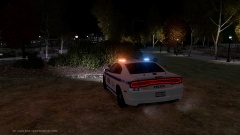
From the album: Beta Testing
Car by Jasonct203 Not for Release -
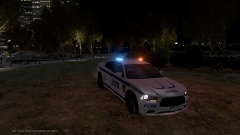
From the album: Beta Testing
Car by Jasonct203 Not for Release -
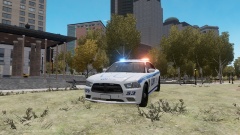
From the album: Beta Testing
Car by Jasonct203 Not for Release -
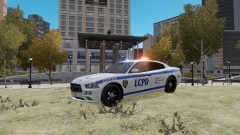
From the album: Beta Testing
Car by Jasonct203 Not for Release -
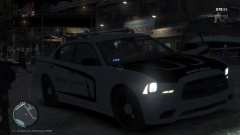 <3 I love it.
 -
Did you install it over ELS 7, LCPDFR and Trainer? Or did you install it then the rest of the stuff. Also, what version of LCPD:FR are you using?
-
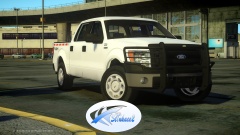 Damn... love it. Getting the tissues again.


