



RipplyTiger151
Friends of LSPDFR
-
Joined
-
Last visited
Everything posted by RipplyTiger151
-
Beta Testing for Highspeed Designs/Him1250/and more!
-
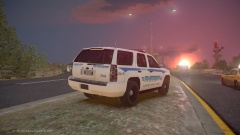 Early Morning Speed Trap
-
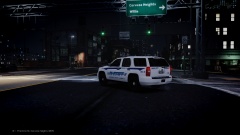 Tahoe at Night
-
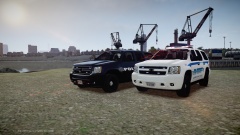 IronicRainbow Tahoes 3
-
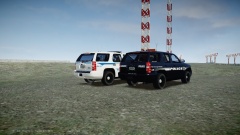 IronicRainbow Tahoes 2
-
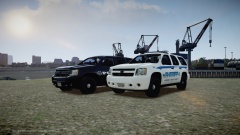 IronicRainbow Tahoes 1
-
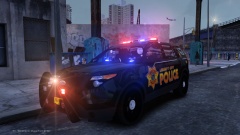 '15 FPIU 2
-
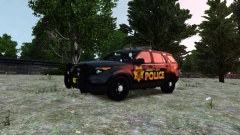 '15 FPIU
-
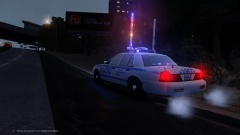 10-41 Night Shift
-
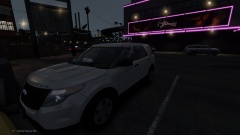 What the LCPD does on their free time.
-
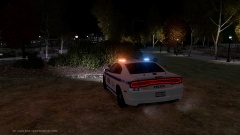 Charger 4
-
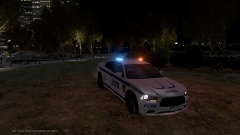 Charger 3
-
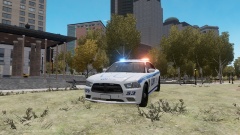 Charger 2
-
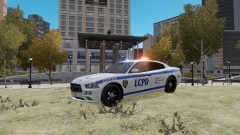 Charger 1
-
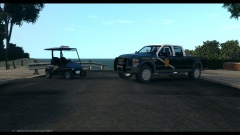 NMSP Golf Cart/F-250
-
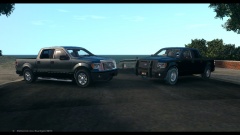 NMSP F-150s
-
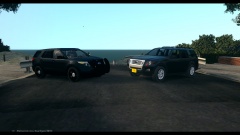 NMSP Explorers
-
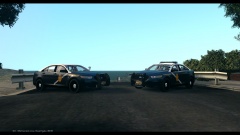 NMSP FPI's
-
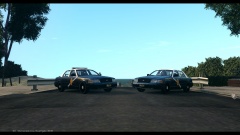 NMSP Crown Vics
-
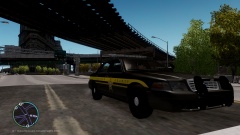 SCSO at the Long Light on Dukes Blvd.
-
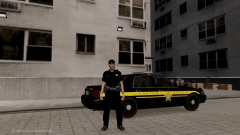 SCSO Posing After Domestic Situation
-
-
From the album: Beta Testing
Tahoe by IronicRainbow -
From the album: Beta Testing
Tahoe by IronicRainbow. In testing stages. -
From the album: Beta Testing
Tahoes by IronicRainbow. In testing stages -
From the album: Beta Testing
Tahoes by IronicRainbow. In testing stages -
From the album: Beta Testing
Tahoes by IronicRainbow. In testing stages -
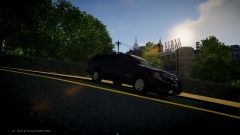
From the album: Tiger's Random Pics
Suburban by gfxle, ENB by Vucko What do you guys think? -
-
TheUniT
-
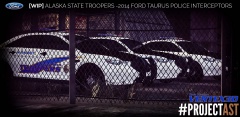 If I'm correct that was only a demo. I don't think they produced that after that one.
 -
Actually: '> Also if you go and watch the most recent funeral procession, they have a few FPIs with the 21TR
-
Since theres a post there and no number... 3
-
2
-
8
-
4
-
10
-
6
-
1
-
2
-
I am not 100% sure if I know how to do that. i would have to go over some things quick but I am not sure right now. I am quite busy.
-
hmmm... interesting. Let me know what happens when you do that... I don't think that will be a big issue with the car.
-
Are you getting any in-game errors after importing them on then exporting or have you not tried yet? ALSO MY 100TH POST!
-
SERGyji
-
RyanG
-
True. I like his stuff... his a personality is a bit out there... The person below me has Him1250's Taurus


