



KyneiZero
Members
-
Joined
-
Last visited
Everything posted by KyneiZero
-
 thanks, the redesign i feel will look sharper, cleaner and have more attitude. Of course i am making you all feel bad cause i only have drawn it on paper and hope to start work on it tonight. Have to be at work in an hour,, thanks for the comment.
 -
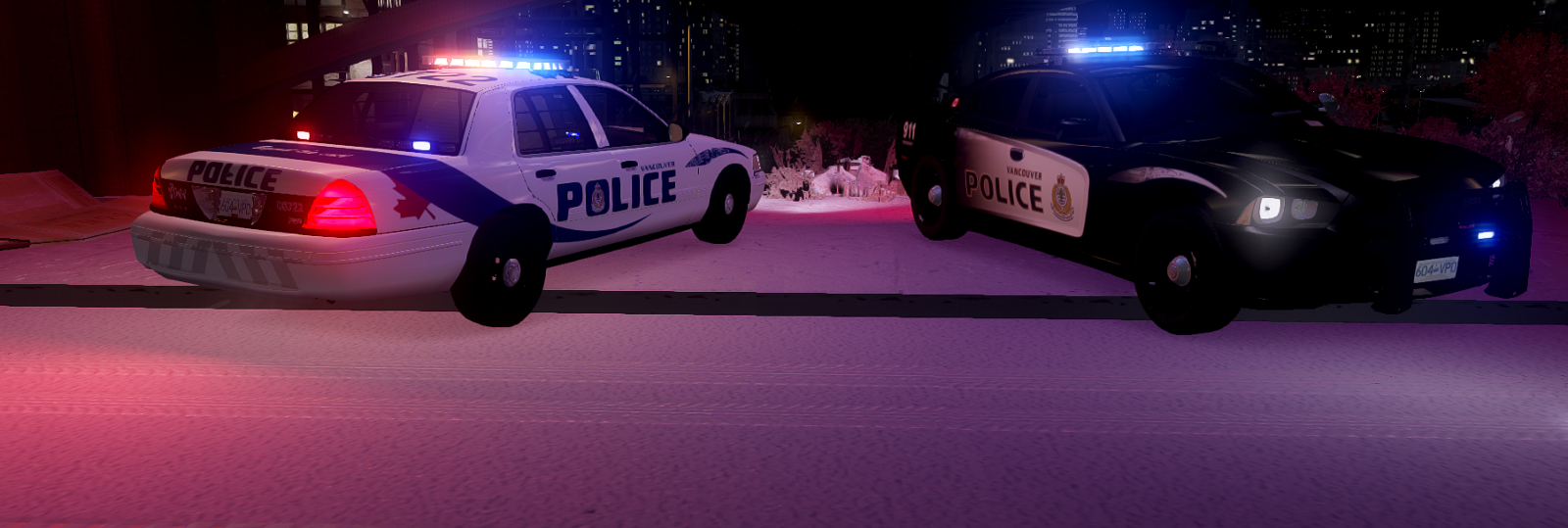
From the album: KZ Car Textures
The design pictured on this white slicktop is to pay homage to current and past VPD car livery. I put some familiar elements together that you will recognize. This livery was also sitting in the backburner as i wanted this to be paired with the other fictional car. Something about the design wasn't right either. I have figured it out now and will be very slightly redesigned. Pretty much finished but i will be pairing the vehicles together and making Liberty City versions of each car as well. I hope to have it finished in March or April.. -
From the album: KZ Car Textures
I wanted to create a fictional sleek, high tech and futuristic design. Spent a whole lot of time on it and i honestly wasnt completely happy with it. But it had been sitting on the backburner untouched for more than a month and thought about just releasing it and let people toy with it. But then i got some motivation back and realized since that time, i am quite a bit better at graphic editing and this livery will be undergoing a redesign. Stay tuned if you are interested in a Fictional Vancouver Police Dept. Livery. I dont feel this is up to standards, so i do not plan to release this. -
From the album: KZ Car Textures
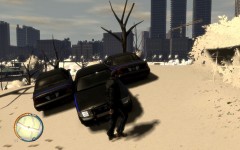
Learned a lot from this. Of course i spent as much time learning to use gimp as i did making the skin. I think it was about 5hrs fooling around with the gimp tools. And 6hrs on the skins. There are 3 designs with minor changes to unit numbers and the door paneling for each of the 3 districts. South, West and East. There is no North District as that part of the city was destroyed. The clan/roleplay didnt pan out, so i never did anything with these skins. -
From the album: KZ Car Textures
This was made for clan or RPing. I was learning to use Gimp and how to make skins for cars at the same time. The idea for the car design was to use them in an apocalyptic high tech futuristic city.(very loosely similiar example->world of Judge Dredd) They aren't your friendly, neighbourhood police service. More of a government security force enforcing the will of their "masters". -
are you wanting rcmp vehicles to use in GTA IV? There was a RCMP/GRC Mod pack around, but i am not sure if it is still available/correct link. Maybe someone else will know.
-
Alright thanks. Wanting to practice more on car textures and i like how those tahoes look. Any suggestions on which tahoe model would be the most accurate to skin for BCAS? Thanks again.
-
never thought of editing windows for example the BCAS tahoe rear sides. but not all models have a window texture that you can easily edit?
-
have to say it is really cool that you are making bcas skins. I think the medical personnel are always underappreciated.
-
-
textures for helicopters.. cool stuff. i should start flying them ingame. Is the heli model stock to the game? your projects are looking really nice.
-
-
you make astonishingly beautiful models. all the best.

