Skip to content
View in the app

A better way to browse. Learn more.

LCPDFR.com

A full-screen app on your home screen with push notifications, badges and more.

To install this app on iOS and iPadOS
  1. Tap the Share icon in Safari
  2. Scroll the menu and tap Add to Home Screen.
  3. Tap Add in the top-right corner.
To install this app on Android
  1. Tap the 3-dot menu (⋮) in the top-right corner of the browser.
  2. Tap Add to Home screen or Install app.
  3. Confirm by tapping Install.

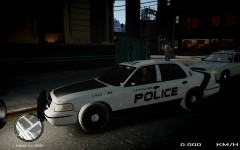
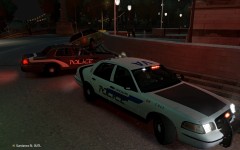
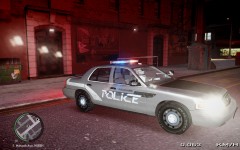
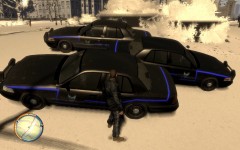
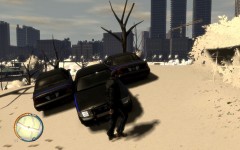
First completed Car Texture

Learned a lot from this. Of course i spent as much time learning to use gimp as i did making the skin. I think it was about 5hrs fooling around with the gimp tools. And 6hrs on the skins. There are 3 designs with minor changes to unit numbers and the door paneling for each of the 3 districts. South, West and East. There is no North District as that part of the city was destroyed.

The clan/roleplay didnt pan out, so i never did anything with these skins.

  • From the album:

    KZ Car Textures

    · 13 images

    Account

    Navigation

    Search

    Search

    Configure browser push notifications

    Chrome (Android)
    1. Tap the lock icon next to the address bar.
    2. Tap Permissions → Notifications.
    3. Adjust your preference.
    Chrome (Desktop)
    1. Click the padlock icon in the address bar.
    2. Select Site settings.
    3. Find Notifications and adjust your preference.