
DooVan
Members
-
Joined
-
Last visited
Everything posted by DooVan
-
 Work great. Good immersion and give the opportunity to do speed enforcement in town more easily. The only point is Keybinding, I tried to change the key to roll down the window and now it doesn't work.
- 141 comments
- 16 reviews
-
-
-
-
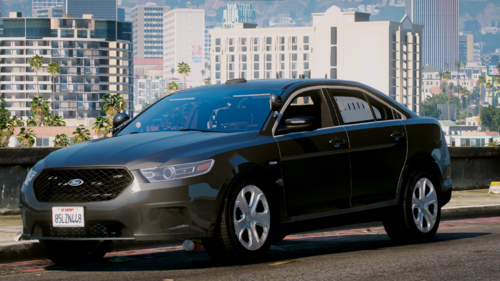 How do you get Silver color and white or charcoal?? In simple trainer the only color that I have is Olive green, red, and black
- 21 comments
- 5 reviews
-
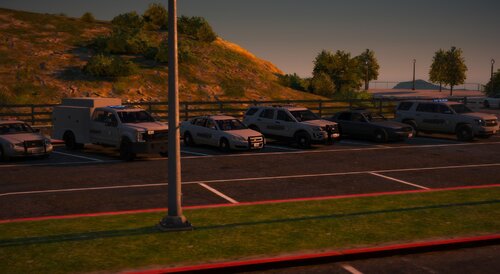 This mega pack is a mess inside the folder OMG! Impossible to know which model is in the car slot...
 -
-
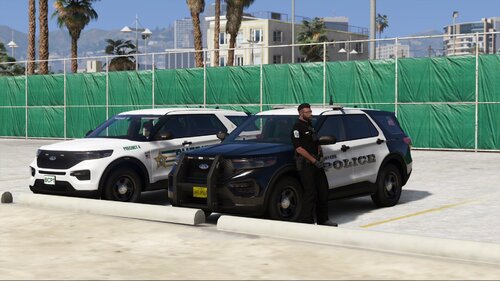 do you have the link for the model used in photos or the pack model name? I really like the lightbar an ALPR location
 -
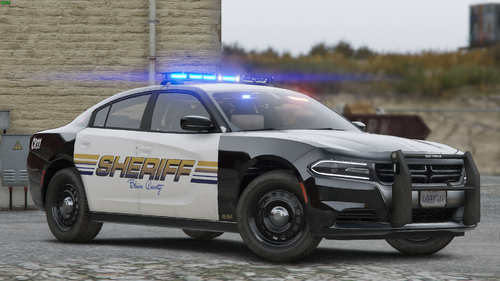 Usually, BCSO are in Sherrif and Sherrif2 slot. It would be amazing if you change the name of the car in the proper name. I will do it for mine but it is a bit annoying.. Just so you know
 -
-
 I have a suggestion: Please could you make the nightstick NON-LETHAL !? it is annoying that we can't use the nightstick because we will kill the ped instantly that is not realistic
- 633 comments
- 57 reviews
-
-

- 1
-
-
-
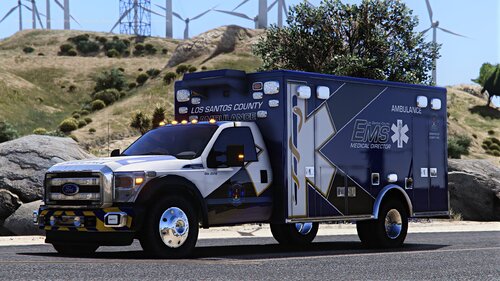 WOW! Lighting is Amazing, Livery and model are also AMAZING. I Recommend this ambulance! 💯
- 8 comments
- 3 reviews
-
-

- 1
-
-
WOW WOW ! I'll download it and give it a try RIGHT F**K NOW! It's been a while since a good release of an ELS Ambulance
- 8 comments
- 3 reviews
-
-
- 1
-
-
-
 No preview, Only one sound. The sound is only a simple ''beep'' that's it. Doesn't worth the time to download and install it
- 4 comments
- 1 review
-
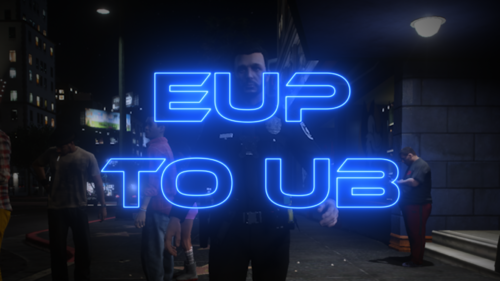 So backup cop will spawn with the preset outfit from my eup wardrobe instead of their vanilla uniform?? Not sure what this plugin does exactly.
- 36 comments
- 16 reviews
-
 I have reinstalled your callout pack and here is my experience: Trespassing on Railroads callout when I get there, everything is fine until the suspect flee, the game doesn't recognized it so I couldn't start a pursuit. For Public Disturbance Callout when the suspect flee, he charged my partner with a knife so I shot him and he died, instantly when he died the ped disappeared and the callout ended. Could we have the possibility to have an option in the .ini file to set if we want the callout to end automatically or manually?
- 356 comments
- 25 reviews
-
 a MUST HAVE plugins in my opinion!! When you understand all the feature and mechanics of this plugins, you will be able to customize the .ini to make intimidation mode and animation to work perfectly
- 561 comments
- 97 reviews
-
-
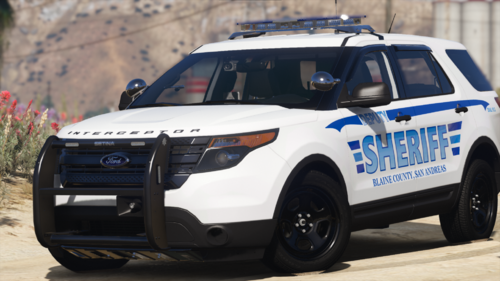 Great pack!! Arjent lightbar is now very rare in this website but I always like it. The only point is that I would prefer to have the option for a R/B lighting. The livery is a bit simple and feel like this is a old design from a police corps.
 -
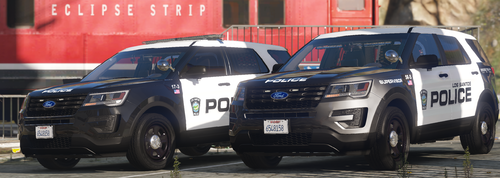 I really like the livery!! I downloaded this file when the 2020 FPIU was include and I really love it!! My favorite feature is the brake light in the lightbar which really remind me of my local PD. I never seen any other car model with this feature
 -
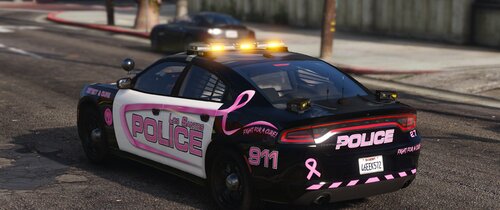 I like the car model and lightbar, BUT there is a blue square on top of the lightbar that is ugly and I don't know what it is. Can you remove it!?
- 2 comments
- 4 reviews
-
 I Love the vehicle and livery!! Alley lights and Takedowns work perfectly, all the Lights feature that a Cop Car can have he add it to his car
- 131 comments
- 45 reviews
-
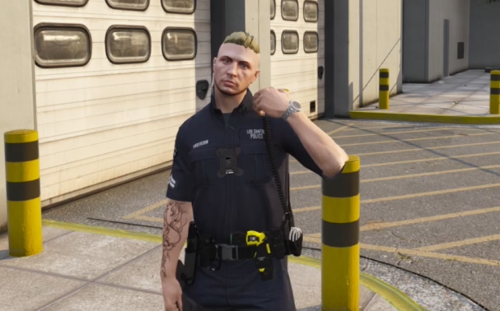 😶 Sound provided are not ''new'' they are already available with the OG Grammar Police file. Same quality and same Volume Level😅