
DooVan
Members
-
Joined
-
Last visited
Everything posted by DooVan
-
 FInally someone who created a mega pack with choice either Addon or Replace!! Lightings are amazing! no issue at all
- 20 comments
- 2 reviews
-
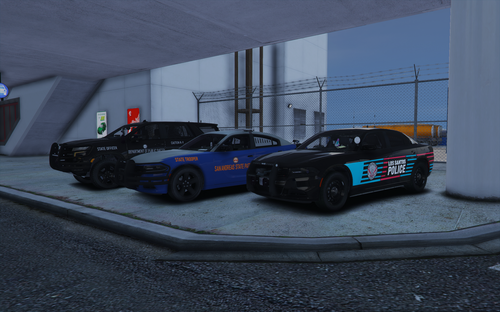 WOOW!! those livery are incredibly well done! Thanks for adding links to model car usable for this livery pack.
 -
-
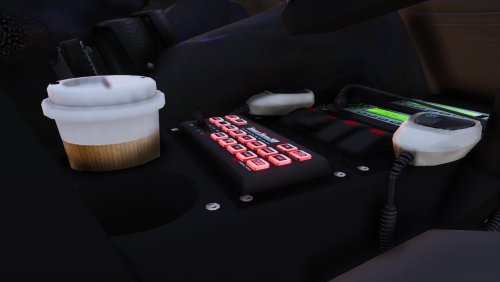 I suggest an update with the Natural sound a little bit louder just a little😁
- 83 comments
- 19 reviews
-
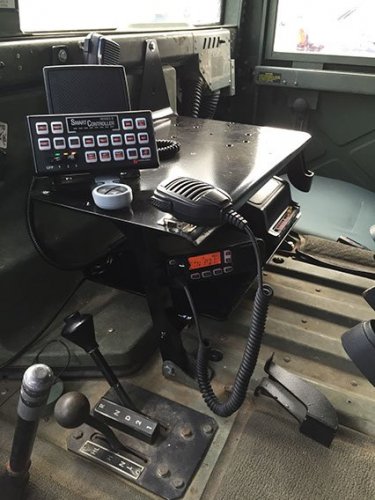
this is the ONLY Federal Signal Smart Siren SS2000SM that is loud enough in-game!! I tried the Natural version and awesome. I did compare with a video of my hometown PD and it sounds EXACLTY the same
- 83 comments
- 19 reviews
-
-

- 1
-
-
-
 Nothing bad to say. I will never remove this plugins, it improve realism!
 -
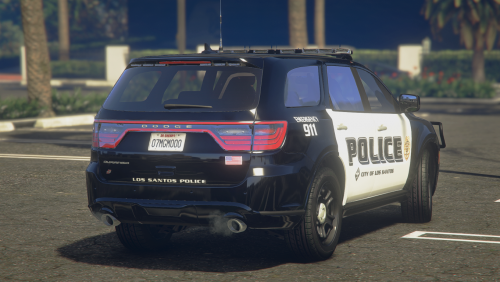 To continue with my review, I'd ask you if you could add a 2018 Charger to this pack?
- 18 comments
- 1 review
-
I wanted to give a 3.5/5⭐ but i can't so I'll give 4⭐. on the Durango and 2020 FPIU there is only 1 stage lighting instead of 3, 2016 FPIS does have 3 stages lightings. There is no Takedowns on the Durango and 2020 FPIU. There is no Alley Lights on FPIS, 2020 FPIU and Durango ( can't say for 2015 FPIU cause I didn't try it). So for these reason I'll give it a 3.5/5⭐. Light pattern, amber and everything else is perfect!! 1 update for ELS to correct what I have listed above and this will become and awesome, perfect and complete pack.
- 18 comments
- 1 review
-
 finally a Canadian charges and citations!!!
 -
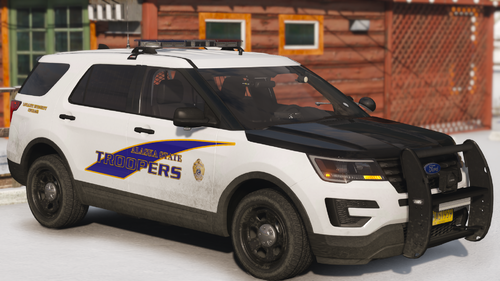 please could you make it a REPLACE version available too?! I would really appreciate
 -
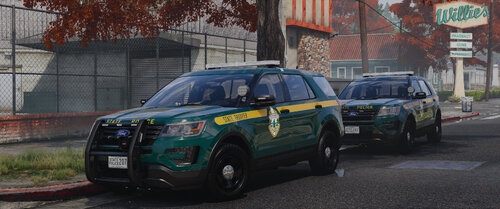 WOOOW! it look amazing, I really hope this pack will become popular! hope to see more car model to be release!! BUT I also ask for a REPLACE version PLEAAASE!!!
 -
-
 oh okay, then i have some upgrade to suggest, when grammar police respond there is A LOT of ''uhhh'' when she's speaking and the grchhh form the radio is annoying too. Glad to see you back to LSPDFR!
- 637 comments
- 51 reviews
-
don't know why but since i have update to version 2.0, My grammar police volume is controlled by this plugins thats weird
- 637 comments
- 51 reviews
-
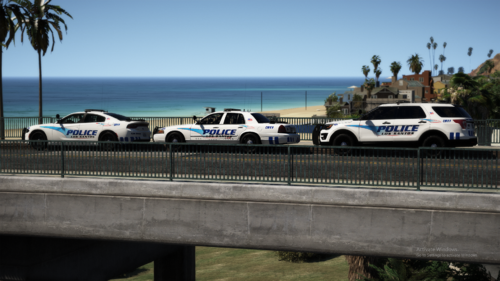 AMAZING PACK!! The cars have Alley Lights and Takedowns as well, no issue to report
- 66 comments
- 18 reviews
-
-
- 1
-
-
-
-
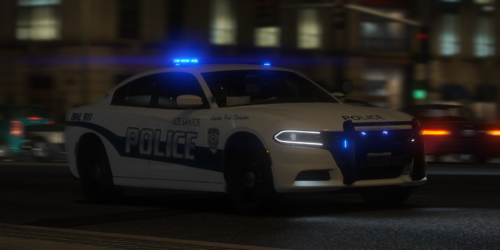 I have installed the right texture that i forgot the first time to get a R/B lighting but since the light bar and headlight and light in the pushbar are tinted and even with the trainer i can't get them untint... I have installed the alt pattern for R/B with the right texture
 -
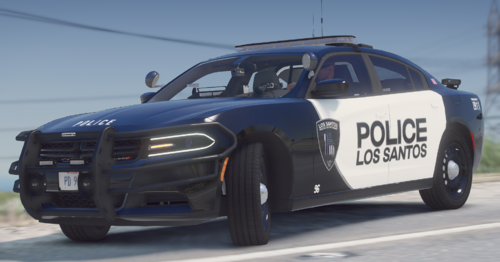 is this livery are also compatible with the other car from RIpple's Nforce pack that you have used for the charger? it would be awesome!
 -
Lots of issue that needs to be fix. There is no R/B Lighting even if he is saying there is one, fpiu lightbar too small etc. I'll edit this review once the issue solved
-
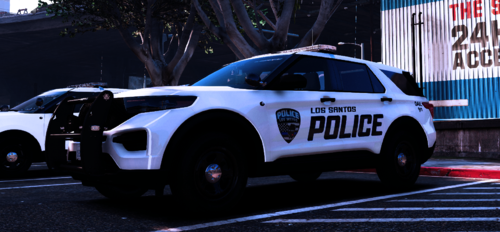 link for the car used for the picture display
 -
The R/B Els shows B/B in game for both option ( Alt pattern or fix pattern) for police, police2 and police3 I did not try police4. Hope it will be fixed
-
An other issue is the ALt Pattern R/B is showing only B/B in game even if the xml files says Red and Blue
-
 2023 Review: OUTDATED Your game will crash if you have it installed I had to uninstall to make my game working properly.
- 138 comments
- 34 reviews