Skip to content
View in the app

A better way to browse. Learn more.

LCPDFR.com

A full-screen app on your home screen with push notifications, badges and more.

To install this app on iOS and iPadOS
  1. Tap the Share icon in Safari
  2. Scroll the menu and tap Add to Home Screen.
  3. Tap Add in the top-right corner.
To install this app on Android
  1. Tap the 3-dot menu (⋮) in the top-right corner of the browser.
  2. Tap Add to Home screen or Install app.
  3. Confirm by tapping Install.

Lidar Gun 1.1

(16 reviews)

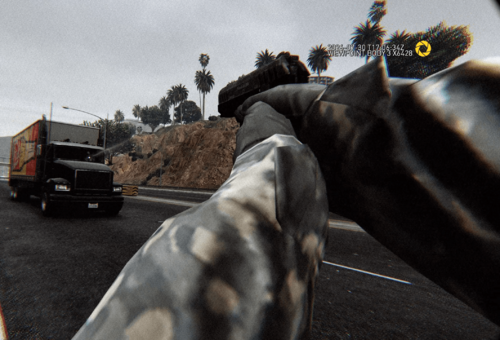
5 Screenshots


The vintage pistol is NOT compatible with StopThePed's realistic weapons system.

You will need to either disable that or use a different weapon.


Discord:  https://discord.gg/AuJCUag


Features:

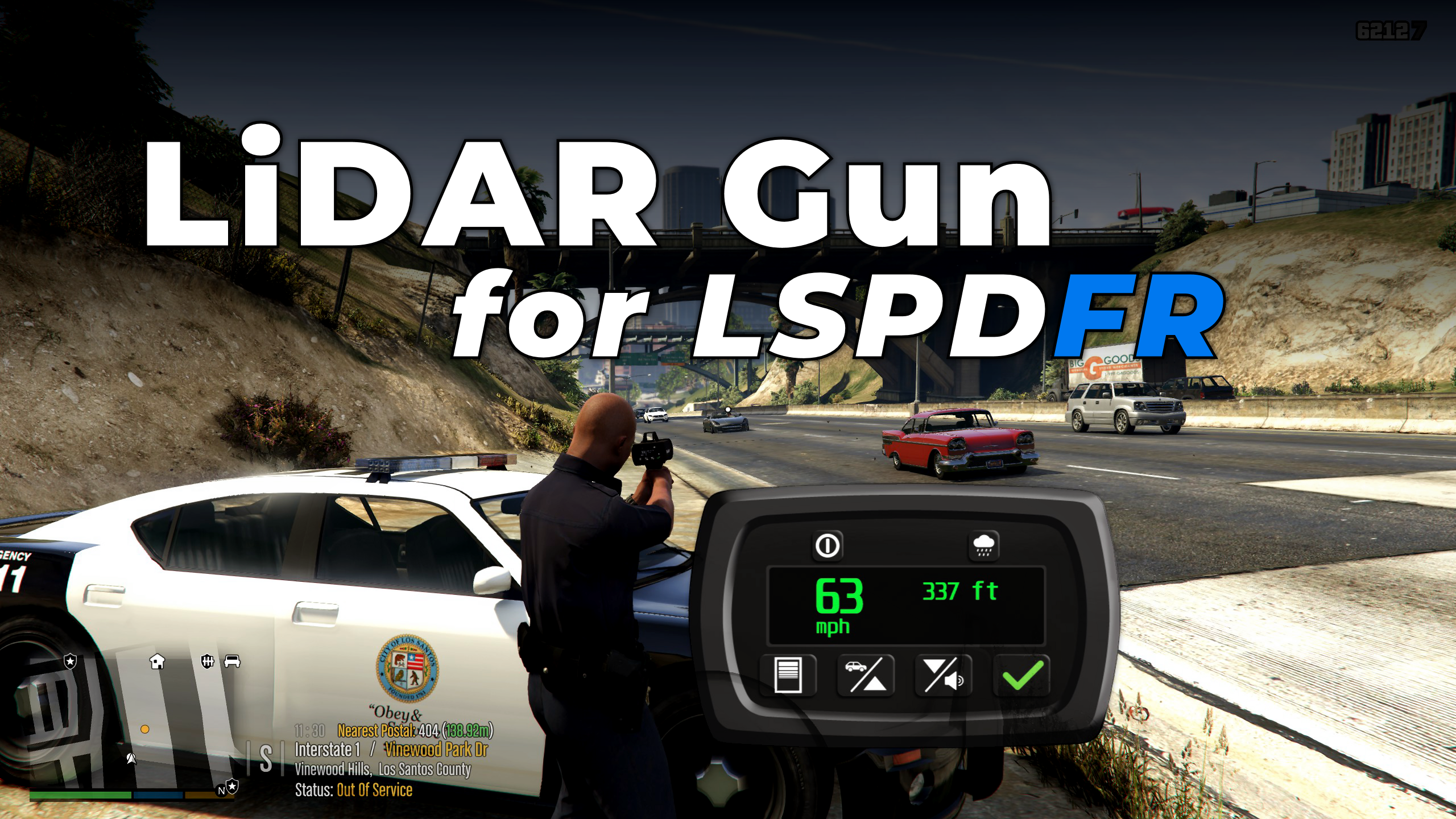
  • A hand-held speed enforcement tool
  • Displays speed/distance in imperial/metric units
  • Normal weapon-style aiming plus a zoom feature
  • Works both on foot and in a vehicle
  • Includes keybind for rolling driver side window up/down
  • ProLaser 4 texture files courtesy of @Scaarus


Recommended:

Check out this weapon wheel mod by @Medicmojo


Edited by opus49

What's New in Version 1.1

Released

- Added drag-and-drop repositioning and scroll wheel resizing "edit mode"
- Added first person "auto zoom" feature
- Added option for HUD keyhole-type "screen" (will stretch on widescreen)
- Fixed issue where entering La Mesa Police Station caused crash
- Fixed compatibility with DashCamV


Short Description

A laser gun for speed enforcement.

User Feedback

Recommended Comments

Charlie686

Members

And just like that, Opus has yet again put his heart into a plugin, which he then gifts to the LSPDFR Community. Stunning!


Honestly, the work & commitment I've seen go into this is astounding, and I hope others really do appreciate the great lengths you have gone to produce something of such high standard. 


Great work, you killed it Opus!

opus49

Insiders Author

2 minutes ago, Scaarus said:

Looks good 🙂

Thanks for the texture files!

GrilledBoi

Members

And another one ladies and gentlemen... They've done it again!

jogbot500

Members

14 minutes ago, WeAllCampShutUp said:

This should go on the "Essential Mods" list

I think that's based on download numbers 

bugtaco

Members

I cant seem to get it installed properly can anybody help

Tha Mexikan

Members

WOW Thanks for all your hard work  u rock!!!!!!!!!!!

jogbot500

Members

14 minutes ago, bugtaco said:

I cant seem to get it installed properly can anybody help

Make sure you install the model and all necessary files it should go into your lspdfr folder 

bugtaco

Members

I downloaded the files. I took care of the textures part no problem. I have a folder that I downloaded and says GTAV. I open that and have

plugins (FOLDER)

ipt.common.dll

ragenatioveui.dll

Where do I put these files?


When opening plugins I have an LSPDFR FOLDER

Open that and I have 

LIDAR GUN FODLER
lidargun.dll

lidargun config


Where do these go. Icant figure this one out SMH I feel like an idiot LOL


jogbot500

Members

3 minutes ago, bugtaco said:

I downloaded the files. I took care of the textures part no problem. I have a folder that I downloaded and says GTAV. I open that and have

plugins (FOLDER)

ipt.common.dll

ragenatioveui.dll

Where do I put these files?


When opening plugins I have an LSPDFR FOLDER

Open that and I have 

LIDAR GUN FODLER
lidargun.dll

lidargun config


Where do these go. Icant figure this one out SMH I feel like an idiot LOL


Ok so GTA V folder files go into the same folder as your gtav.exe program and the LSPDFR folder is if you have other callouts installed should be made inside your plugins folder if not make one and call it LSPDFR then put the plugin folder items into that one

bugtaco

Members

perfect will try that now thank you

Callmeking89

Members

Love it easy to use an easy to install. this mod get a 10/10 for me nice work opus49 thanks for taking the time an making all these great mods for us in the LSPDFR community 

Richard Tracy

Members

Any tips on how to prevent it from switching to my primary pistol? I can only use it for about a half second before it switches. Not sure where I messed up


opus49

Insiders Author

(edited)

@Richard Tracy

The giant red text in the description 🙂

Edited by opus49

Mchu95

Members

Opus does it again! Fantastic mod and thank you for all your work. Didn't even have to read controller controls cause it was so intuitive. Cheers mate! 

Richard Tracy

Members

5 minutes ago, opus49 said:

@Richard Tracy

The giant red text in the description 🙂

HAHA that completely went over my head 😂


Benjamin255

Members

(edited)

以后的版本会像图片中那样添加阴影吗?

1.jpg

2.jpg


There is a bug when loading the LidarGun plugin, BodyCam will not display any page content, the view of DashcamV will be misaligned, you need to manually reload these two plugins, after reloading, only the BodyCam page is displayed normally
(The game was normal before installing LidarGun)

6.thumb.png.765d4a7435cc84e362482949f93f5c74.png

Edited by CC2020

MattWestGaming

Members

(edited)

Thanks opus49 and BenH6021 for the amazing plugin great work mates! 😎

Edited by MattWestGaming

opus49

Insiders Author

2 hours ago, CC2020 said:

Will later versions add shadows like in the picture?

1.jpg

2.jpg

No plans for that. If you really wanted it, you could modify the image files for the huds and add it.

Benjamin255

Members

3 minutes ago, opus49 said:

No plans for that. If you really wanted it, you could modify the image files for the huds and add it.

just reported a bug,in my last message

opus49

Insiders Author

20 minutes ago, CC2020 said:

just reported a bug,in my last message

Those are not my plugins.

Create an account or sign in to comment

Latest Mods

Account

Navigation

Search

Search

Configure browser push notifications

Chrome (Android)
  1. Tap the lock icon next to the address bar.
  2. Tap Permissions → Notifications.
  3. Adjust your preference.
Chrome (Desktop)
  1. Click the padlock icon in the address bar.
  2. Select Site settings.
  3. Find Notifications and adjust your preference.