Eagle
Members
-
Joined
-
Last visited
Everything posted by Eagle
-
Thanks a lot for this, there are so many cars that should have proper lines. Anyway, to test if all of this right there is no other way than going out and in the game for 8642 times?
-
-
I played all NFSs so far. I'll try some of the above. Thank you all.
-
*Le 1 hour of watching*. I can almost watch Dictator for that time, how long did it take you to upload?
-
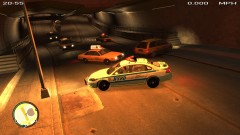 How did you do this?
 -
The idea with ranking system is more of PPM thing as above said. In real life, every police officers has equal resources available to do his job and equal powers except using some heavy weaponry if (s)he isn't in special response team. Idea of having ability to make higher fines or so and to get cars is unrealistic.
-
Tittle says all. The game must be for PC only. Thank you.
-
-
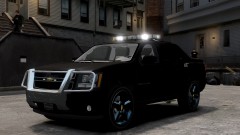 W.....o.....w.
 -
-
-
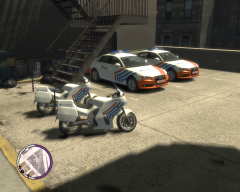 Where did you get that Audis?
 -
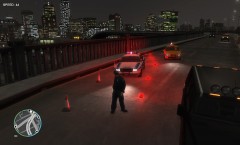 I choose lights, too!
 -
I like this a lot, I might even buy it.
-
-
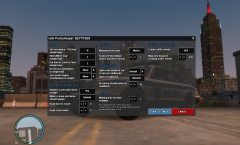 Can't wait. :)
 -
How your police radio is so loud?
-
Release it mate :)
-
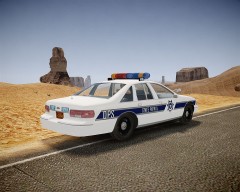 Nice picture, and yeah what map mod is this?
 -
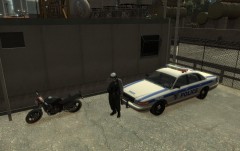
From the album: Liberty City Police Notebook
The two main vehicles PAPD uses nowadays. Ped is textured by me, still needs a few tweaks. -
Evidence taken by our police officers/state troopers.
-
Port Authority Police
-
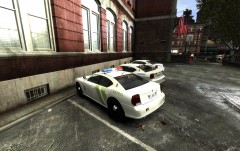 One Thursday Evening..
-
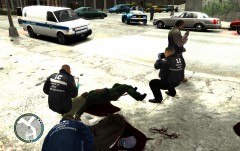 METT Investigating Multiple Person Murder
-
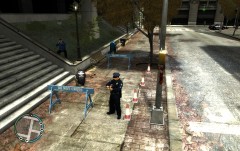 Yard1's METT Ped Mod
-
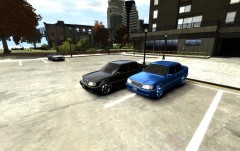 Mercedes Benz E500 W124
-
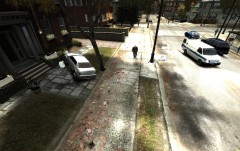 Dead Woman
-
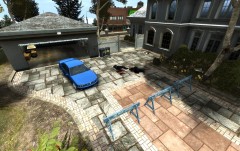 Officer Responding to..?
-
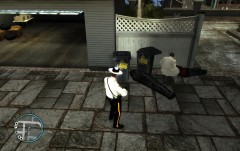 METT in Action
-
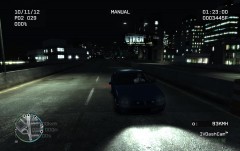 Hehe
Hehe
-
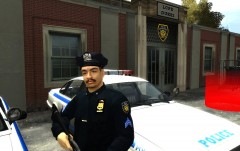 Finally Became a Sergeant!
-
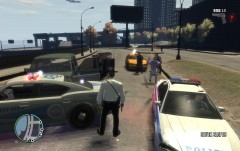 Watch the Car!
-
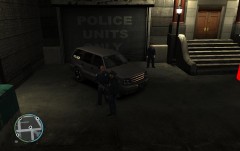 It's Gonna Be a Long Shift
-
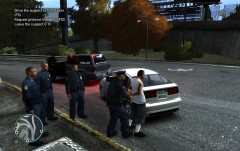 Drugs are bad for you!
-
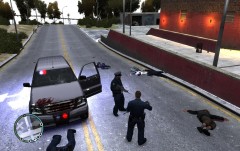 Oh God...
-
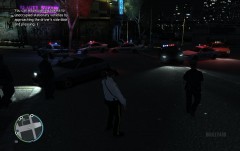 Resisting Ass!
-
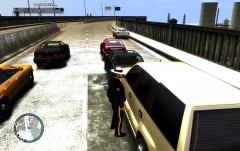 DUI Checkpoint
-
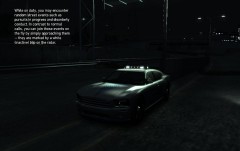 In the Dark...
-
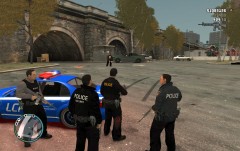 RRU Dispatched to a Disturbance
-
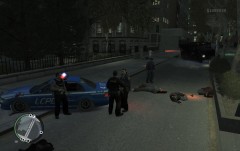 Even RRU Couldn't Handle It!
-
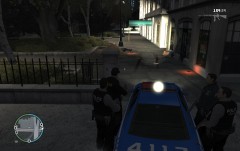 Attack on RRU
-
-
-
-
-
Awesome, love it! Edit: What did you use to make this?