




Carrythxd
Members
-
Joined
-
Last visited
Everything posted by Carrythxd
-
Freaking epic! :D I have to subscribe that channel lol
-
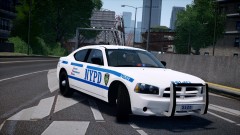 Hove Beach :)
 -
From the album: Carrythxd's Pics [IV]
Lex91, Lt.Caine, F5544, Ridgerunner Design & gorgonut's NYPD Dodge Charger -
Nice =)
-
-
 Thank you :')
 -
 You can never have too much lights! Yes!
 -
From the album: Carrythxd's Pics [IV]
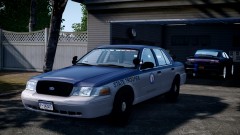
Lccop's Ford Crown Victoria Police Interceptor "State Police" -
From the album: Carrythxd's Pics [IV]
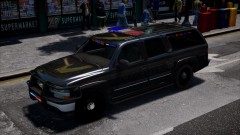
Beckugan1's 2003 Chevy Suburban "LCSO-LCPDx" Coming soon.. -
From the album: Carrythxd's Pics [IV]
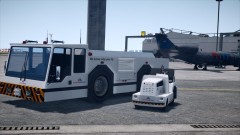
New Airtug & Ripley "American Airlines" http://www.gta4-mods.com/misc/new-airtug--ripley-american-airlines-f20708 -

From the album: Carrythxd's Pics [IV]
The City Of New York Department of Sanitation paintjob for XTREME0235's New Trashmaster. http://www.gta4-mods.com/misc/new-trashmaster-nyc-department-of-sanitation-f20707 -
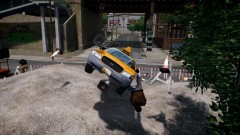 I dont want to use it lol...
 -
-
From the album: Carrythxd's Pics [IV]
-
A little update about my LCPD:FR videos:
-
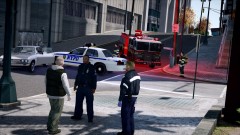
From the album: Carrythxd's Pics [IV]
-
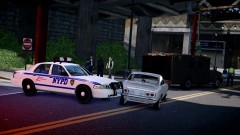
From the album: Carrythxd's Pics [IV]
-
You mean GTA IV's Video Editor? Yes on some PC's it records only 30secs but like on my PC is records from 2min to about 10mins, and Im talking about per clip.
-
Try this one: http://www.gta4-mods.com/misc/game4video-enb-107-f17186 Its Game4Video ENB but it doesnt have the black screen prob
-
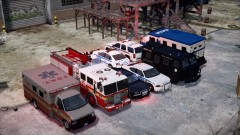 Thx =)
 -
Those are some nice Charger's! :D
-
-
-
-
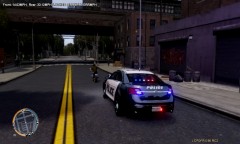 I read the title.. Then quickly looked at the pic then was like "Is that really a Faggio?" Looked at the title again, then clicked the pic to get the fullscreen version and saw that it was a PCJ lol Also nice Taurus btw. lol


