


McAwesome6934
Members
-
Joined
-
Last visited
Everything posted by McAwesome6934
-
-
 Simply perfect. These skins going to be release somewhere down the line?
 -
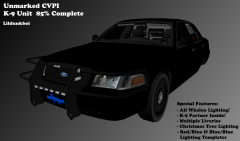 Looks good, hopefully all of the cars in your guys' pack aren't K9.
 -
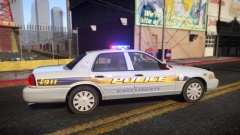 Wow, I really like this!
 -
http://www.gta-mod-center.com/forum/index.php?/files/file/223-2011-new-liberty-state-police-cvpi/ If you don't like the model you can just use the skin. You're welcome.
-
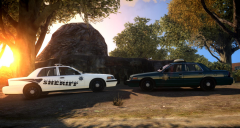 Also he might want to make the fender wrap connect to the ram bar...
 -
Tell your friend to release these! These are sooo sex.
-
-
Dude, these are awesome! You sure know how to make a texture pack, and a damn good one too. 5/5!
- 18 comments
- 6 reviews
-
-

- 1
-
-
LCPD:FR Single Player Episode 18 W/McAwesome - DUI Enforcement[HD] GTA IV Vehicle Showcase - 2013 California Highway Patrol FPIU By Chippy Dispatching For LibertyESA - Ep. 1 [Part 1 Of 2] LCPD:FR Multiplayer Episode 28 - Guest Who's Camera Shy[HD] LCPD:FR Multiplayer W/LibertyESA - New Beginnings[HD]
-
I was using fraps for a while, but recently switched to Nvidia shadow play to record. Fraps depleted my frames, and the files were way too big.
-
No point of reserving a comment spot.. because you can't edit reviews anymore. Also the video is private.
- 5 comments
- 1 review
-
 Those skins are mint. Nice pic!
 -
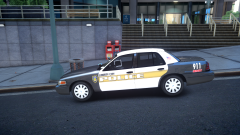 Me like.
 -
How does a skin have ELS?
-
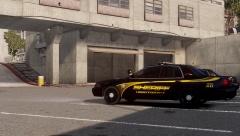 Thanks! Yeah it is looks awesome, one of my favorites!
 -
From the album: McAwesome Pics!
Skin by BErad, model by jump. Neither are released. -
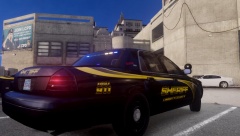
From the album: McAwesome Pics!
Skin by BErad, model by jump. Neither are released. -
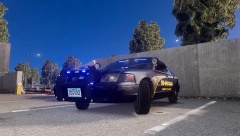
From the album: McAwesome Pics!
Skin by BErad, model by jump. Neither are released. -
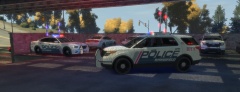 Two of my least favorite pieces of equipment (White rambar & high risers) looking superb together! Nice Job! Don't hate me for asking.. but are you planning on a release?
 -
Happy Day of Extraction from the Womb!!!
-
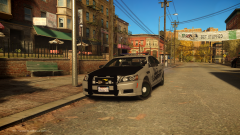 Didn't Sheriff/Fire/EMS make the skin?
 -
 Stunning pic! Nice skin(:
 -
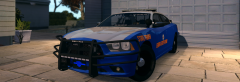 Merry Christmas! One hell of a job you did on that beast there!
 -
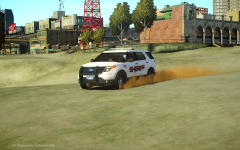 Such yum, much sexxxy. Nice job!

