


McAwesome6934
Members
-
Joined
-
Last visited
Everything posted by McAwesome6934
-
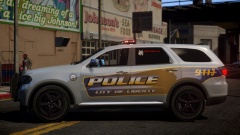 The front part looks good but then the back gets a little wonky near the bottom.
 -
That's one way to end a pursuit lmao. Nice video. Why did you stop doing commentary videos?
-
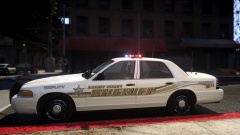 One of my favorites
 -
Such an interesting light setup. All of the front lights on the rambar. I like it, pretty unique.
-
I like the lighting setup that you went with, a nice amount of lights w/out being too obnoxious. I would recommend making a skin or asking someone to use their skin, it goes a long way. Lastly, I would suggest adding some interior equipment and at least one antenna. Not too shabby for your first release though. 3/5. I hope to see you improve in future releases!
- 11 comments
- 1 review
-
-
That's a front facing light bar.. Meaning it's meant for the front, not the rear.
- 15 comments
- 2 reviews
-
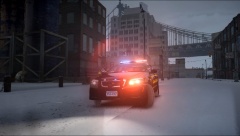
From the album: McAwesome Pics!
Converted to GTAIV by Jump. Texture by BErad. -
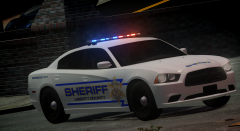 Daddies back! Nice car, not my favorite skin however. Release planned?
 -
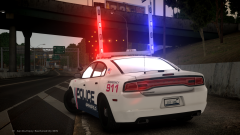 Oh baby.
 -
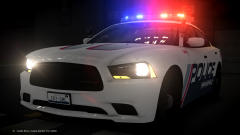 I would do naughty things to get my hands on this.
 -
Wow that looks good! Does it have highrises?
-
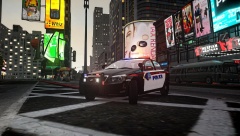 Auto. I play on a 40 inch tv if that has anything to do w/ it. And thanks.
 -
Whelen >> They make the best sirens and lightbars.
-
From the album: McAwesome Pics!
Model By Deco -
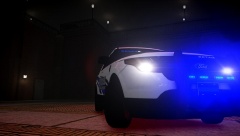
From the album: McAwesome Pics!
Model is not released yet. By ASTK9 -
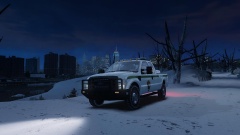 Rangers don't skimp on lights :p
 -
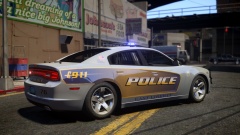 I fucking love this. OMERGOD.
 -
Zmodeler.
-
Cj24 did exactly that on this FPI.
-
I love reading. I enjoy realistic fictional books. My favorite book is The Compound.
-
Please implement this, yesterday! Even just a seperate script.
-
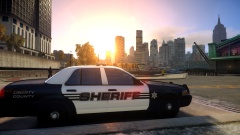 Which clan is that?
 -
a city north of me Vics and impala's aren't 2014 :P
-
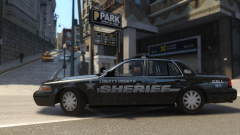 Both of the skin and model look awesome! Please release, or give to me (;


