


McAwesome6934
Members
-
Joined
-
Last visited
Everything posted by McAwesome6934
-
I like the layout, and design. However there are a few flaws I noticed. Fixing these few issues would greatly improve the quality of this texture. The 1st of which, and the most noticeable, is the curve on the driver's side near the gas cap. It looks odd.. I am not quite sure how to describe it lol. This is what I am talking about The next thing is a bit nitpicky, but there is some blue under the Police on the driver's. If you just changed the blue to black you would be golden. The final thing that could improve this skin would be making it more symmetrical. Some of the words, and decals are not in the same spot on both sides. This could easily be fixed by simply doing one side then flipping it or mirroring it for the other side.
-
Really liking your videos, keep em' up. The music on your latest video was not my cup of tea however, and I think your videos are much better off w/o it. Especially w/ constant commentary, lcpdfr's police scanner, and gta iv's ambient noises.
-
From the album: McAwesome Pics!
Great model made by Chippy. (Released on here) -
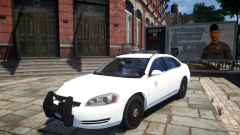 Wow this looks awesome! Can't wait for release, I will be sure to use this.
 -
-
Re-uploaded, try it now.
-
So after screwing w/some enb settings I have managed to (accidently) make rain invisible. There is water on the ground that gets kicked up by vehicle tires. But no falling rain. I have tried putting in the default PC>Data>Textures rain effect but it didn't do anything. Any help would be much appreciated!
-
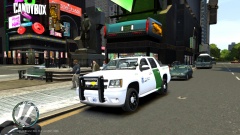 That rambar looks bad.. very bad.
 -
 A bit dark..
 -
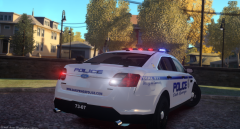 RBRB,etc... Right?
 -
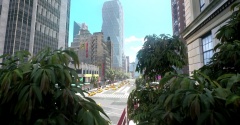 All that and you still have taxi bug...
 -
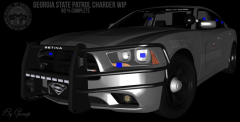 You planning on a release?
 -
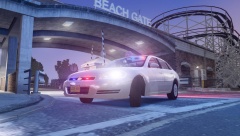
From the album: McAwesome Pics!
HUGE THANKS TO SIXIUM FOR MAKING THE SKIN! Skin By Sixium (Unreleased). Model By Jetski (Released - Link In Video Description) -
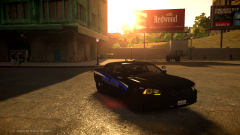 Damn this looks good, the skin suits the car well.
 -
That looks fucking awesome! Great, unique set up.
-
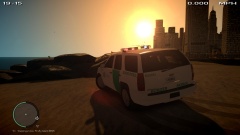 NO MORE BLACK LINES!!!! :D
 -
The trunk should be black like this -
-
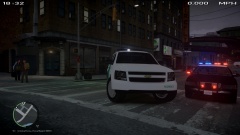 Looks very dull, especially compared to the previous versions.
 -
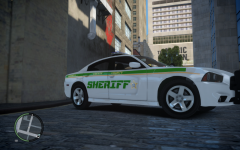 Report the other pic. This skin looks pretty good, although the tan and green line should be the same length IMO.
 -
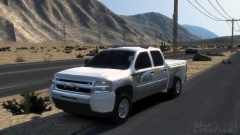 Tanks
Tanks -
LCPD:FR Multiplayer Episode 26 - Run Over[HD] LCPD:FR Multiplayer Episode 27 - Holy Air[HD]
-
What map mod is that?
-
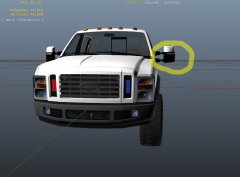 If those are ions in the grill, they are HUGE... And look terrible. This is how big an ion is -
 -
-
Very very bland concept. Plain can be effective at times, but in this case it is not. Also a '


