


McAwesome6934
Members
-
Joined
-
Last visited
Everything posted by McAwesome6934
-
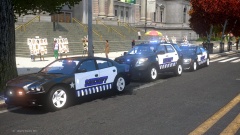 And the caprice.. ick.
 -
I love Troopers!! <3 #M(innesota)SP
-
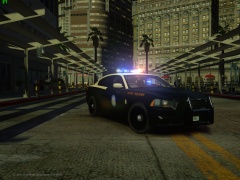 ... there are plenty of other sites out there for this beaut'.
 -
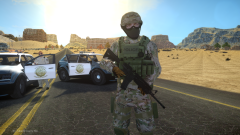 Any chance of release? Cause these look fucking awesome!
 -
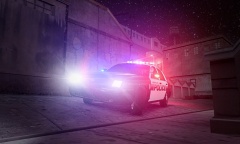
From the album: McAwesome Pics!
Model made by jump, and is unreleased. -
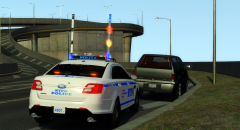 Looks good.
 -
-
LCPD:FR Multiplayer Episode 24 - Let's Chase 'Great Escape!'[HD] LCPD:FR Multiplayer Episode 25 - GUN!![HD]
-
-
You can't just credit them for the skin, you need to ask them for permission to redistribute their stuff. Also what makes this a RCMP FPI? The skin? This looks nothing like any RCMP FPI's.
-
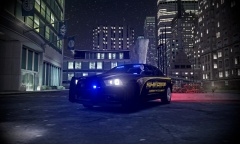
From the album: McAwesome Pics!
Meh pic of a sexxxy Charger. Model by Jump, skin by BErad1502. -
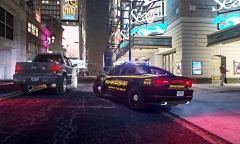
From the album: McAwesome Pics!
-
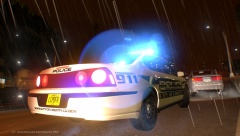 Nice pic! Great post editing(:
 -
 That livery looks awesome! and that dirt texture is sooooooo fucking sexy.
 -
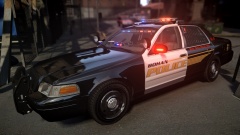 ^ Great job!
 -
This looks great. I really like the setup, it is visible w/o being obnoxious. Glad to see you put some time, thought, and effort into this. Hope to see some more of your models.
- 7 comments
- 2 reviews
-
-

- 1
-
-
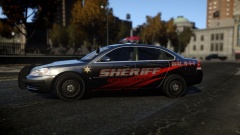 Mindblowingly sexy!
 -
How do I get this on xbox?
-
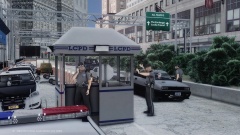 There are so many different objects used that i couldn't even begin to tell you. You have to figure out the model hash for the various objects and spawn each object.
 -
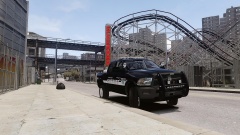 That model + that skin = OMERFUCKERNGOD. :P
 -
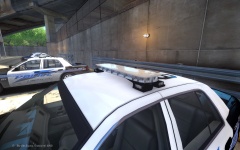 It's just known as a Federal Signal Legend w/ Hotfoot. Not "foots"... if you wanted to make foot plural you could have gone w/ feet. Grammar aside I like the look of that a lot, and would love to see a release w/ that lightbar.
 -
One series I really have gotten into recently is Blue Bloods.
-
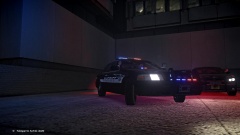 .....
..... -
LCPD:FR Multiplayer Episode 22 - Limo Pursuit![HD] LCPD:FR Multiplayer Episode 23 - Reunited[HD] LCPD:FR Single Player Episode 17 W/McAwesome - Foggy Late Night In Broker[HD]
-
From the album: McAwesome Pics!
Skin by Berad, model by Foward. Neither are released.

