10 DAVID 01
Members
-
Joined
-
Last visited
Everything posted by 10 DAVID 01
-
-
.thumb.jpg.a4a34b706ab065eb1cdc7c8e75034ea3.jpg) Thank you for your hard work and dedication to this community. Haters gone hate. Keep doing your thing.
Thank you for your hard work and dedication to this community. Haters gone hate. Keep doing your thing.- 30 comments
- 28 reviews
-
-
 Looks great, I'll try this one out when I get home, one recommendation would be to add either a working flipped up spotlight like on the default police 3 vehicle, or flipped down spotlights (non functional) such as on the Stanier. Also maybe if possible make the lightbar an extra that way it could double as a slicktop, unless you plan on making a slicktop variant.
- 21 comments
- 4 reviews
-
-

- 1
-
-
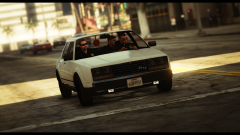 This is legit!
 -
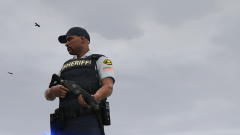 Thats legit!
 -
-
-
no i am talking about the security arm behind that that is at the guard shack where the security dude is standing, it has a stop sign attached to arm. thanks tho.
-
-
So, I searched around and didn't find anything on this.... Is there a mod or script that would either REMOVE the ARM on the security gate at the airport and really all places or make it permanently raised? It's very annoying i have to smash my police car thru the damn thing and damage my car every time to leave the freaking airport....or get it in.... stupid is, it opens for the suspect Ai !!!
-
there is not one yet i don't think... i really wish there was.....like either that or els would be released soon...
-
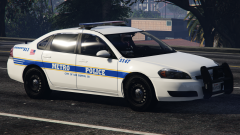 !!!!! can't wait!!!
 -
-
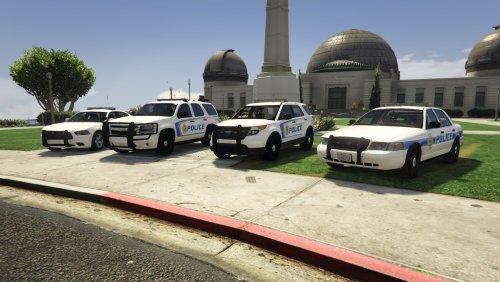 Awesome work but you should make at least 4 liveries for each vehicle in your pack, just a thought.
- 5 comments
- 2 reviews
-
-
- 1
-
-
-
-
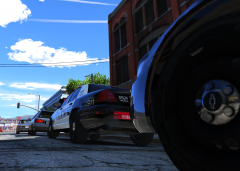 Think it was this one. http://gtapolicemods.com/downloads.php?do=file&id=4407
 -
-
-
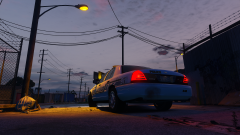 if i had 98 hubcaps to put on there i would do it just for you!! <3
 -
-
-
-
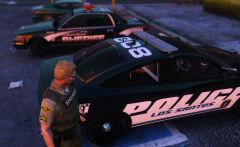 hmmm...looks like its time to move to los santos....


.thumb.jpg.a4a34b706ab065eb1cdc7c8e75034ea3.jpg)
.thumb.jpg.30de2cdd6bdce371d029c527c67ad196.jpg)