10 DAVID 01
Members
-
Joined
-
Last visited
Everything posted by 10 DAVID 01
-
it is... You could just take one of the mx7000 vics thats already released and make their light bar clear by editing the png... and same thing with the one vista car that has been released...... or you could wait until someone makes one with that streethawk, if they make one.
-
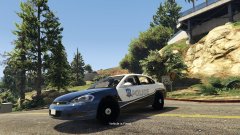 Well its definitely nice i love impalas so keep up the great work!
 -
bump** STILL WANT THIS IN V....
-
Looks good, needs a spotlight unless you're going for an unmarked variant.
-
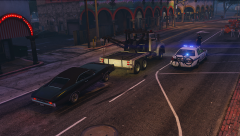 That vic with the bike is legit....i want one!
 -
-
-
-
-
-
-
-
-
 This is really great work! This will be very nice for those of us who contribute media.
- 17 comments
- 5 reviews
-
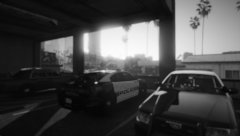 The day begins....stay safe officers!
 -
-
-
-
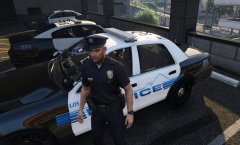 An LSPD officer begins his day in Vespucci.
 -
-
.thumb.jpg.bfad1c193dd40b9d539eefd7c5187a5a.jpg) My absolute favorite type of setup for a CVPI. This is perfection. Thank you! 5/5
My absolute favorite type of setup for a CVPI. This is perfection. Thank you! 5/5- 157 comments
- 46 reviews
-
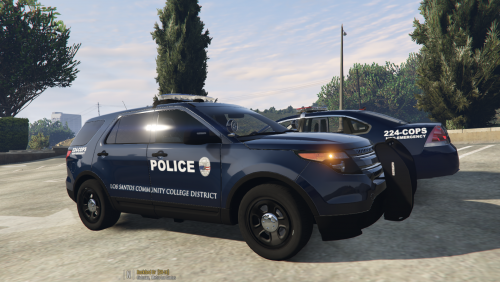 This is pretty nice, is this based off of somewhere? Maybe add a couple of other liveries for different units, like a CVPI and a FPIU or Tahoe? Or not. But at least add some plates on them. Good work. :)
 -
.thumb.jpg.30de2cdd6bdce371d029c527c67ad196.jpg) It's really not that hard to get carvariations to work properly, just read some of the comments, the solution to your problem is above........ Or you can experiment things for yourself and figure it out on your own. Both are not difficult tasks....stop being helpless take some initiative. Learn things.
It's really not that hard to get carvariations to work properly, just read some of the comments, the solution to your problem is above........ Or you can experiment things for yourself and figure it out on your own. Both are not difficult tasks....stop being helpless take some initiative. Learn things.- 101 comments
- 33 reviews
-
-
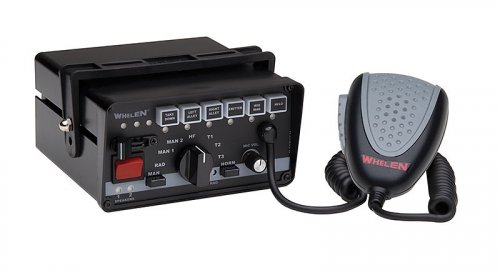 love 5/5!!!!!







.thumb.jpg.bfad1c193dd40b9d539eefd7c5187a5a.jpg)
.thumb.jpg.30de2cdd6bdce371d029c527c67ad196.jpg)