Jeffdadawg
Members
-
Joined
Everything posted by Jeffdadawg
-
-
-
-
-
I know there was a Ford Expedition but the author took it off the website. can anyone make a 2020 or 2019 Ford expedition?
-
Those are a lot of callouts. If your PC can handle those, well done.
-
I agree with some things in @Interceptor115's list. Remove all of Albo's things. They eat up memory and are not updated anymore. I like Bejoljo's mods, so I recommend ALPR lite and Speed radar lite. Other than that, add 1 or 2 more callouts and you are good to go. For some extra realism, get a Panic Button mod.
-
Compulite is great, put that with STP and you can give out citations and all that. I don't use Albo's mods cuz they eat up my memory and my game lags. Totally agree.
-
-
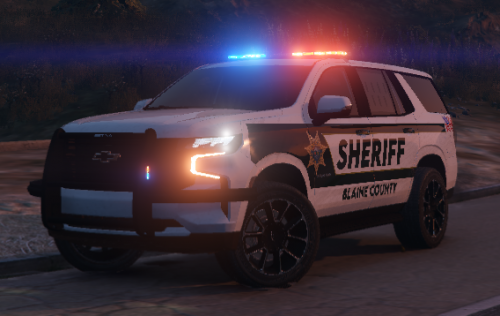
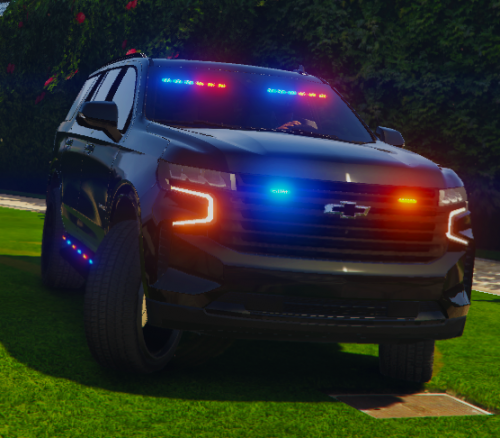
As people have said already, It is really bulky. I can see some agencies using bulletproof 2021 Tahoes in the future. Time flies, so before you know it, all sorts of futuristic-looking cars are popping up and I think we'll get used to it sooner or later
-
-
-
Wow. Looking forward to it!
-
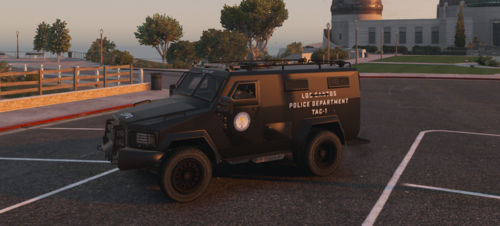 I'm having the same problem. Any help? I like this Bearcat but i'm thinking of choosing another one instead
- 18 comments
- 3 reviews
-
-
 Finally!!!
 -
I thank you deeply from the bottom of my heart.
-
You should start with exploring the mod and the game. Look at some modding tutorials. Get some custom vehicles and replace the default ones. install ELS. That's a must. Look at some of Albo1125's mods or Bejoljo's mods. Bejoljo's mods are here. EUP is nice as well
-
-
-
-
-
-
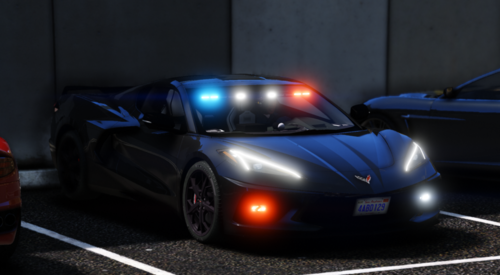 It's kinda weird to see a Corvette responding to a call but It's pretty awesome
- 20 comments
- 2 reviews
-
 It sure does make it more realistic but it responds really slow and I can't wait that much if I got another callout to go to. Nice stuff though
- 783 comments
- 86 reviews


.thumb.jpg.182dedb1a55dea252c1853d35d4d1e3c.jpg)