




Keith.
Members
-
Joined
-
Last visited
Everything posted by Keith.
-
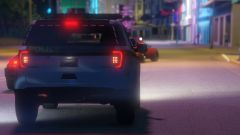 Don't use them bud
 -
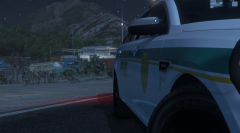
From the album: Officer Wades photos
-
-
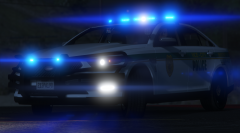
From the album: Officer Wades photos
-
Start LSPDFR as you usually would. Then go to Vice.
-
It runs but it's very buggy and texture poppy
-
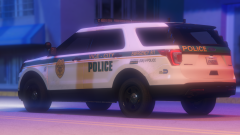
From the album: Officer Wades photos
-
From the album: Officer Wades photos
-
-
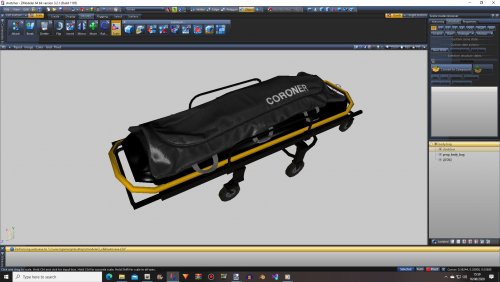 Just browsing 3D sites earlier. Saw this Here you go.
 -
-
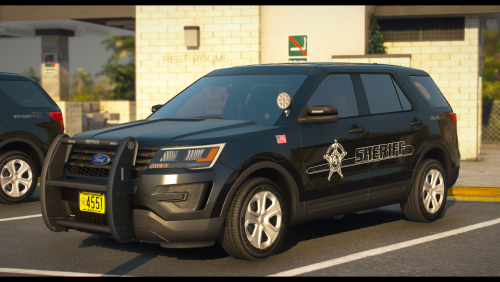 I like the Indiana stuff. I'm making a brown and tan pack for my personal use with all blue lighting.
- 9 comments
- 1 review
-
-

- 1
-
-
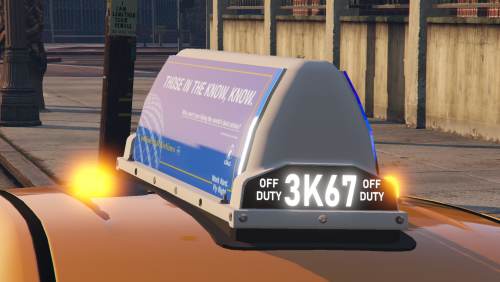 I was bored this morning, so I bought these from Turbosquid. Scaled to fit Enjoy If you're downloading these, I assume you know what to do with them. Do NOT upload to any other site without my express permission.
 -
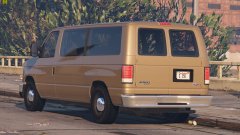
From the album: Officer Wades photos
-
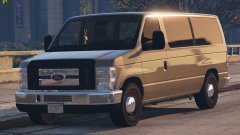
From the album: Officer Wades photos
-
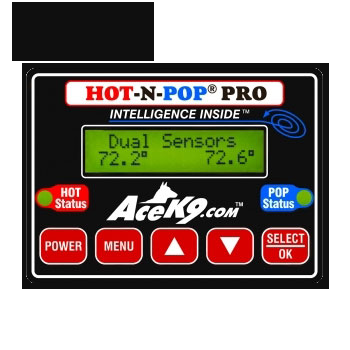 Lets your dog out if it gets too hot in the car. Hence the name. It is what it is. Nothing fancy, just a simple box
 -
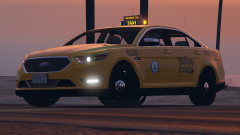
From the album: Officer Wades photos
-
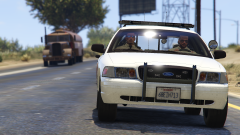 👀
👀 -
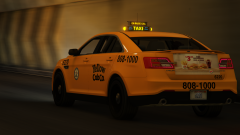
From the album: Officer Wades photos
Rear boot/trunk advert board ( changes with each texture mapped to the vehicle template ) -
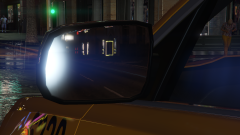
From the album: Officer Wades photos
-
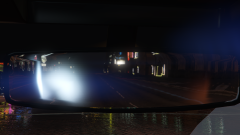
From the album: Officer Wades photos
-
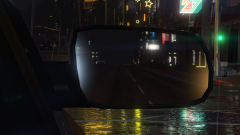
From the album: Officer Wades photos
Better mirrors -
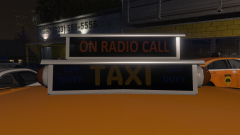
From the album: Officer Wades photos
-
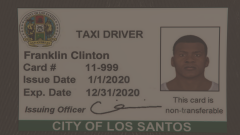
From the album: Officer Wades photos
-
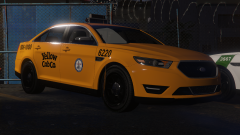
From the album: Officer Wades photos
Recently added a front plate



