


Palfy205
Members
-
Joined
-
Last visited
Everything posted by Palfy205
-
Lets have some more constructive tips, I've done all the basic attempts. It doesn't work regardless of the order. If RagePluginHook.exe launches the game through steam, then it has permission to work, it not hooking with the game is the issue. Regardless if it's launched through RPH at startup or attempted after I've launched it through steam. Neither work, it's not an issue with the anti-virus software since any program through Steam is exempt from restrictions.
-
There is no crash log, it doesn't hook therefore RPH doesn't launch. Therefore there is no crash log.
-
Anyone else getting this issue, just reinstalled Grand Theft Auto V - Reinstalled LSPDFR a couple times now, was working fine. up until today. Will not hook, haven't changed my anti-virus program either, still running Windows Defender. Let me know if anyone else has had any issues the same as this.
-
There is the problem, I had this issue before, make sure all your ini files you customized are working properly. Use Notepad++ to see if there are any errors.
-
Did anyone happen to assist you yet? Please post your RagePLuginHook.log like I did in the comments. Let me know if you need further assistance. RagePluginHook.log
-
Go into your GTA V Directory, open LSPDFR open the lspdfr.ini, change this line "Main.PreloadAllModels = true" to "Main.PreloadAllModels = false". If that doesn't work, follow the link. I'm running a 2080TI and an i7-9700k but I still get texture loss, the game can only render so much. Make sure you go into your settings in-game, Advanced Graphics see if lowering Extended Shadows Distance and Distance Scaling to 0 fixes it., From the looks of it, you are running modded vehicles. Make sure you have lowered the vehicle textures to below 4k otherwise you'll get this Texture loss (overload) on GTAV, Here is a link to the longer description of it.
-
Brand new fresh install of GTA V and LSPDFR to test the new LML haven't used it for any car mods yet, just after reinstalling new LSPDFR I noticed the backup system, the LSPDFR pause menu key bindings were unchangeable, the backup doesn't stop spawning. reinstalled 3 times now everytime I get the same issue, all I'm running is GTA V and LSPDFR no other plugins, weird as shit....
-
 When I click "Download with Mod Manager" I just get this screen. I do have LML running.
 -
 Extreme FPS drop on Gang Attack, crashes after one tries to escape. Any thoughts RagePluginHook.log
- 635 comments
- 53 reviews
-
I did change the distance to 500, but when the AI spawned in they drove at 10mph in a pursuit. I reinstalled the whole plugin and the issue was fixed. Crashing again though, here is the newest log.
-
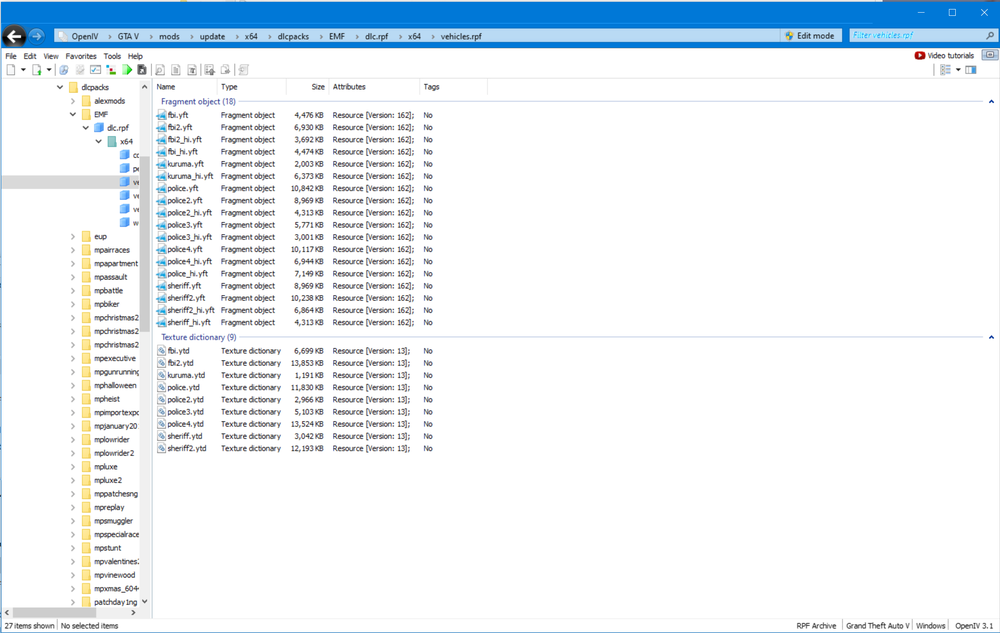
Great guide man! Easy to follow, modded all my cars to now be max 2k signs, problem is I'm still getting texture loss. Here is my car mod folder atm. My PC specs are i7-9700k 5.1ghz, 1080ti 11gb, 3200ddr4 32gb ram, m2.ssd 1tb, something the matter? Or is the game just not meant to handle that much awesome while running LSPDFR?
-
Hello there, I believe I'm getting a crash in reference to Vocal Dispatch, let me know if anyone else is getting this. Also my Ultimate Backup during pursuits spawn incredibly slow, lose the pursuit and despawn. Did I do something wrong?
-
I know this is an older topic, but to mention to @Sgt.Kanyo about pedestrians pulling over "nicely" I would imagine you mean on the highway or busy roads. I've used Clear The Way and Traffic Fluidity and Discipline , but I find the issue is speed. When you're driving on the highway to catch a pursuit going over 100 mph the traffic doesn't have much time to SLAM on the brakes and pull over, causing them to collide with other pedestrians and objects like the median, because the radius your lights and sirens interact with them is limited I think making instead making a mod to increase that radius would be more beneficial (but I would assume this would impact performance) and maybe have it force them to slowdown to 30 mph and pull over to the right like in real life, but normally in real life you wouldn't see a cop flying down the road going over 100 mph, usually they get traced then upon stopping they get arrested. I think it's just the way GTA is, it's not gonna be perfectly realistic, the thing that bugs me the most is if you're driving down a divided highway and the opposing lane also yields to you, there are loads of ideas but the game is limited to what it can be forced to do. Please feel free to correct me if I'm wrong. I was just googling best AI pullover mods and this link came up and I wanted to chime in.
-
Still getting random crashing, would love some help. Please let me know if there is anymore information I can provide for you.
-
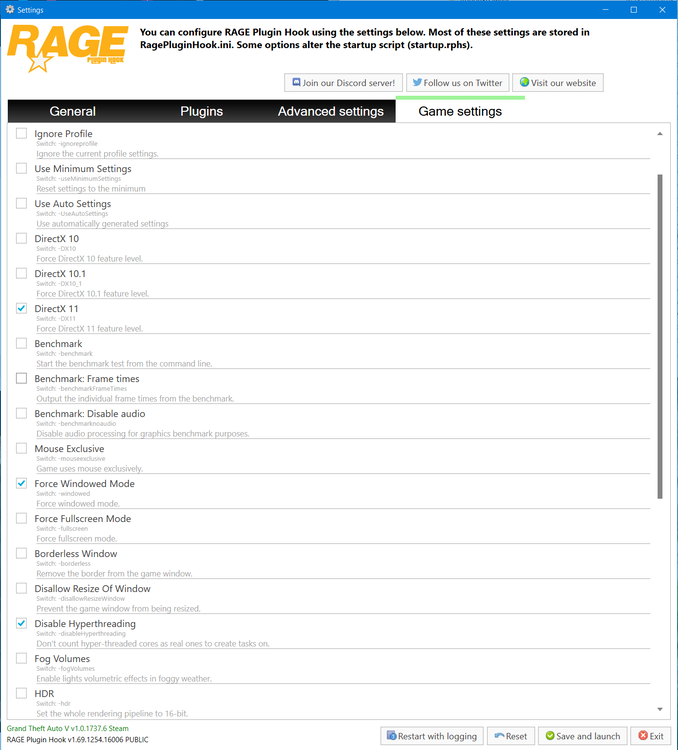
As title says, launching RPH is stuck on infinite loading loop. Here is my file, I have these settings. Was a problem with my mods folder, going to figure out what's causing the issue.

-
That did nothing. Anyone else?
-
Yes, I've reinstalled it all a couple times over now.
-
Randomly crashes in town, not entirely sure what's going on. I see some issues with EUP not using custom folder, which may explain why some cops outfits are glitched, but i can't find out why it crashes.
-
Is it normal for this to cap your FPS to 30?
-
Yes, I've installed EUP Menu, EUP Config, EUP S&R and EUP L&O, just happened after the patch yesterday.
-
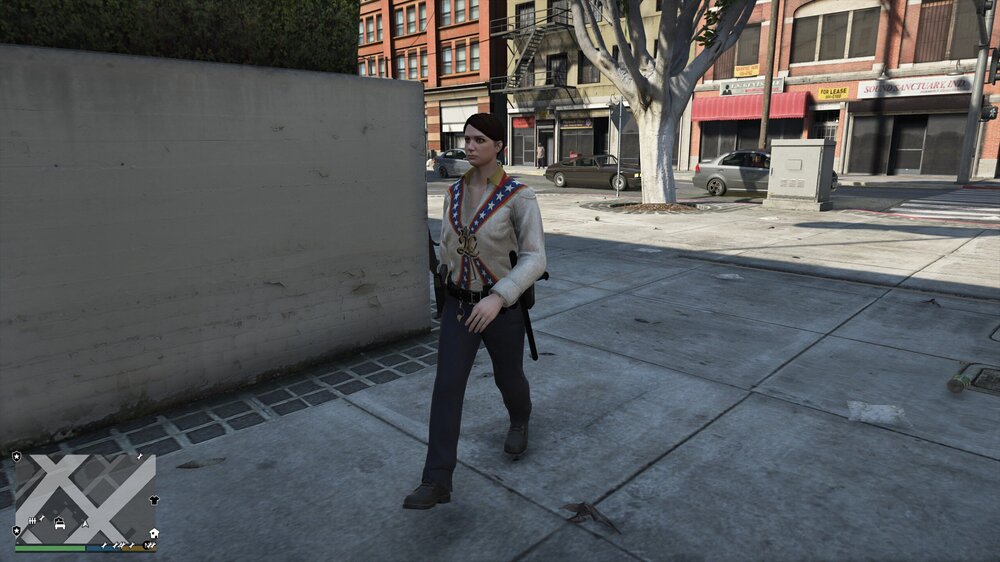
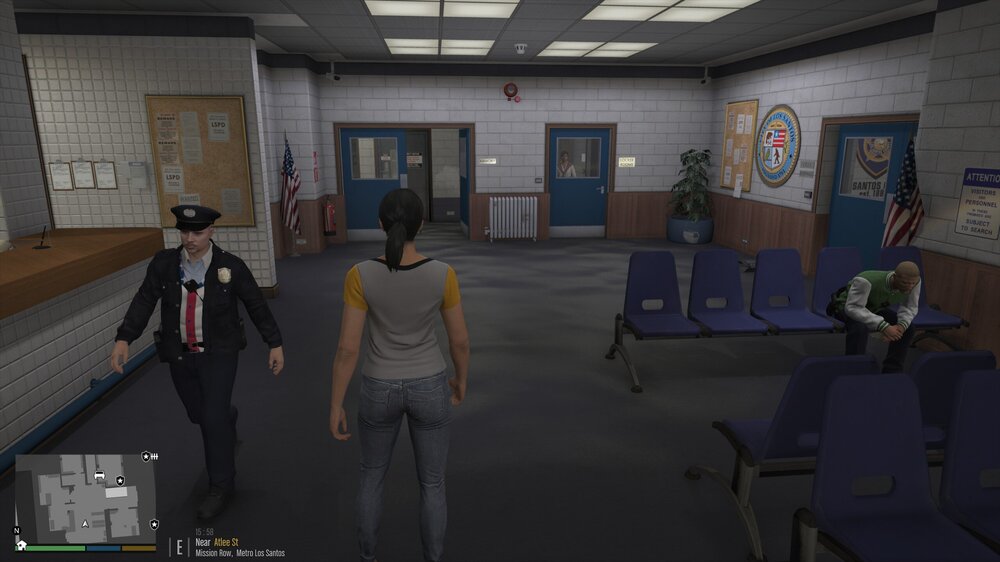
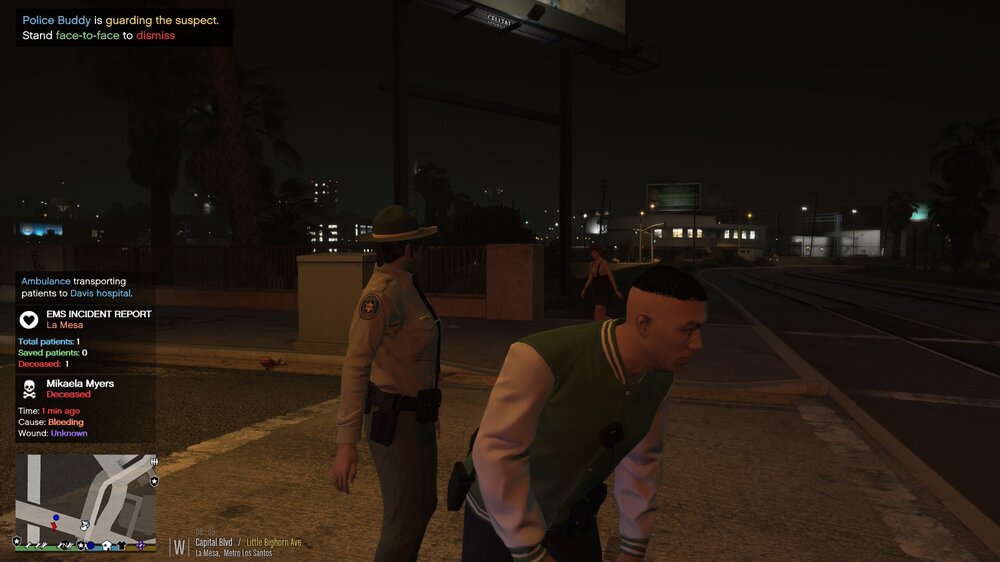
I downloaded the link, but they still look like this. Any ideas?
-
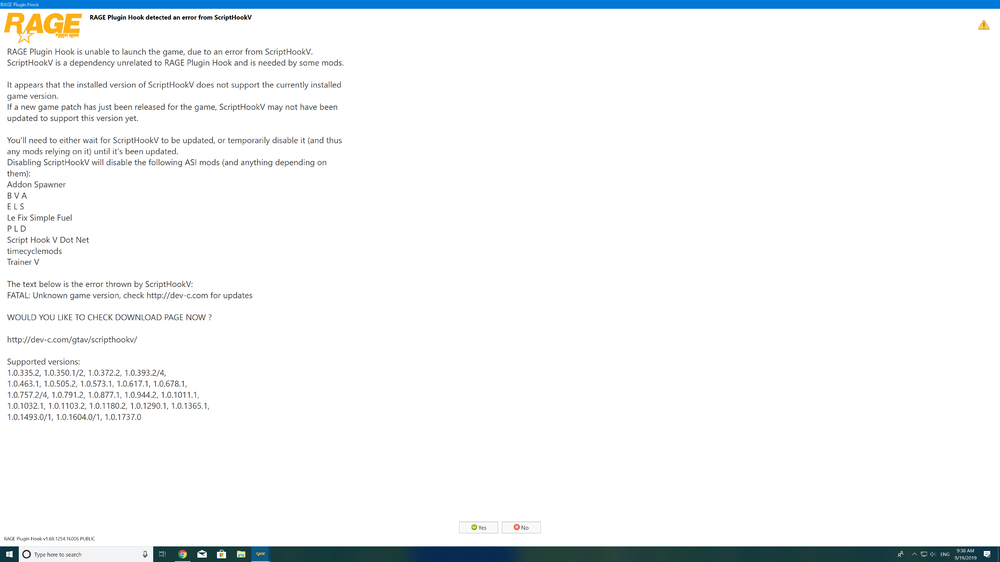
Yay! I guess we gotta wait for that update now too. Anyone else know if there is a fix?
-
 Since the RockStar Update the LSSD outfits for police officers wear Varsity Jackets, how do you edit this?
- 2,341 comments
- 236 reviews
-
-

- 1
-
-
Hey all, i am returning to LSPDFR after a couple months off. I do have a question I hope somebody can help me with. I remember from before I had a plugin that when on a traffic stop would show if you smell alcohol or narcotics, I thought I installed all my old plugins back, but on stops this option is not showing up. I can’t seem to remember which plugin it was. I know that Interact+ has one but that’s not the one I’m thinking of.
-
I would add LSPDFR+ and use it's Albo1125.common file, see if that works for ya.


