




Yasd
Community Team
-
Joined
-
Last visited
Everything posted by Yasd
-
Sth is requiring : "Could not load file or assembly ScriptHookVDotNet" make sure to install that in the main gta folder and make sure you have all 3 of it there, ScriptHookVDotNet ScriptHookVDotNet2 ScriptHookVDotNet3... https://github.com/scripthookvdotnet/scripthookvdotnet/releases
-
Pls reinstall calloutinterface completely, the error is with that.
-
Move the files CalloutInterfaceAPI, IPT.Common, Newtonsoft.Json, RAGENativeUI from gtav/plugins/lspdfr to the main gta folder!
-
Install the configs that come with eup.
-
lspdfr and rph are updated, scripthookv update is missing
-
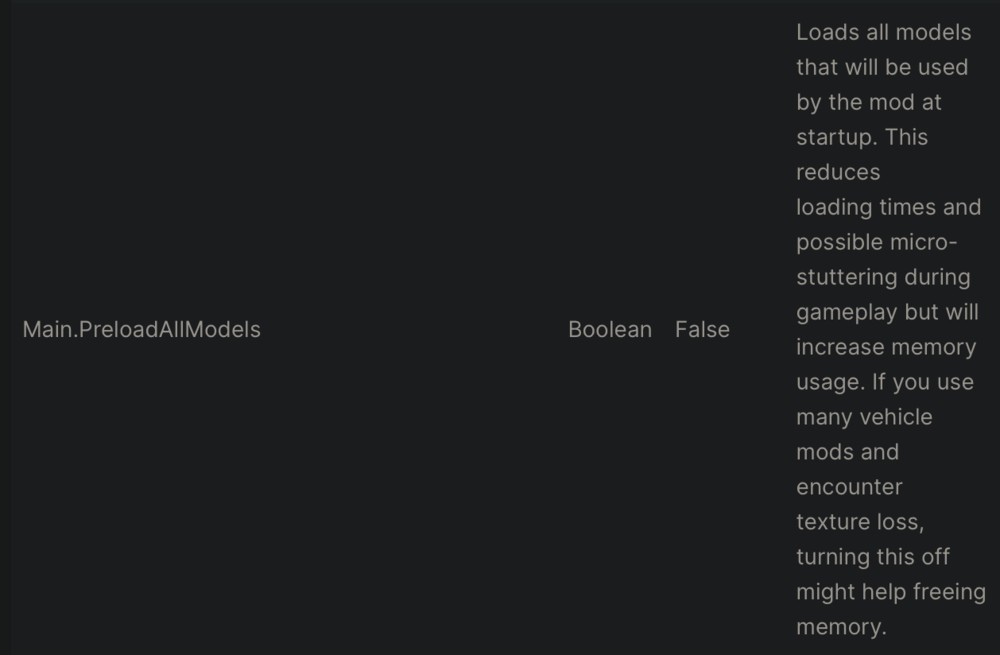
Disable preload models in lspdfr.ini under gtav/lspdfr: Main.PreloadAllModels=false I recommend installing a gameconfig and the heapadjuster https://www.gta5-mods.com/tools/heapadjuster Also 4K car models require a lot of memory space, downgrade the textures or remove them. You do not use graphic mods, do you?
-
yes, you can, but maybe youre missing sth from prowler radar. but you can remove it.
-
make sure you have the newest ragenativeui in the main gta folder: https://github.com/alexguirre/RAGENativeUI/releases the error comes from prowler radar
-
Hi! Here is your quick answer! THe problem is: Exception message: Could not find a part of the path 'C:\Program Files (x86)\Steam\steamapps\common\Grand Theft Auto V\Plugins\LSPDFR\StopThePed\Localization.ini'. This means you are missing files from StopThePed. Install it again and completely!
-
I suggest the manual install, so download the lspdfr file, open it with f.e. Winrar and drag and drop all files in the main gta folder
-
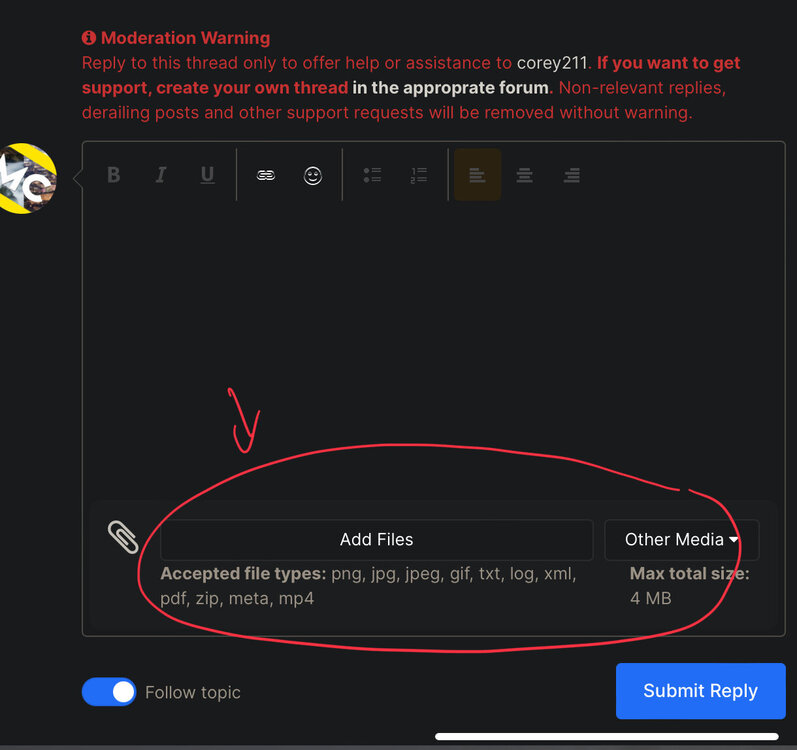
then choose the file ragepluginhook.log from the main gta folder
-
Check the faq: https://docs.google.com/document/d/1Hp2Qco0qsgKfohkhjYWUxTr2OF7NSCkp8uSZwWz6rRQ/edit#heading=h.ga53kl28476
-
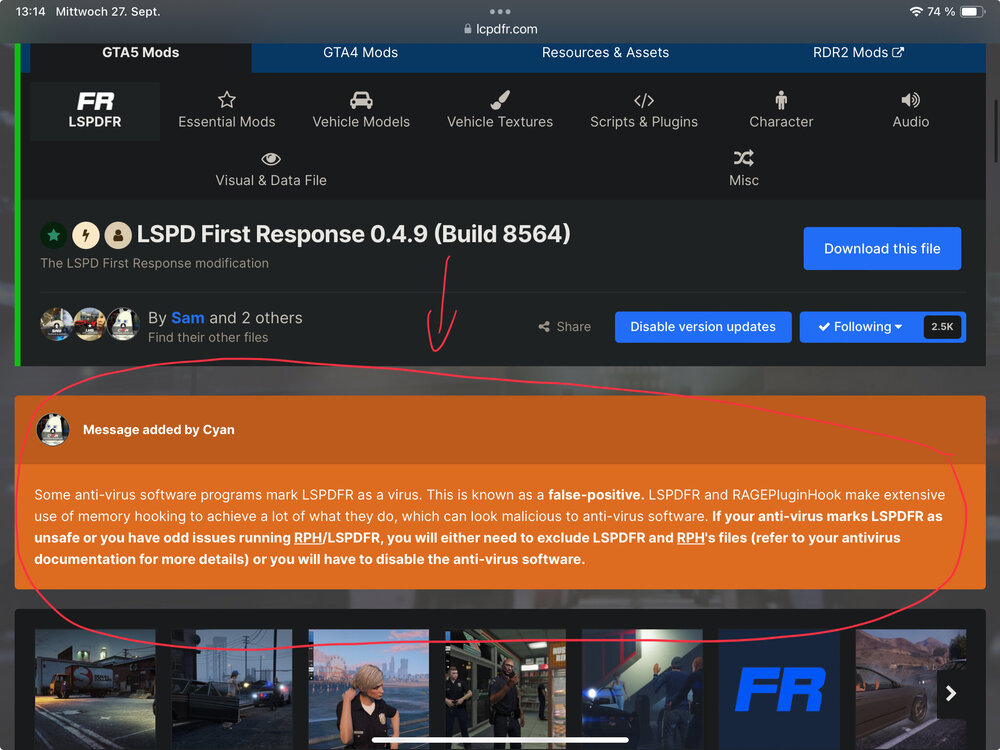
my own words: lspdfr is not a virus, some antivirus mark it as a virus because of the way it hooks into gta
-
make sure lspdfr is loaded. post the ragepluginhook.log from the main gta folder, there i can check if its loaded or not.
-
Q. I got the "could not initialize speech engine" error, what do I do? A. Read LANGUAGE.txt in the Documentation folder.
-
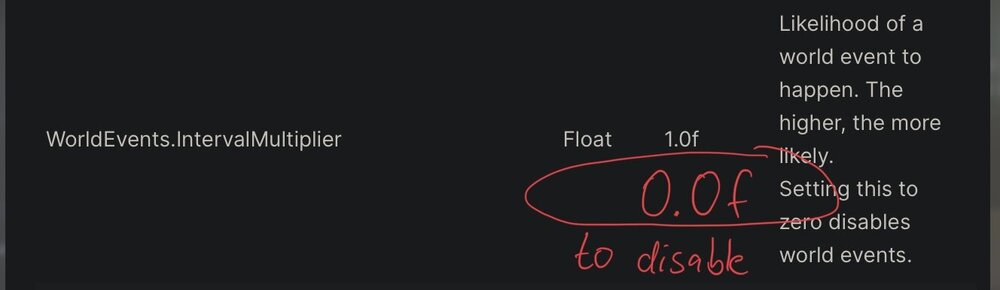
its build in lspdfr ambient chase feature: WorldEvents.IntervalMultiplier=0.0f to disable in gtav/lspdfr/lspdfr.ini
-
Rename mods folder to _mods do you use lml
-
For updating TrafficPolicer assortedcallouts and policesmartradio: https://github.com/Aschtar?tab=repositories
-
Attempt to change type of WorldEvents.IntervalMultiplier go to gtav/lspdfr/lspdfr.ini and set it to 0.0f
-
You misunderstood me. Pls post a screenshot of the main gta folder where you renamed the lspdfr folder. you can also try to go on duty via police station.
-
Install a 100% savegame: https://www.google.de/url?sa=t&rct=j&q=&esrc=s&source=web&cd=&ved=2ahUKEwj36IjSirSBAxXySPEDHZ2xAGIQFnoECBMQAQ&url=https%3A%2F%2Fde.gta5-mods.com%2Fmisc%2F100-save-game&usg=AOvVaw0KEdVT4gBzeBU86o4pWzuM&opi=89978449
-
Error while hiding ambient game blips: System.AccessViolationException: Attempted to read or write protected memory. Disable ambient events, by adding those lines to your lspdfr.ini: Main.DisableGameBlipHiding = true remove outdated plugins: trafficpolicer Error while hiding ambient game blips: System.AccessViolationException: Attempted to read or write protected memory. Disable ambient events, by adding those lines to your lspdfr.ini: Main.DisableGameBlipHiding = true remove outdated plugins: trafficpolicer policesmartradio There are a few more, make sure to check each time when downloading a plugin that it’s minimum made for 0.4.7 and not older than 1 or 2 years.
-
Crash is related to grammarpolice you have to search there
-
make sure to have a 100% savegame: https://de.gta5-mods.com/misc/100-save-game
-
Failed to parse value for WorldEvents.IntervalMultiplier go to gtav/lspdfr/lspdfr.ini and maek sure to set it to this: WorldEvents.IntervalMultiplier = 0.0f remove outdated plugins: arrestwarrantcallout forceacallout policesmartradio trafficpolicer xscanner







