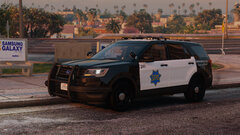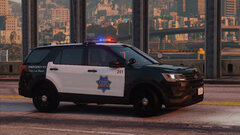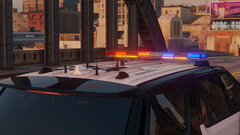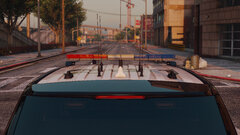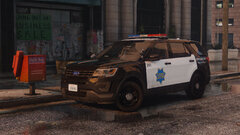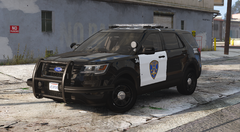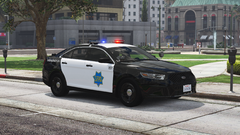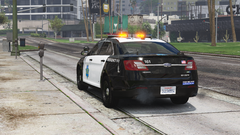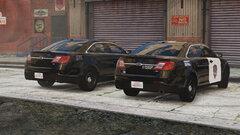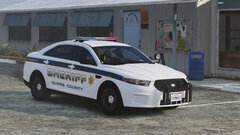

KLE0
Insiders
-
Joined
Everything posted by KLE0
-
 lol y'all crack me up. Thanks guys.
 -
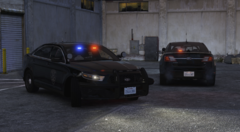
From the album: KLE0 Work In Progress
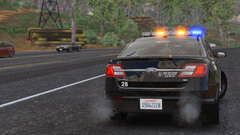
Lights on! -
From the album: KLE0 Work In Progress
-
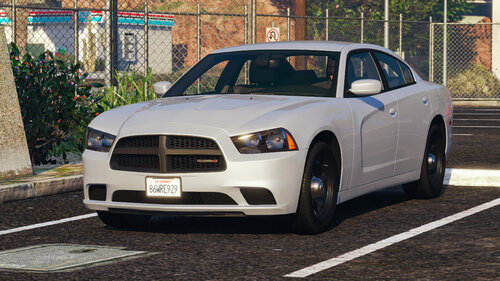 Thank you all for the support. It wouldn't be much fun working on the base if only myself get to use it! 🙂 Nah, his is going to be much more accurate!
 -
-
 How did you install the vehicle? It should have correct paint colors as long as the carvariations file is installed.
- 116 comments
- 13 reviews
-
I was in need of a good Charger for my LAPD fleet and decided to take a stab at reworking Thehurk's base. My original plan was just to make some small tweaks and optimizations, but the scope has since expanded very quickly which ultimately resulted in an exterior and interior overhaul, plus bug fixes and more optimizations. Some of the edits include: - New headlights, taillights, brake lights, and functioning marker lights. - New dirt map. - New dials with digital speedometer. - Modified lower grill, exhaust, door shuts, suspension, pedals, and vents. - Fixed hood and door seams; corrected normals for many exterior surfaces. - Material improvements for door trims, window surrounds, trunk, hood, badges, etc. - Added windshield defroster, mirror and visor stickers, plate light, brake pads, door lights, dash and door speakers, charger nameplate, radio screen, dome light glass, among other details. - New interior button and emissive textures. - New UV-mapping for most of the interior surfaces. - Adjusted seating positions and vehicle collisions. - Heavily optimized L1; added L4. (Poly count: L0 148k, L1 49k, L2 23k, L3 6.4k, L4 1.3k) Notes - I've mapped the doors and pillars to the secondary vehicle paint per LAPD color scheme. - The template is the same as Thehurk's, with the exception that the door handles are now mapped separately. - A new window template is included. - Also included are PSD source files for the dirt maps, which might come in handy if you want to make some changes to them. - The vehicles.meta file is required to have the correct dashboard (dials) type. - The carvariations.meta file is required for correct dial colors. Acknowledgements - Thehurk for the original dev base. This edited version could exist only because of his original release which is a great foundation for me to work with. - TacticalDonut for helping me with beta-testing and finding bugs that I would have otherwise missed! - RobertTM for allowing me to include his awesome tires with the edited release. That should be it. I hope y'all enjoy!
-
Thank you! I am working on a LAPD FPIS pack at the moment. I am not planning to make FPIUs because Cj24 already has an amazing pack that's in progress. I'm also not planning to make a LAPD Tahoe but would possibly consider a CVPI some point in the future. I don't think it's a good idea to include LASD skin in a LAPD vehicle, because it's supposed to be accurate. Though, you're always welcome to make your own. Edit: I might actually make some LASD vehicles in the future, but don't hold me to it. 🙂
- 116 comments
- 13 reviews
-
-

- 2
-
-
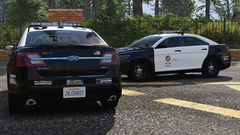
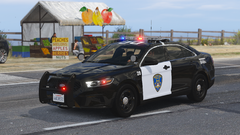
From the album: KLE0 Work In Progress
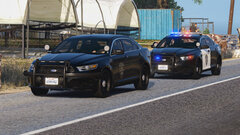
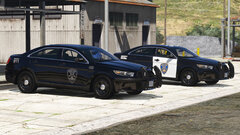
The liveries are done. Spent two nights making these, including the right two bumper stickers that I had to create from scratch. I'm planning to include multiple liveries with different shop numbers for the FPIS pack this time. -
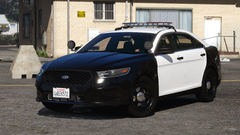 yes, yes it is.
 -
Yes it has the stock GTA plate.
-
-
-
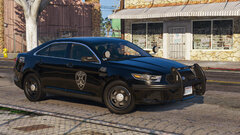
From the album: KLE0 Work In Progress
-
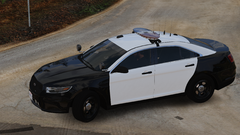
From the album: KLE0 Work In Progress
-
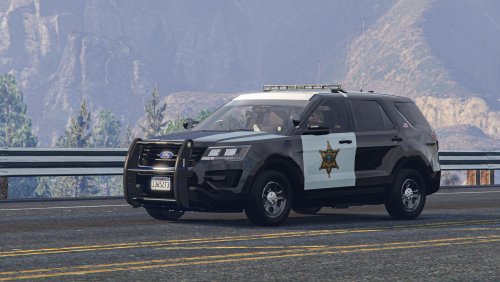 Glad you enjoyed it! I can't make them all optional because there are only two extra slots and they are already used by the pushbars. Though, I do have a different antenna setup in mind for the 2.0 version of this vehicle. The plan right now is to have less to begin with, and a set of LoJack antennas as extra equipment.
- 71 comments
- 16 reviews
-
-
I just saw you added a new image and it indeed look too yellow to me. I will see what I can do about it!
- 116 comments
- 13 reviews
-
-
-
All good. If you think about it, the patchday’s are DLCs too and yet you are replacing cars in them. My DLC is no different. 😄
- 116 comments
- 13 reviews
-
It is a DLC pack yes, but DLC pack doesn’t have to be an add-on. It can be either. The reason I made this a DLC is to simplify installation since it uses custom carcols and carvariations, and it is very tedious and error prone to manual modify them. Most other cars don’t require these. There is no reason for me to lie to you, try it yourself. However if you prefer the manual way (which I see really no reason to), you can always extract the files with OpenIV and do it yourself.
- 116 comments
- 13 reviews
-
Ah I see, it does look like the car sits just a tad bit too low to the ground. I'll see what I can do about it.
- 116 comments
- 13 reviews
-
I did some detailed comparisons, and the size of the wheels are actually pretty accurate. See below:
- 116 comments
- 13 reviews
-
I'll take a look, thank you for bringing this to my attention! It's indeed a replace. Please modify your comment so it's not misleading to others. Of course not, make sure you follow the instructions. Also they appear all white in OpenIV because OpenIV doesn't apply the paint correctly. Thank you!
- 116 comments
- 13 reviews