TrentMU
Insiders
-
Joined
Everything posted by TrentMU
-
Showing off what I got. Most of the time my screenshots are private mods.
-
 Rescue 3
-
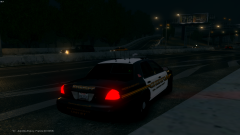 San Joaquin County
-
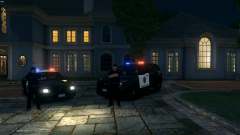 Stockton PD At Your Service
-
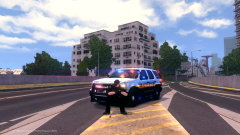 It Has Returned
-
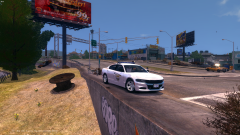 Ohio State '16
-
 Little Something
-
 FDLC Fleet Preview
-
 TSPD Chilling
-
 Ohio State Trooper Charger Update
-
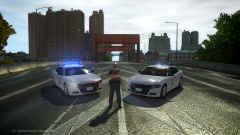 OSHP 2016 Chargers
-
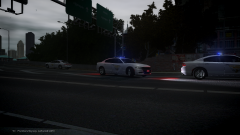 Assisting a fellow Trooper
-
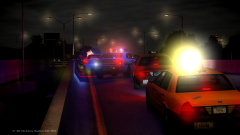 PCSO Accident
-
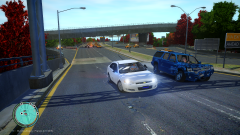 Just Stop
-
 She's Lurky
-
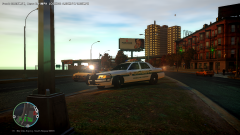 PCSO Running Radar
-
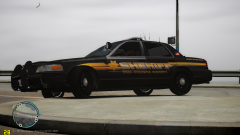 SJSD New Unit Set
-
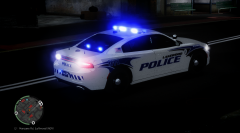 Lakewood Police Responding
-
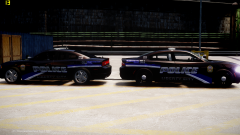 Old and New
-
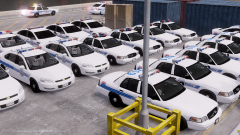 BPD Set for tonight
-
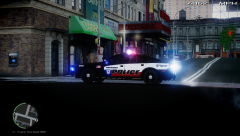 Sherman PD Responding
-
-
From the album: My Fleet
Atleast when GTA V is being a stupid, atleast I got Rescue 3 to help get thru the times <3 -
This might be a dumb question but I did revert back to the 678 and I am getting that code 16 error signing in....Where do you go to uninstall social club because when I launch the 178.exe it wont run because the 195 patch or whatever is found and overrides it. I'm sure I am not the only one with that question
-
Agreed with what Luke said but also think of this, It's a brand new card and you know there are going to be issues with it, I'd hold off a few unless you desperately need a new one.
-
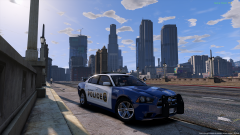
From the album: My GTA V Fleet
MetroTransit charger with a nice city view.......Priceless -
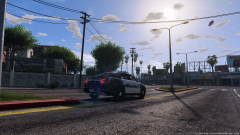
From the album: My GTA V Fleet
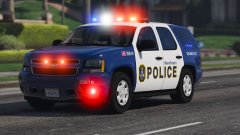
Los Santos Police Interceptor watching traffic near downtown. Yes I know I am using an older vehicle, but it makes the skins look amazing! -
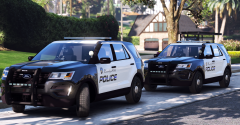 Thanks man! Defiantly going to try this out!
 -
That ENB Though! Which one you using?
-
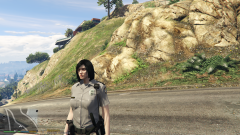 Wow these are VERY well done!
 -
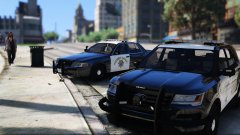 These are very nice Hurk! Haven't seen many nicely done CHP Cars in a long time!
 -
 Indeed, he is one of my friends!
 -
Do believe so it is
-
From the album: My GTA V Fleet
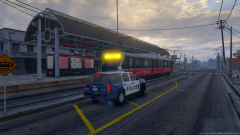
MetroTransit Officer checking up on the local trains making sure all rules are being followed while boarding and riding the train -
I've been getting it all day, bunch of people are having the same errors I hear.
-
I'd recommend doing 4k (4096x4096) that is what I use for Paint.Net. Don't need to PS to make HQ skins!
-
 Ugh these are so nice BJ! Glad you did make a Tahoe to match it
 -
From the album: My GTA V Fleet
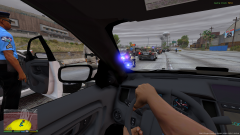
Unit 17 rolling up to the end of a pursuit on the interstate -
 You do realize this is GTA V right?
 -
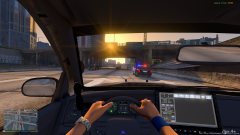
From the album: My GTA V Fleet
SAHP Troopers purse a vehicle that was flagged for a possible warrant by the LSPD. -
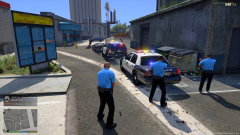
From the album: My GTA V Fleet
LSPD Involved in a shoot-out at the chilli place. Skins have been updated, They're now all 'Black Tops' as I call them, currently in the process of making patches for the peds now. Next is skinning an ambulance and firetruck to match the departments. Tell me what ya think! -
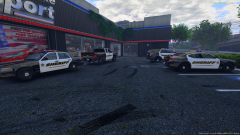
From the album: My GTA V Fleet
Well, I decided to yet again.......I know right...AGAIN re-do my games fleet. This time it's based off Napa County Sheriff's Department, Currently finishing up the Napa Police Theme! PS CG Blaze is happy I picked that unique design -
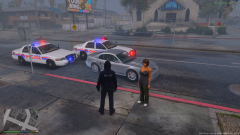
From the album: My GTA V Fleet
Well this here Joe Gray was stopped for running a red, turned out she had a suspended license and possession of marijuana on her person and the vehicle. Miss Gray was taken to APD Headquarters for further questioning and awaiting her trail -
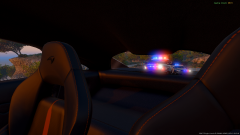 Both vehicles were made by Him1250! It is a sexy explorer too, I love the rambar
 -
At this time no, they're currently in a BETA stage. I'm one of the BETA testers for Him
-
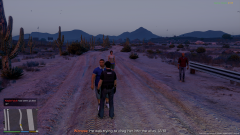
From the album: My GTA V Fleet
So, got a call of an assault, apparently it was an attempted rape of a female from a guy who was dragging her to an alley.........................I'm in the middle of no where, so he must've been dragging her for a long time or was about too