



TrentMU
Insiders
-
Joined
Everything posted by TrentMU
-
-
Fake
-
From the album: My GTA V Fleet
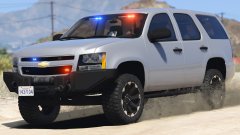
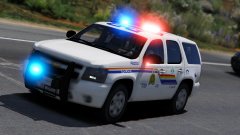
Just a little something I've been working on today. There is are a few variations I did of the car but the one shown above is the WIP of the K-9 Unit -
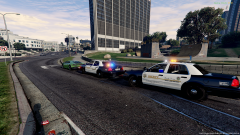 I'm running GTA V on a 980ti but I could screenshot my settings for you. Also I am running an ENB that @SerekgPL runs in his game. If you want that ENB it should be linked in the comments in one of his gallery images
 -
From the album: My GTA V Fleet
Figured I haven't uploaded in a few days because. Party -
 Oh god, why do you still model
 -
 This is beyond sick as f***
 -
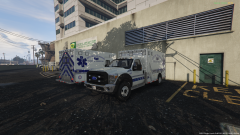
From the album: My GTA V Fleet
Just small edits to the skin, still got more to do to it but here is a little more progress. Redid the stripping and changed up some fonts and lettering -
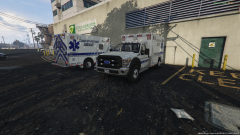
From the album: My GTA V Fleet
WIP of my favorite EMS scheme! There is still so much I have to do to it, re-do some fonts, fix stripping, add more decals, etc Model isn't released yet! Shout-Out to FightingNote for letting me use the model to make a few skins! -
-
Just update the ragehook to version 757, and install the latest script hook which is found here :http://www.dev-c.com/gtav/scripthookv/ Most mods are compatible with the latest version and most issues are resolved now.
-
 These are pretty good, some of the looping though could be fixed and some sounds could be increased but after the fixes are made, this will be a very good pack!
- 41 comments
- 6 reviews
-
-

- 2
-
-
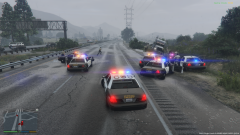
From the album: My GTA V Fleet
LSSD Chased a stolen semi-truck thru Blaine County. Chase ended as soon as the suspect lost control of the truck and spun out into a ditch. -
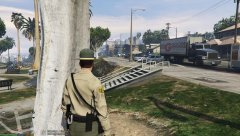 Looking amazing! Can't wait for the final product!
 -
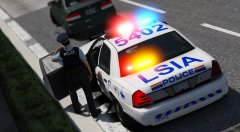 Gay stuff as usual <3
 -
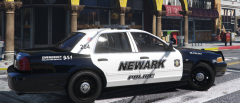 Looks like it is Carpers vic
 -
It'll look the same way you see them.
-
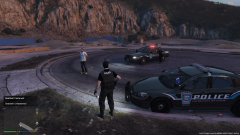
From the album: My GTA V Fleet
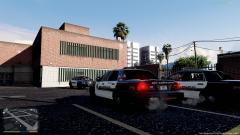
LSPD Picking up a subject who was walking around with a weapon on the street. Skins are by BxBugs123, Just converted them to fit on BxBugs Impala and Virazza Vic. Ped skins are also by me! -
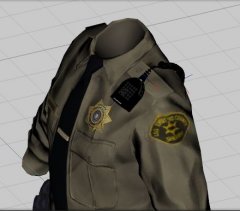 This is what we need! Love this!
 -
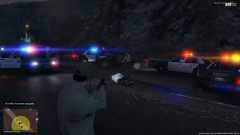
From the album: My GTA V Fleet
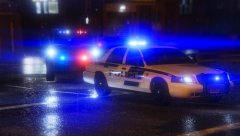
Los Santos County Sheriffs and Del Perro stop a wanted murder suspect that led them on a 20 minute pursuit thru Blaine County and East Los Santos! -
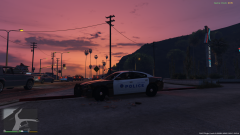
From the album: My GTA V Fleet
Del Perro PD Checking out the night skies of the coast! -
I just tried to make the popgroup, popcycle and made the gameconfig match and still crashes.
-
Thanks! I will have to figure out it in there and see if I can fix it up!
-
Alright so, I have been trying to use the RDE Mod but it appears everytime I go on duty, I get textures that lag in, It takes it a few seconds maybe 2-3 to fully load in which isn't long but it is enough to annoy me. Has anyone figured out where to go in and edit and which lines to ton down the traffic or something like that? I have tried playing with my settings and it doesn't do anything still does the same thing. Game is maxed out in settings and before I had the RDE mod there was no texture issues. Been running the same mods for who knows how long now so I know its not a buggy vehicle or something like that. Anyone have any suggestions or where to go to possibly edit a file and turn down somethings because I know I am not the only one having the issue. Thanks!
-
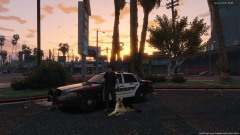 Yeah it is hahaha, If it was real, oh god talk about amazingness


