0taku
Friends of LSPDFR
-
Joined
Everything posted by 0taku
-
 I'll try to post more pics of it tomorrow
 -
From the album: 0taku media
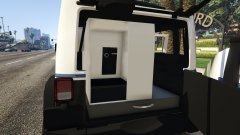
Spent the last few days working on a K-9 box for the Jeep. Not Based off any product in particular. Still a lot of work needed on it @tomcat8492 For his K-9 fan from GTA IV which I have converted and modified -
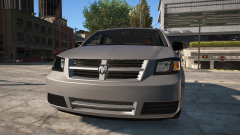 What year is it?
 -
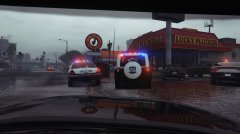 It's part of the pack I'm working on, it also had a TA but it got stuffed and I'm re-doing it
 -
From the album: 0taku media
-
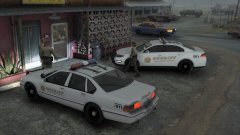 Wow, The LSSD keeps their cars for a long time. They must not get used much or they must really have a small budget
 -
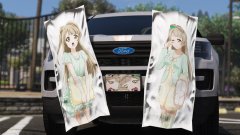 good luck, One of them is a moderator
 -
-
-
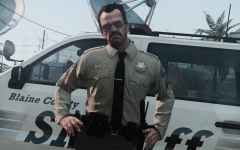 That or it's the 'prolog' head
 -
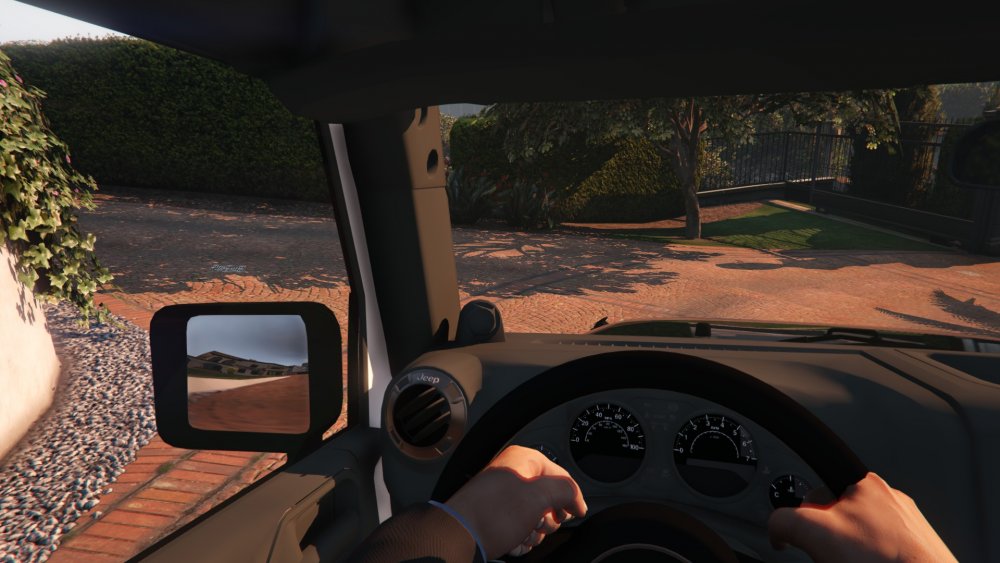
After figuring out how to make HQ mirrors (like on my Go4) I thought I would make a quick vid showing how I do it so other people can make their mirrors look much better.
-
-
-
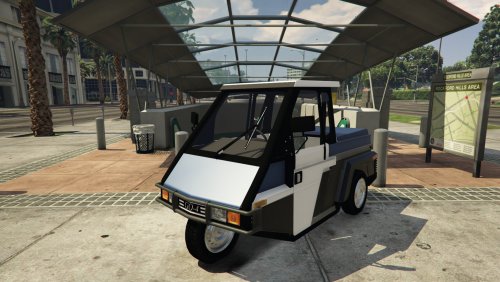 -------------------READ FIRST---------------- This is a development model, not a finished model. this is intended for developers Lastly, DO NOT download if you're new or have no idea how to use Zmod, I will not give help as I'm very busy and don't have much free time to help. --------------------------------------- It's finally here another out there release by me, a meter-maid car...(trike?) for GTA V and not only that but it's unlocked, so you guys can put what ever lightbar you want on it. -------------------Story time---------- I was a little hesitant about releasing this as a dev, as when I first got the model back for GTA IV I had to buy it, and it cost me around $120 AUD (so $100 USD) which is why it was never released unlock for GTA IV, that and the way people acted was a little shit at the time. But with GTA V the community is much better and I have released many unlocked and DEV files for people to use and I have yet to see people claim them as their own, so this has gained some trust with me for this release. And if people don't break that trust I might work on and release the newer model Go4 also as a DEV. =======Terms of Use============ 1. Do not claim model as your own 2. Do not convert to other games without checking with me first. 3. When releasing file must be in a locked state. 4. You MAY NOT sell or profit from any part/texuter of this model in any state, personal or public. ----Know issues---- There is a small issue with the rims disappearing then the tires break, I looked into this for a few days to no luck. You can 'elbow out' the windows as they are technically passengers windows. To allow access from both side, the model needs a front passengers dummy, so the game thinks it is a two seater but it is not.
 -
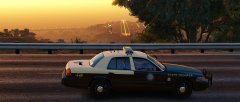 Did you ever do that FHP muruader?
 -
 Yeah, I'm working on making the lods brighter.
 -
From the album: 0taku media
So apparently there is a batmobile in the files for the latest update -
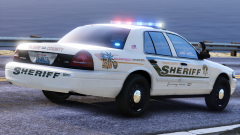 Do you have a blank temp for those plates, I love em
 -
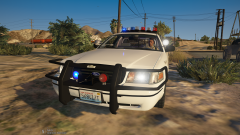 What brand of lights are the push bar ones ?
 -
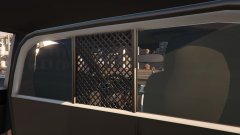
From the album: 0taku media
While some people I know are doing bug fixes on the go4, I've done more work on the pack, I made a new partition, and I'm going around and fixing up the mirrors so they work like on Hurks CVPI -
-
-
Thanks for letting me know, It's not big isusse if I can't use it. I might sell it used. Just wanted to see if I could put it to use first
-
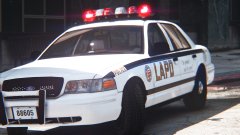 ^This, Would love an LSPD themed one instead.
 -
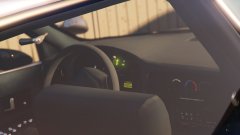 What is overdrive? My Car has it and I have no idea what it dose