


0taku
Friends of LSPDFR
-
Joined
Everything posted by 0taku
-
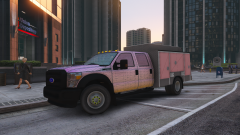 Should have used that back of mine, But never the less it still looks cool. I would say a fire truck of some sort like a brush truck
 -
Make sure to add the proper light Id's you can find them here:
-
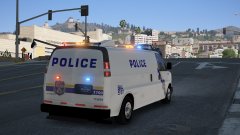 What's that thing sticking out of the roof? Also, I love it when I see people using my models
 -
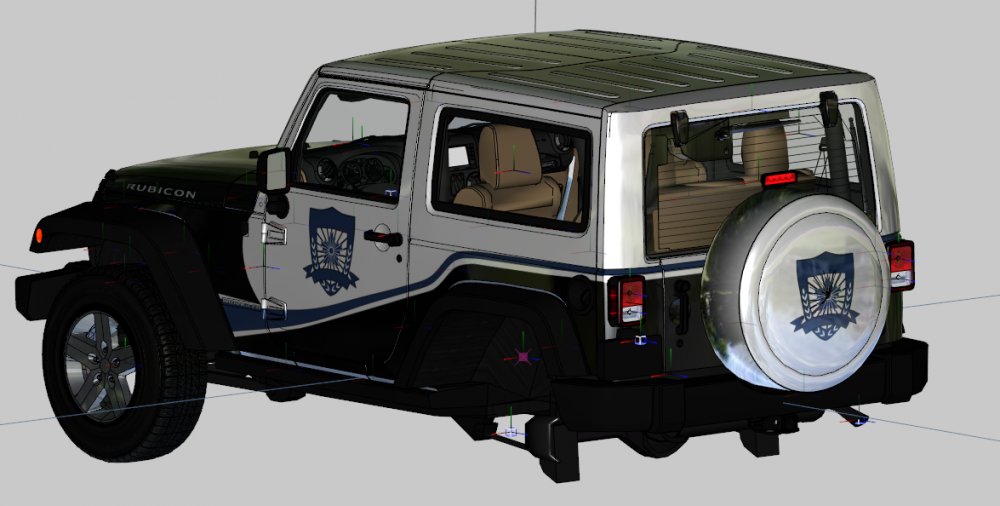
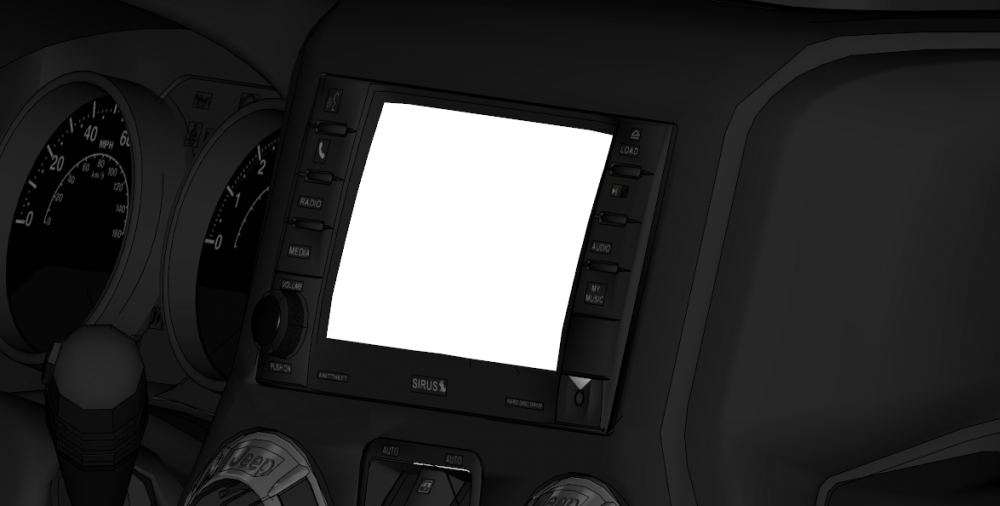
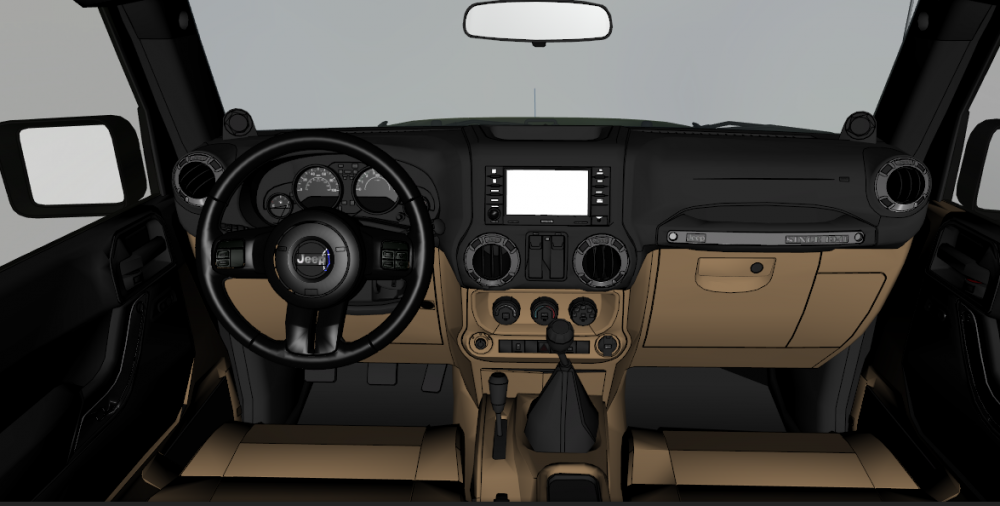
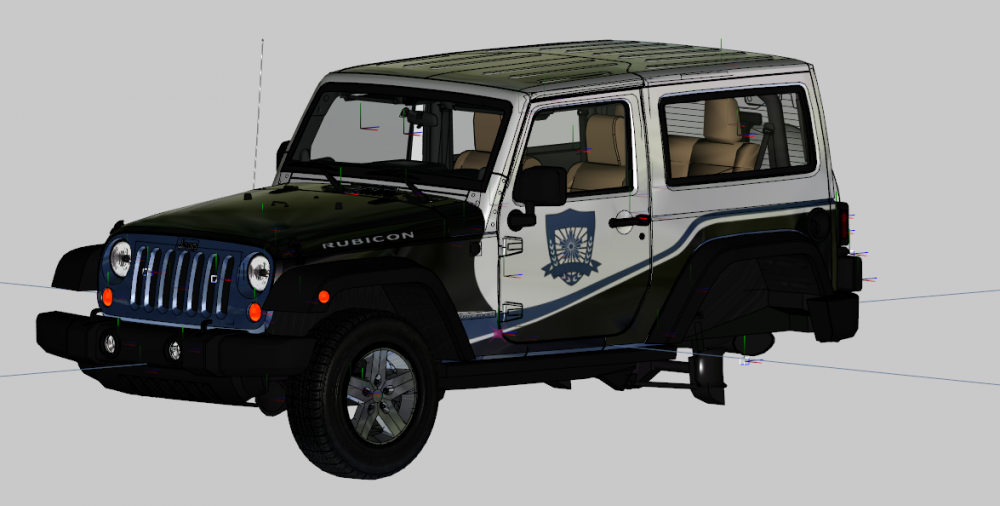
Some sneak screens of the Jeep for you guys Things to note: Radio doesn't appear white in game, this is just an emissive thing in ZMod I will change it from Stick Shift to an Auto And the trim/seat colour can be changed from the cream/brown to a black, And it's highest Lod is 64,000 ploys and the lowest is 2,400 (I'm working on getting it smaller)
-
From the album: 0taku media
Image from Yesterday that I forgot to post -
 That looks like the back of my ESU truck
 -
There is also a small chance that the Jeep will also have a DEV release
-
I found an old one that I was working on a while back, I'm I'm bringing it back to life
-
-
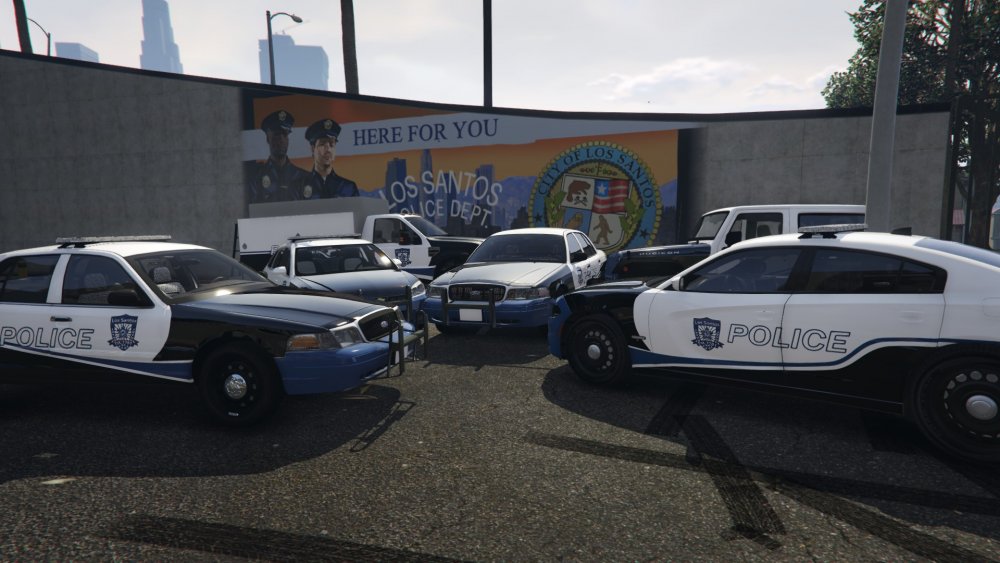
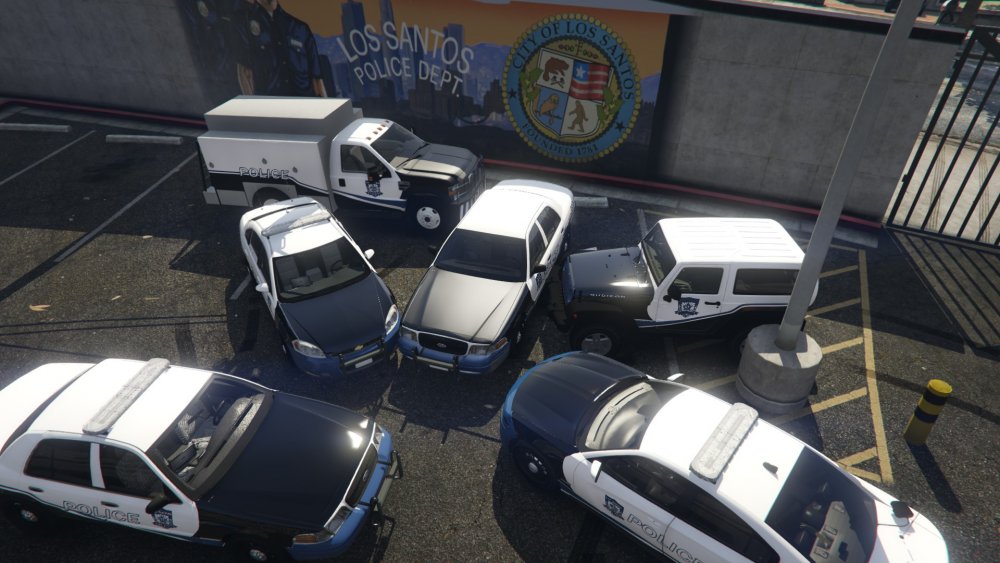
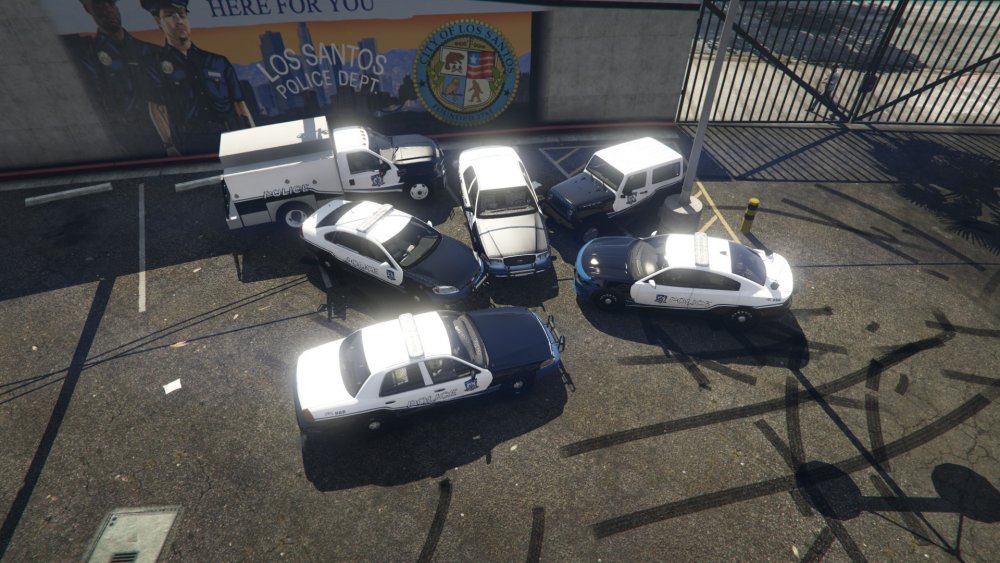
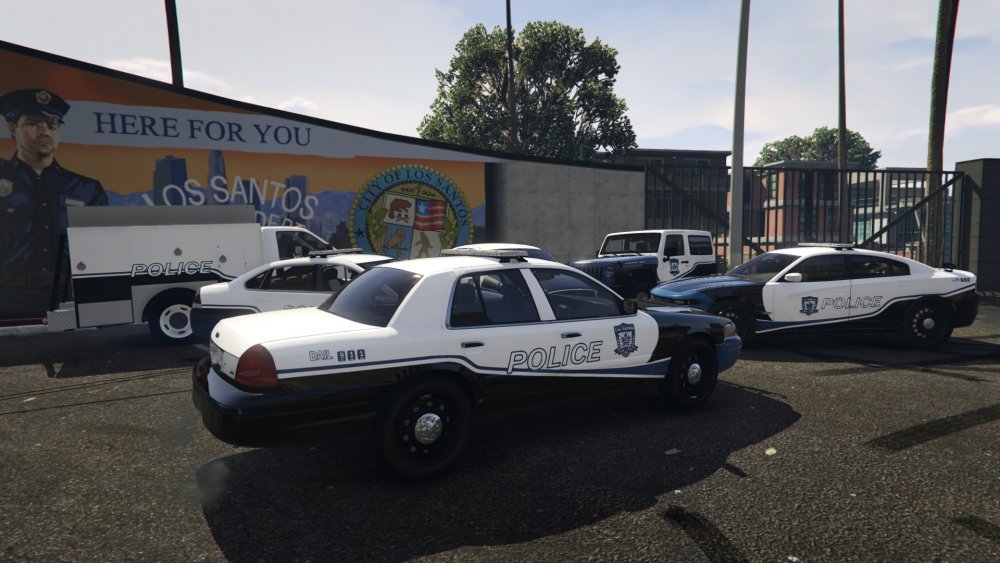
The pack for far Police, police2, police3 (done) Police4 just need to fix the ELS Corona up a bit and add the radio ants. Tahoe and the Marauder. Then work my way around to the Express, Esu truck and lastly the Wrangler. Wrangler model still needs some work on it but that's just bugs fixes.
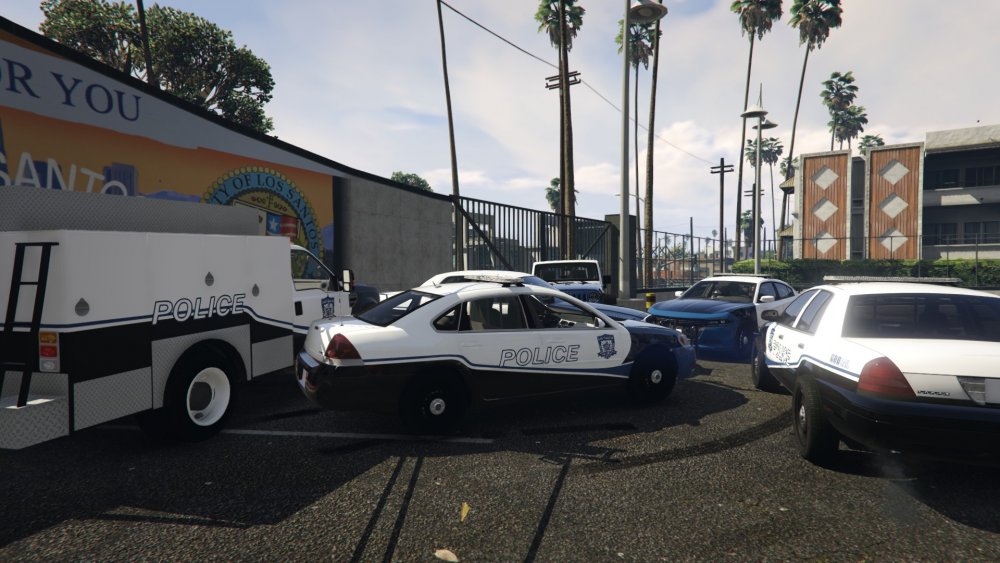
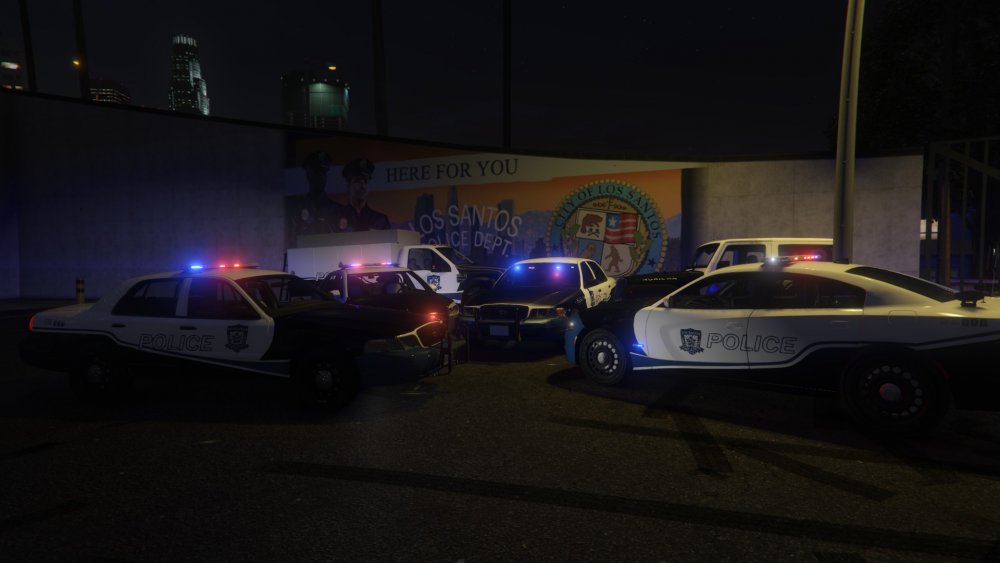
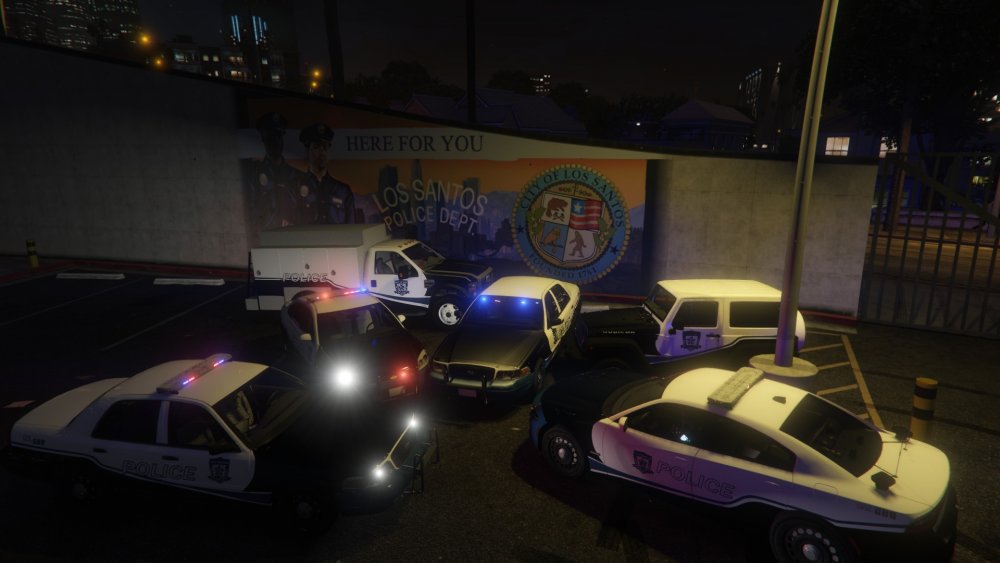
-
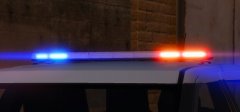 Looks like it's based of the Whelen Justice
 -
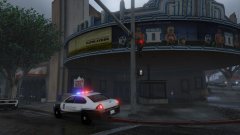
From the album: 0taku media
started work on the Impala since the Marked Vic and Charger done -
-
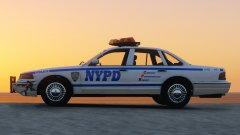 I like how there is damage because the NYPD has a rep that they don;t look after the cars
 -
No, I have nothing planned, not much that I like but I might add some if I find a light that I like
-
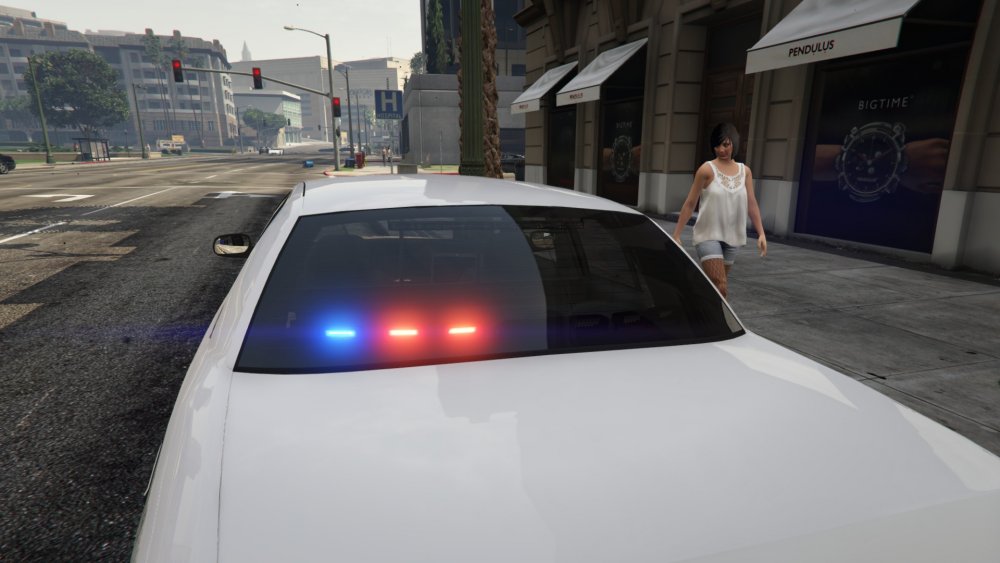
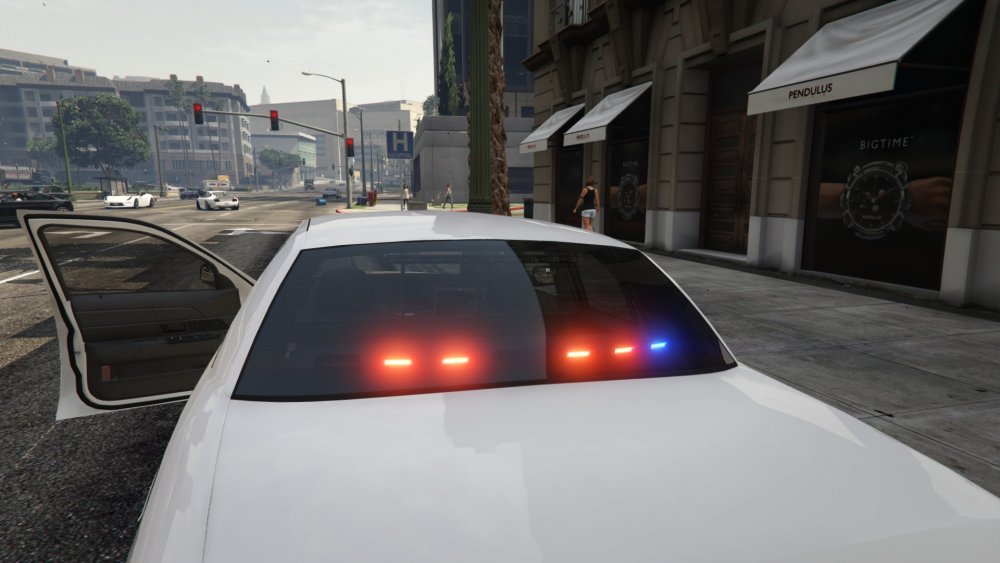
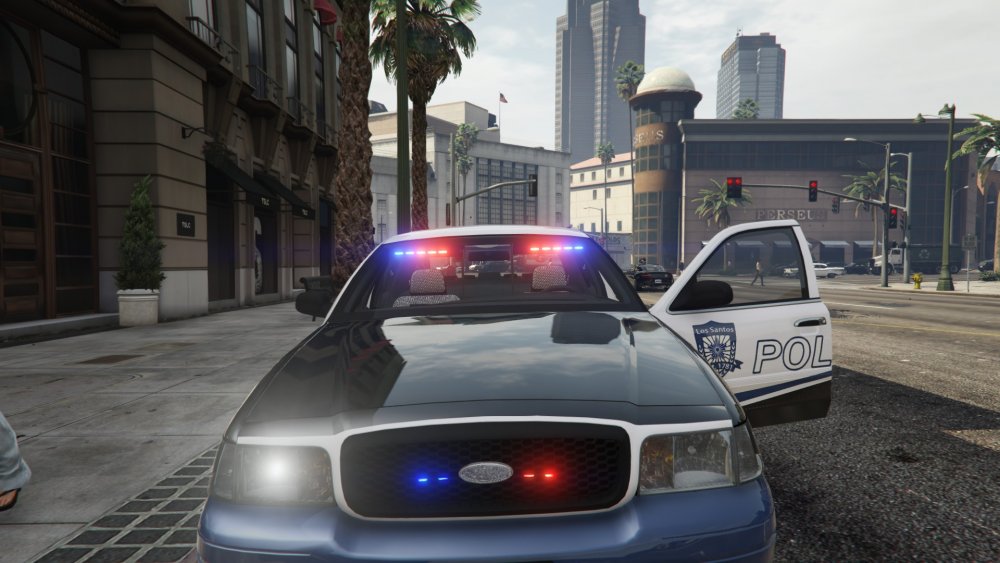
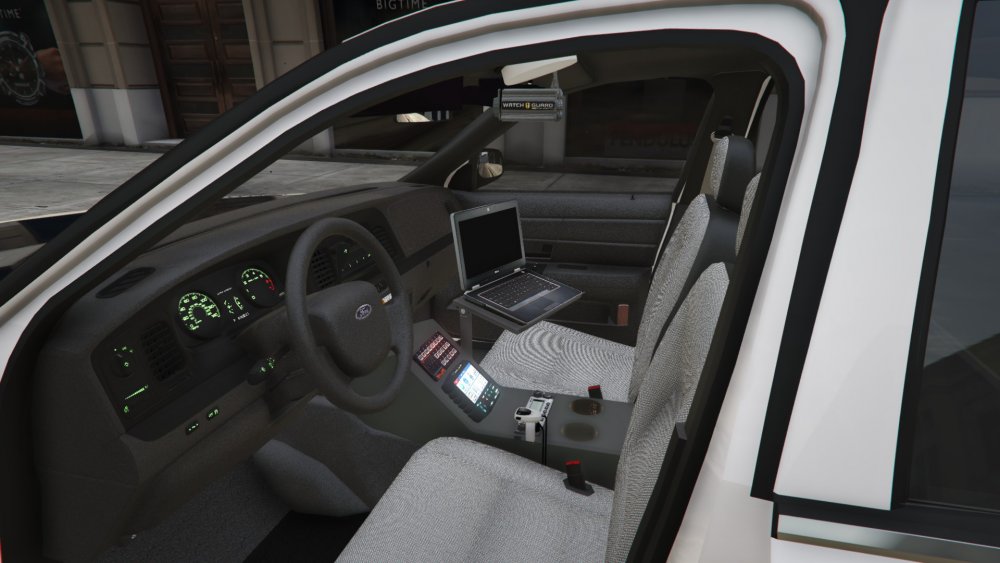
Started work on the slick top Vic
-
From the album: 0taku media
Started work on the slick top since the Marked Chargers is almost done I would like to note that progress reports I give do not include progress on skins. -
From the album: 0taku media
VIc and Charger are coming along nicely -
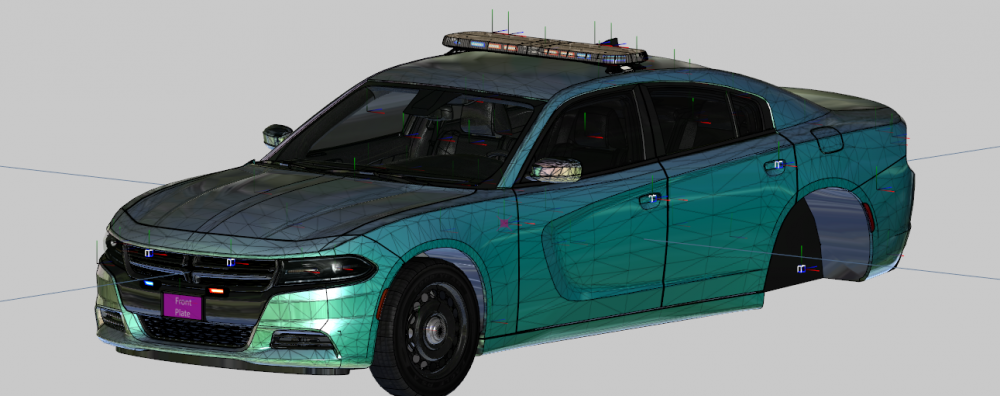
Started work on the marked Charger, Should have an In game image in the next hour or so.
-
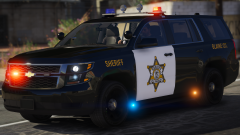 I kinda like the two led beacons for the lightbar. Might make a sheriff pack after my current one gets finished. or I'll use yours depending on how I like them.
 -
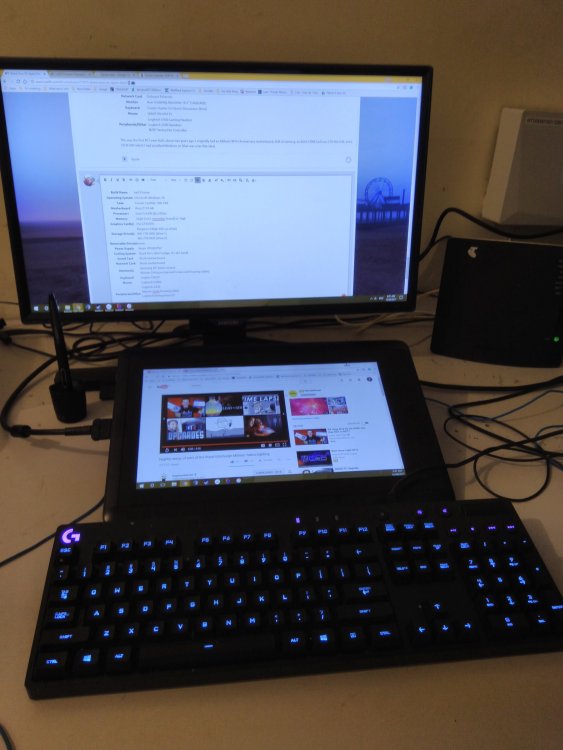
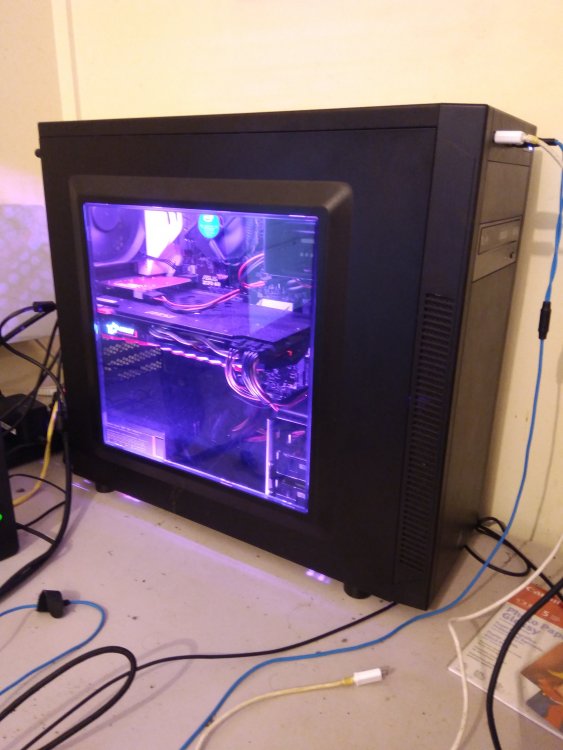
Build Name hell if know Operating System Microsoft Windows 10 Case Corsair Carbide 100r Mid Motherboard Asus Z170-AR Processor+ Intel i5 6500 @3.20Ghz Memory 32gb [Can't remember brand] x2 16gb Graphics Card(s) Msi GTX1070 Storage Drive(s) Kingston 240gb SSD (os drive) WD 1TB HDD (drive 1) WD 2TB HDD (drive 2) Removable Drive(s) none Power Supply Antec VP500 PSU Cooling System Stock fan's (don't judge, it's all I need) Sound Card Stock motherboard Network Card Stock motherboard Monitor(s) Samsung 30" (Main screen) Wacom Cintiq pro (second screen and Drawing tablet) Keyboard Logitec G8220 Mouse Logitech G3002 Peripherals/Other Logitech G430 Wacomcintiq Drawing tablet Logitech Driving force GT (mind the cable mess. going to fix it up eventually)
-
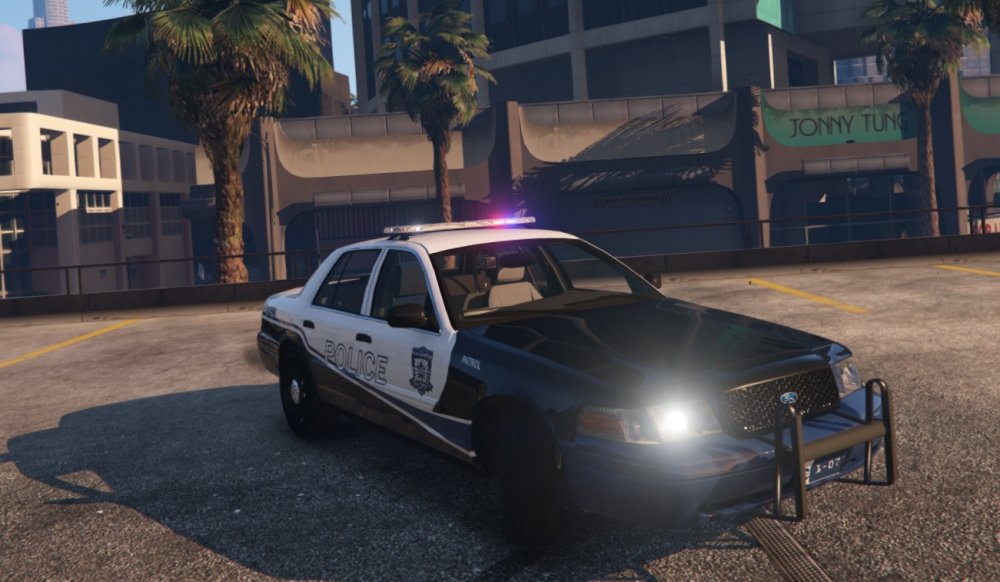
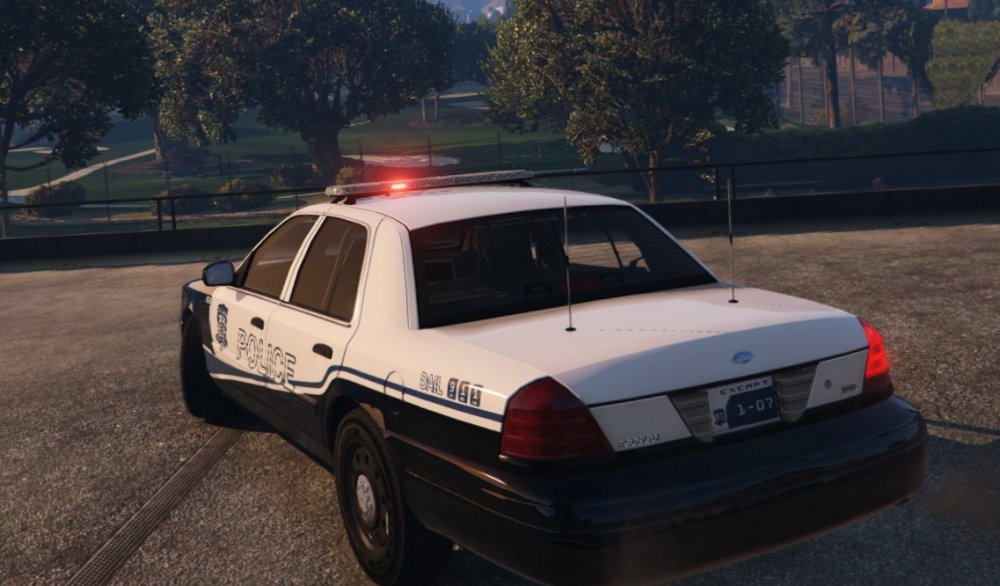
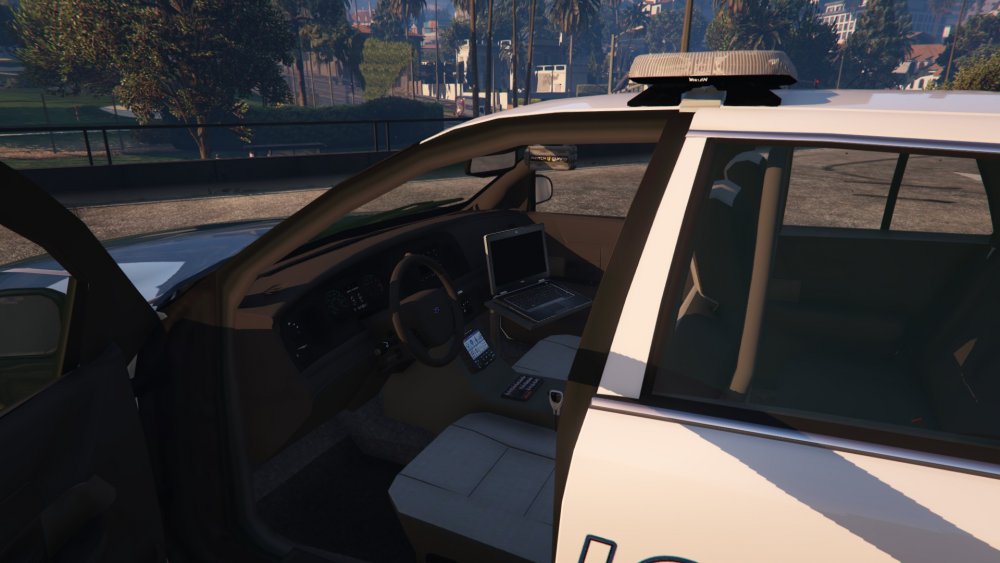
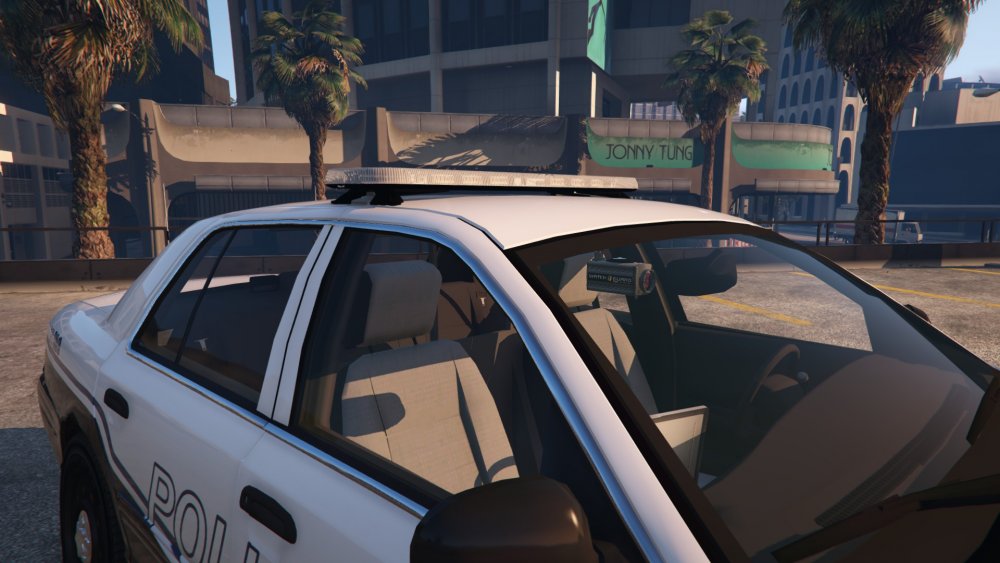
A pack I'm going to try and make and this is where I'll be posting updates, and If I would like feed back on something or need help so stay tuned Pack will have the following 2011 CVPI (x2 Marked and unmarked) 2015 Charger (x2 Marked and unmarked) 2016 Impala (x1 Marked) 2015 Tahoe (1x unmarked) 2016 Express (x1 Marked) 2016 Wangler (x1 Marked) 2008 ESU truck 2003 Marauder (detective) 200x SUV {haven't decided on year or model yet} (detective) So a nice 8 pack for you guys, all cars will be ELS, and I'll be making a thread for the development of the pack a little later Progress so far police (CVPI) Done police2 (Charger) Done police3 (Imapla) Started police 4 (CVPI) Allmost done fbi (Charger) fbi2 (Tahoe) pranger (Wanger) policeold (Marauder) Started policeold2 (undcided) Policet (express) ESU (...ESU) FIRST CAR! 2011 CVPI (police)
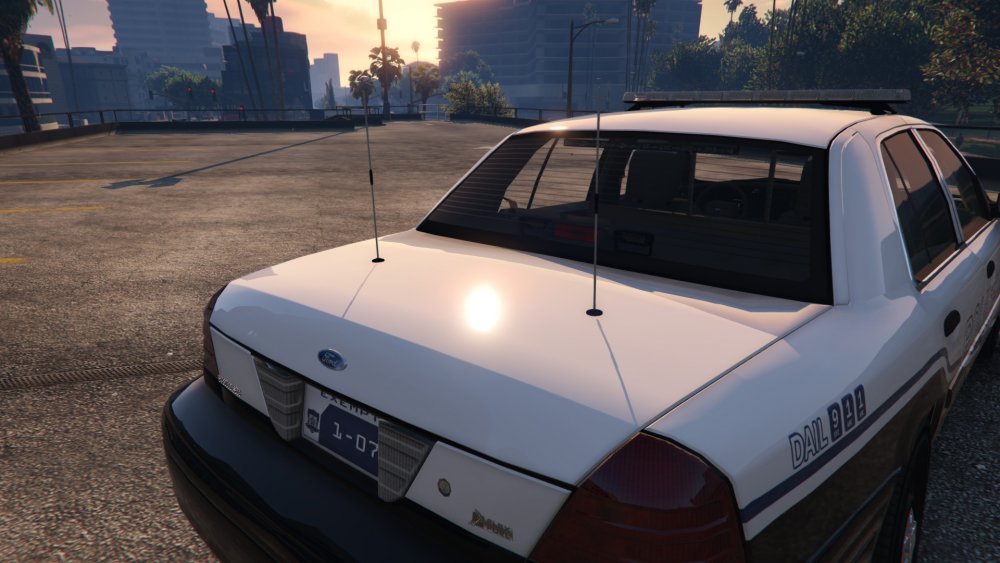
-
From the album: 0taku media
CVPI for a pack I'm going to try and make. Pack will have the following 2011 CVPI (x2 Marked and unmarked) 2015 Charger (x2 Marked and unmarked) 2016 Impala (x1 Marked) 2015 Tahoe (1x unmarked) 2016 Express (x1 Marked) 2016 Wangler (x1 Marked) So a nice 8 pack for you guys, all cars will be ELS, and I'll be making a thread for the development of the pack a little later (I really hope I can do this) -
 This plus my Marauder would make for to beautiful detective cars (for 2003)
 -
 Girl has good taste






